Receiving a Fax
About Reception Modes
Your machine has four reception modes:
•In FAX mode, the machine answers an incoming call and immediately goes into receive mode.
•In ANS/FAX mode, the answering machine answers an incoming call, and the caller can leave a message on the answering machine. If the fax machine senses a fax tone on the line, the call automatically switches to the fax machine.
Note: To use the ANS/FAX mode, attach an answering machine to the
EXT jack on the back of your machine (see page 8.1).
•In TEL mode, the automatic fax reception is turned off. You can receive a fax by picking up the handset of the extension phone and pressing Start/Enter on the front panel of your
Note: To use the TEL mode, connect an extension phone to the EXT jack on the back of the machine.
•In DRPD mode, you can receive a call using the Distinctive Ring Pattern Detection (DRPD) feature. “Distinctive Ring” is a telephone company service which enables a user to use a single telephone line to answer several different telephone numbers. This mode is displayed when you have set up the distinctive ring pattern. For details on this feature, see page 4.4.
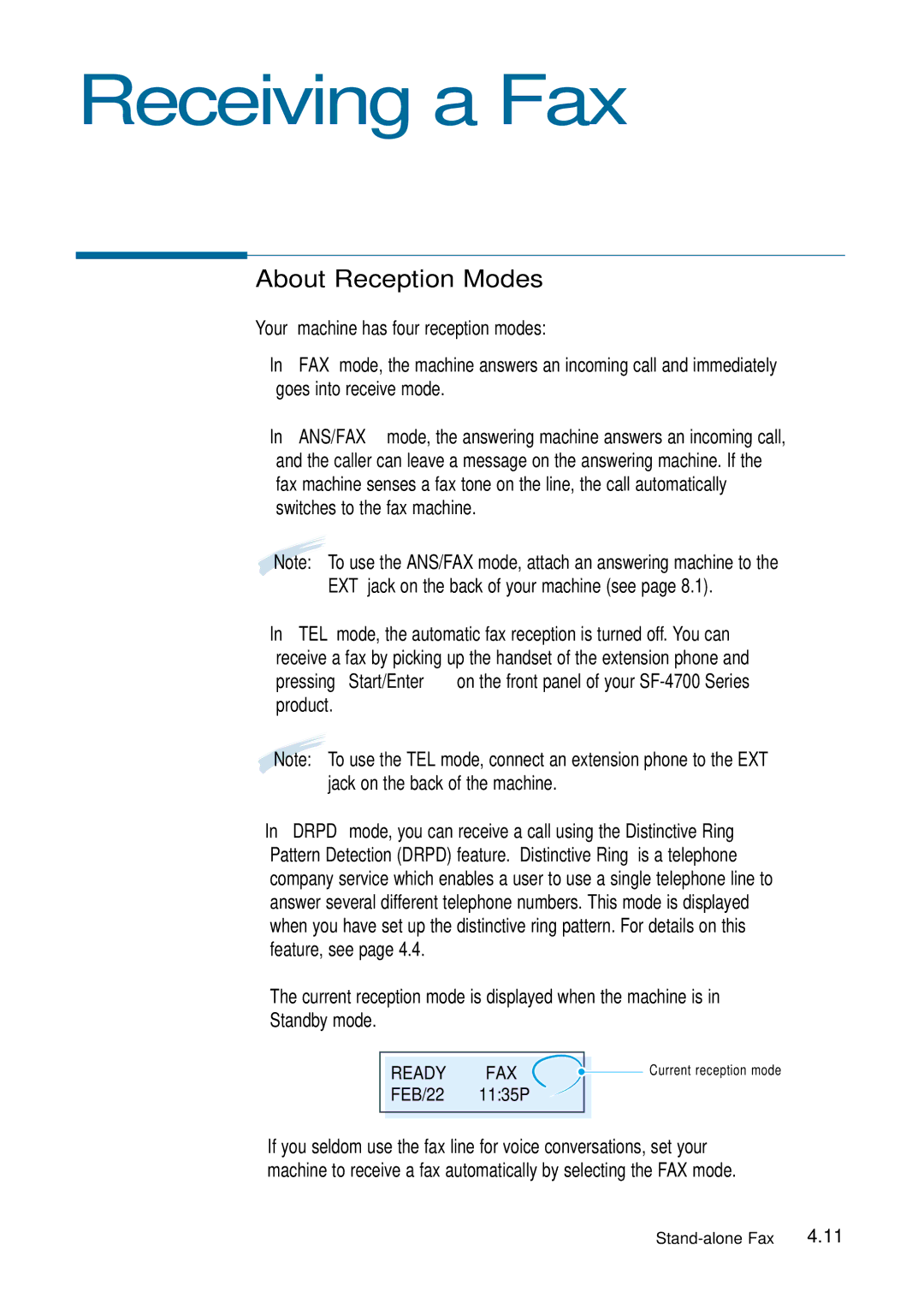
The current reception mode is displayed when the machine is in Standby mode.
|
|
|
|
| Current reception mode |
| READY | FAX |
|
| |
|
|
| |||
| FEB/22 | 11:35P |
|
|
|
|
|
|
|
|
|
|
|
|
|
|
|
If you seldom use the fax line for voice conversations, set your machine to receive a fax automatically by selecting the FAX mode.