4.To assign a name to the number, enter the desired name. For information on how to enter names, see page 4.17.
If you do not want to assign a name, skip this step.
5.Press Start/Enter when the name appears correctly or simply without entering a name. The display asks you to select another location.
6.To store more speed dial numbers, repeat steps 2 through 5.
To return to Standby mode, press Stop.
Editing a Number for Speed Dialing
1.Press and hold Speed for 2 seconds.
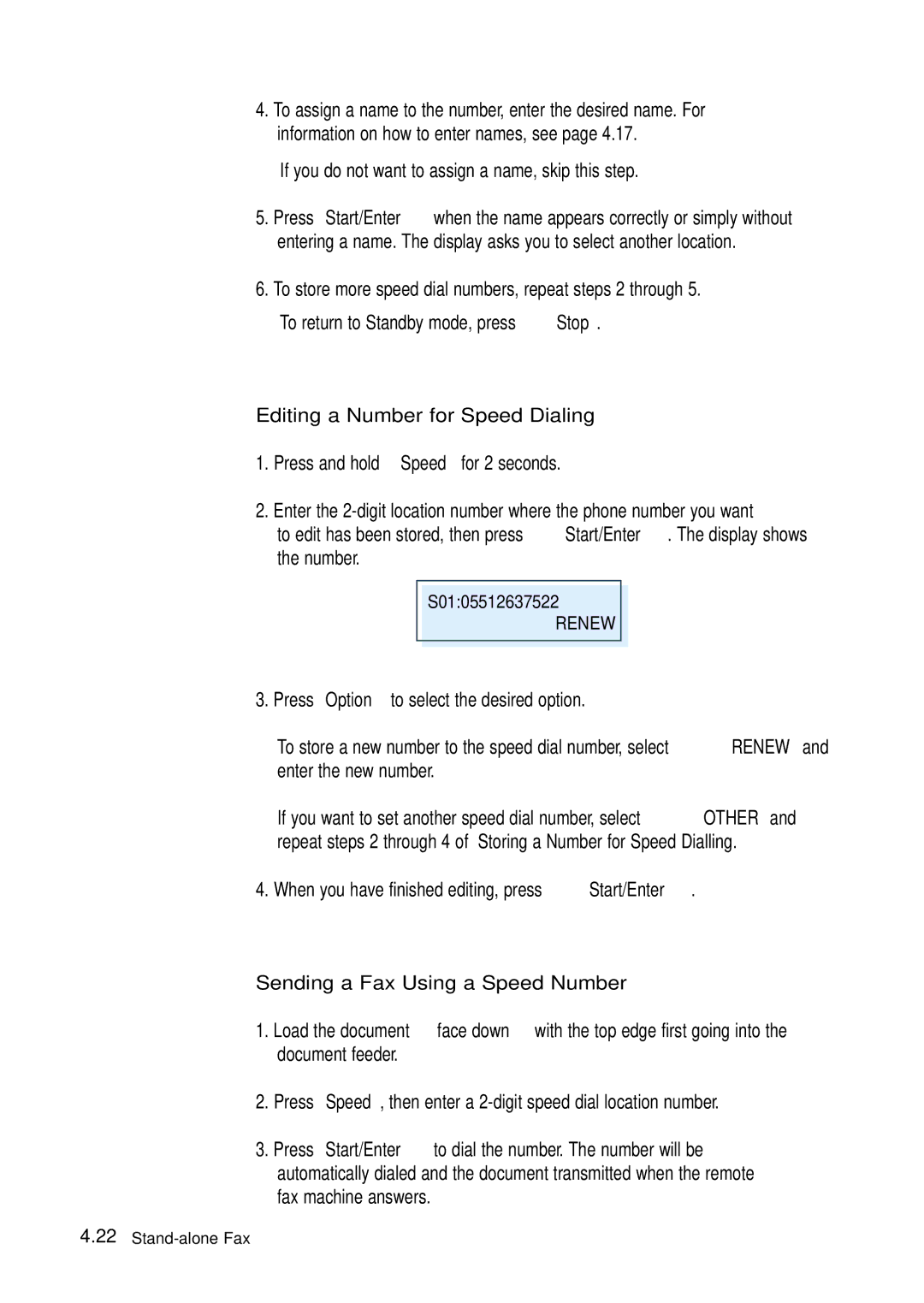
2.Enter the
S01:05512637522
RENEW
3.Press Option to select the desired option.
To store a new number to the speed dial number, select RENEW and enter the new number.
If you want to set another speed dial number, select OTHER and repeat steps 2 through 4 of ‘Storing a Number for Speed Dialling.’
4.When you have finished editing, press Start/Enter.
Sending a Fax Using a Speed Number
1.Load the document face down with the top edge first going into the document feeder.
2.Press Speed, then enter a
3.Press Start/Enter to dial the number. The number will be automatically dialed and the document transmitted when the remote fax machine answers.