Loading letterhead
Load letterhead according to the options installed on the printer. Click the topic that describes your printer configuration.
•Neither a duplex unit nor a finisher attached
•A duplex unit, but no finisher attached
•A finisher, but no duplex unit attached
•Both a duplex unit and a finisher attached
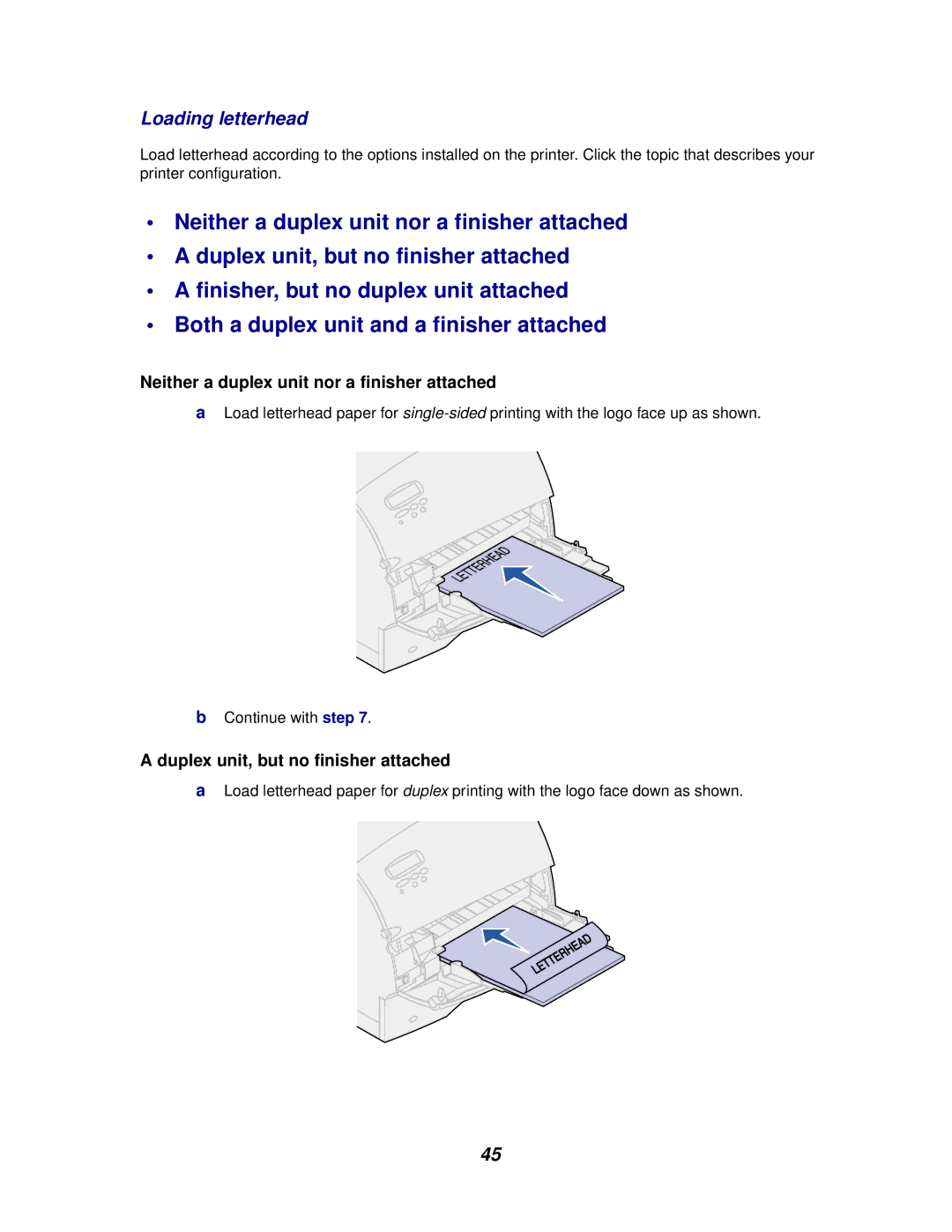
Neither a duplex unit nor a finisher attached
aLoad letterhead paper for
bContinue with step 7.
A duplex unit, but no finisher attached
aLoad letterhead paper for duplex printing with the logo face down as shown.
45