PCI Expansion Card Upgrades
NOTE: This computer does not support older expansion card technologies, such as
The riser board accommodates up to two
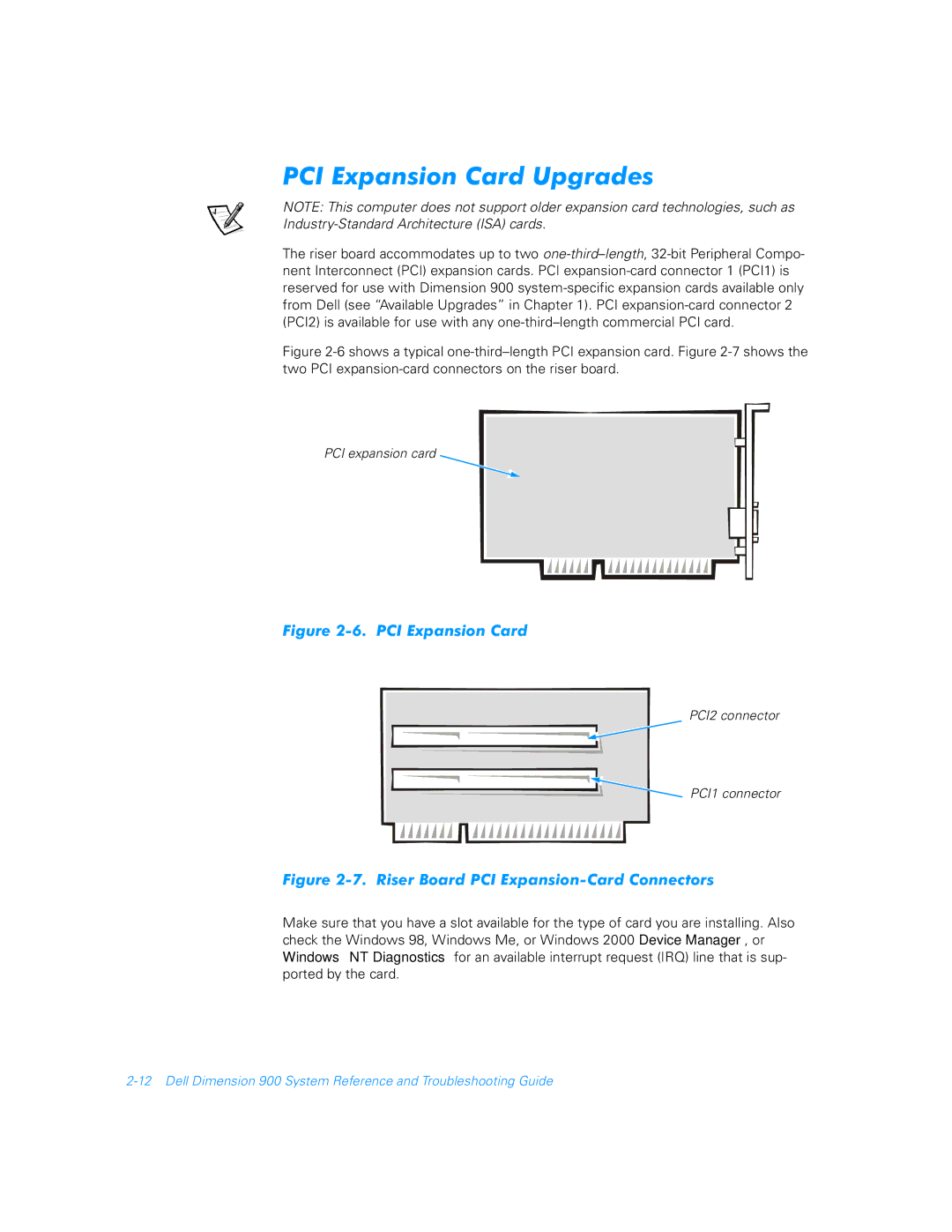
Figure 2-6 shows a typical one-third–length PCI expansion card. Figure 2-7 shows the two PCI expansion-card connectors on the riser board.
PCI expansion card
Figure 2-6. PCI Expansion Card
PCI2 connector
PCI1 connector
Figure 2-7. Riser Board PCI Expansion-Card Connectors
Make sure that you have a slot available for the type of card you are installing. Also check the Windows 98, Windows Me, or Windows 2000 Device Manager, or Windows NT Diagnostics for an available interrupt request (IRQ) line that is sup- ported by the card.