Booting the Operating System
Booting and Shutting Down HP-UX
The file system number might change each time it is mapped (for example, when the system boots, or when the map
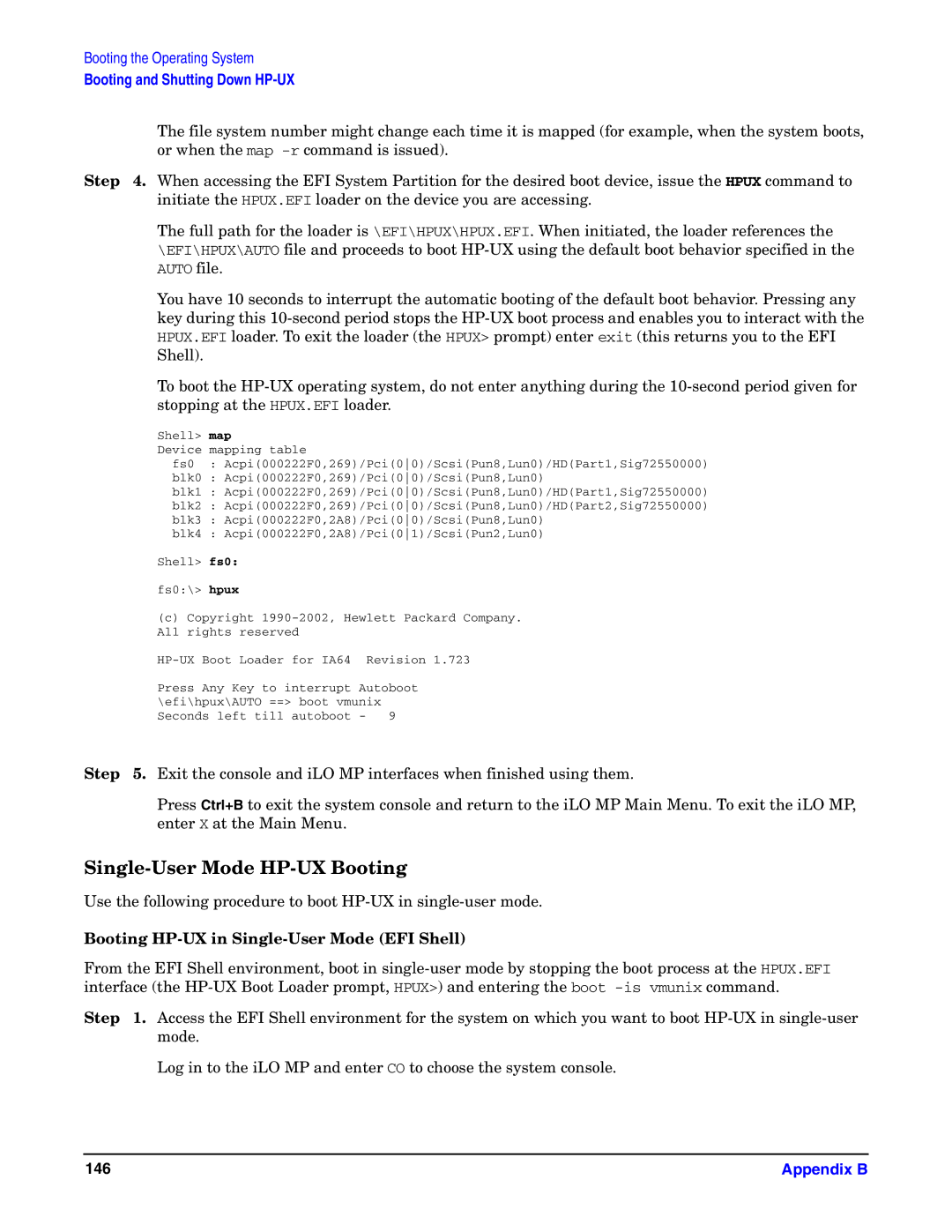
Step 4. When accessing the EFI System Partition for the desired boot device, issue the HPUX command to initiate the HPUX.EFI loader on the device you are accessing.
The full path for the loader is \EFI\HPUX\HPUX.EFI. When initiated, the loader references the \EFI\HPUX\AUTO file and proceeds to boot
You have 10 seconds to interrupt the automatic booting of the default boot behavior. Pressing any key during this
To boot the
Shell> map
Device mapping table
fs0 : Acpi(000222F0,269)/Pci(00)/Scsi(Pun8,Lun0)/HD(Part1,Sig72550000)
blk0 : Acpi(000222F0,269)/Pci(00)/Scsi(Pun8,Lun0)
blk1 : Acpi(000222F0,269)/Pci(00)/Scsi(Pun8,Lun0)/HD(Part1,Sig72550000)
blk2 : Acpi(000222F0,269)/Pci(00)/Scsi(Pun8,Lun0)/HD(Part2,Sig72550000)
blk3 : Acpi(000222F0,2A8)/Pci(00)/Scsi(Pun8,Lun0)
blk4 : Acpi(000222F0,2A8)/Pci(01)/Scsi(Pun2,Lun0)
Shell> fs0:
fs0:\> hpux
(c)Copyright
| Boot Loader | for IA64 |
| Revision 1.723 |
Press | Any Key to interrupt | Autoboot | ||
\efi\hpux\AUTO ==> boot vmunix | ||||
Seconds left till | autoboot | - | 9 | |
Step 5. Exit the console and iLO MP interfaces when finished using them.
Press Ctrl+B to exit the system console and return to the iLO MP Main Menu. To exit the iLO MP, enter X at the Main Menu.
Single-User Mode HP-UX Booting
Use the following procedure to boot
Booting HP-UX in Single-User Mode (EFI Shell)
From the EFI Shell environment, boot in
Step 1. Access the EFI Shell environment for the system on which you want to boot
Log in to the iLO MP and enter CO to choose the system console.
146 | Appendix B |