REDUCTION/ENLARGEMENT/ZOOM
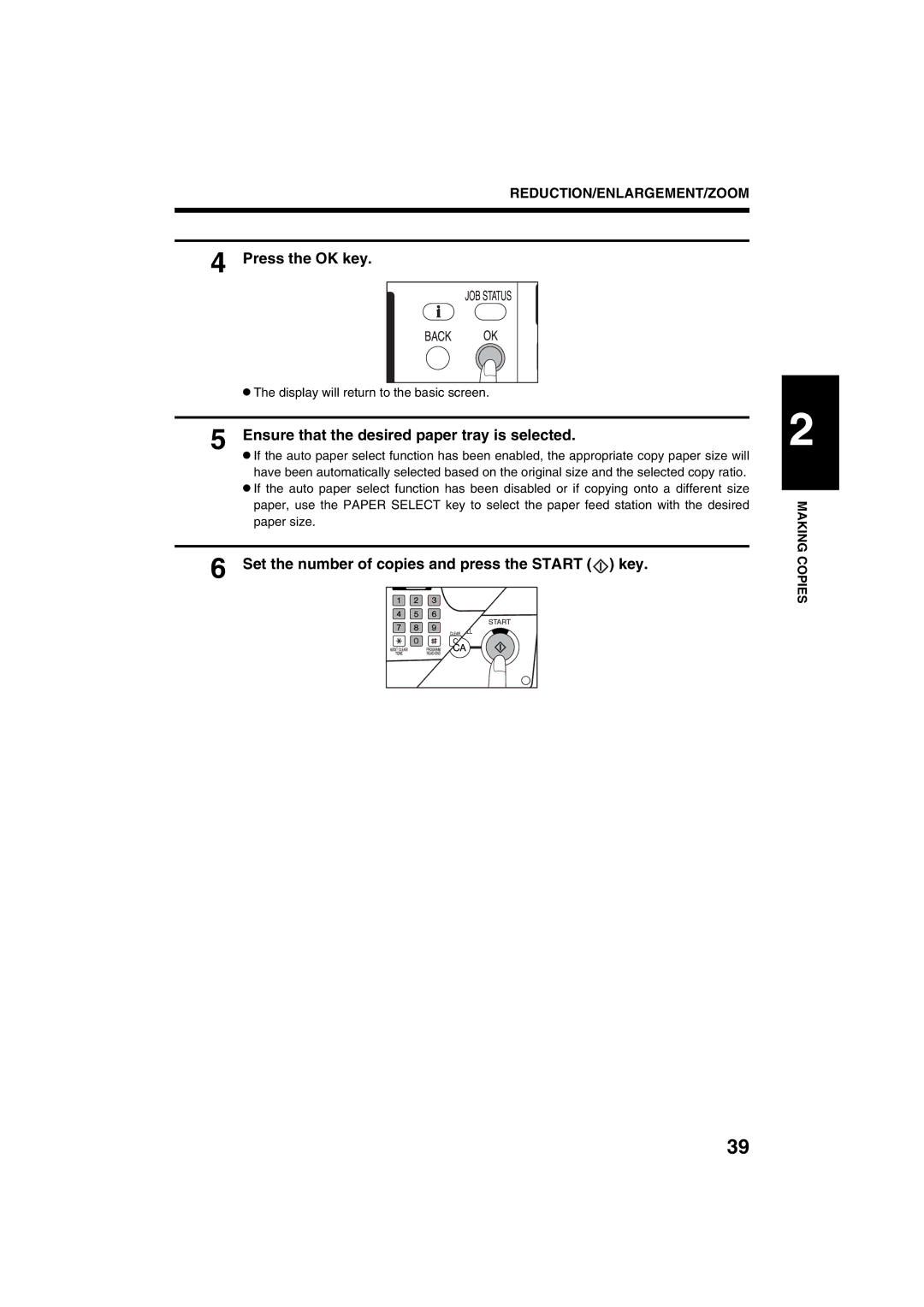
4 Press the OK key.
●The display will return to the basic screen.
5 Ensure that the desired paper tray is selected.
●If the auto paper select function has been enabled, the appropriate copy paper size will have been automatically selected based on the original size and the selected copy ratio.
●If the auto paper select function has been disabled or if copying onto a different size paper, use the PAPER SELECT key to select the paper feed station with the desired paper size.
6 Set the number of copies and press the START ( ) key.
2
MAKING COPIES
39