SPECIAL FUNCTIONS
MARGIN SHIFT
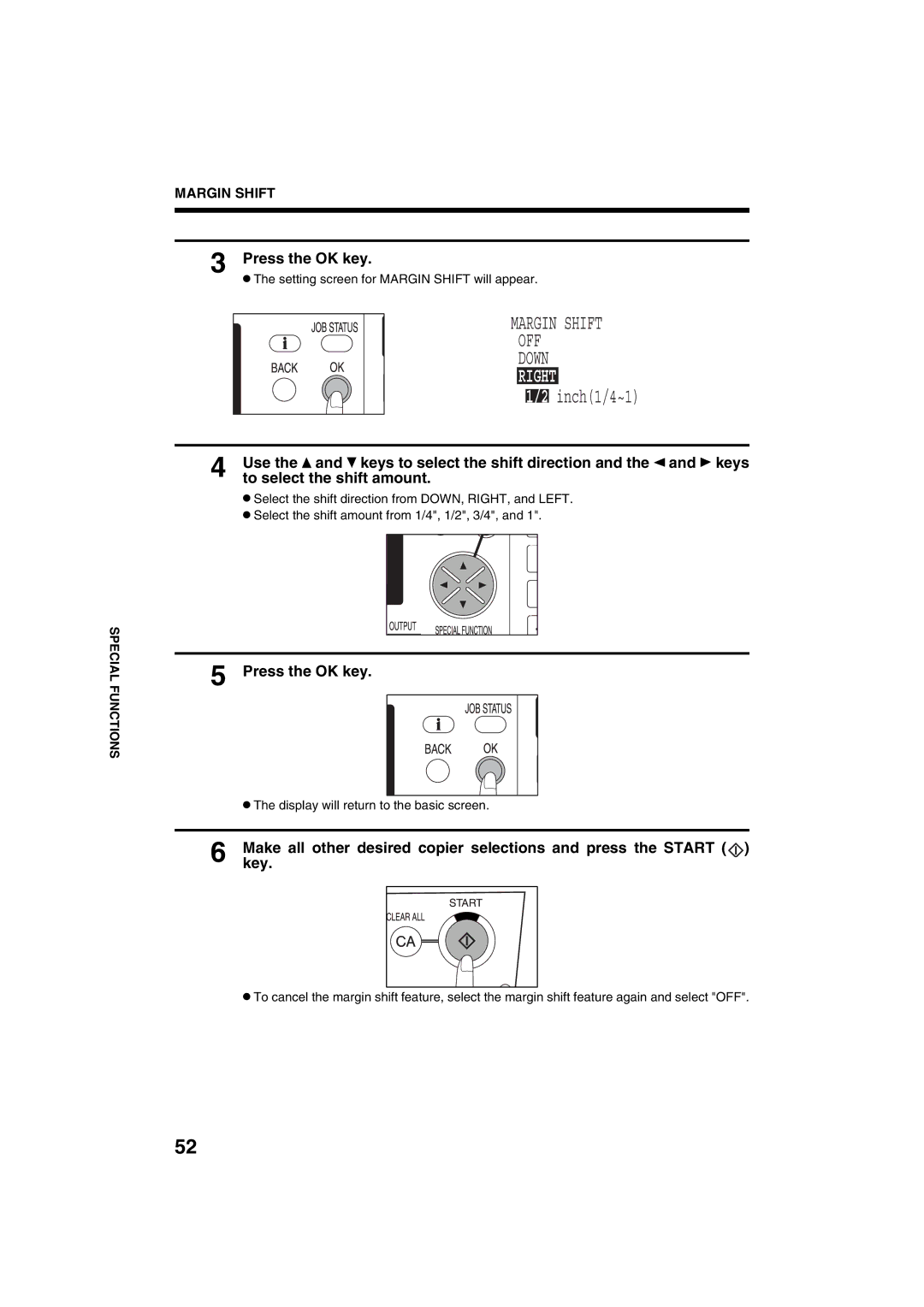
3 Press the OK key.
●The setting screen for MARGIN SHIFT will appear.
MARGIN SHIFT
OFF
DOWN
RIGHT
1/2 inch(1/4~1)
4 | Use the and keys to select the shift direction and the and keys |
to select the shift amount. |
●Select the shift direction from DOWN, RIGHT, and LEFT.
●Select the shift amount from 1/4", 1/2", 3/4", and 1".
5 Press the OK key.
●The display will return to the basic screen.
6 Makekey. all other desired copier selections and press the START ( )
)
●To cancel the margin shift feature, select the margin shift feature again and select "OFF".
52