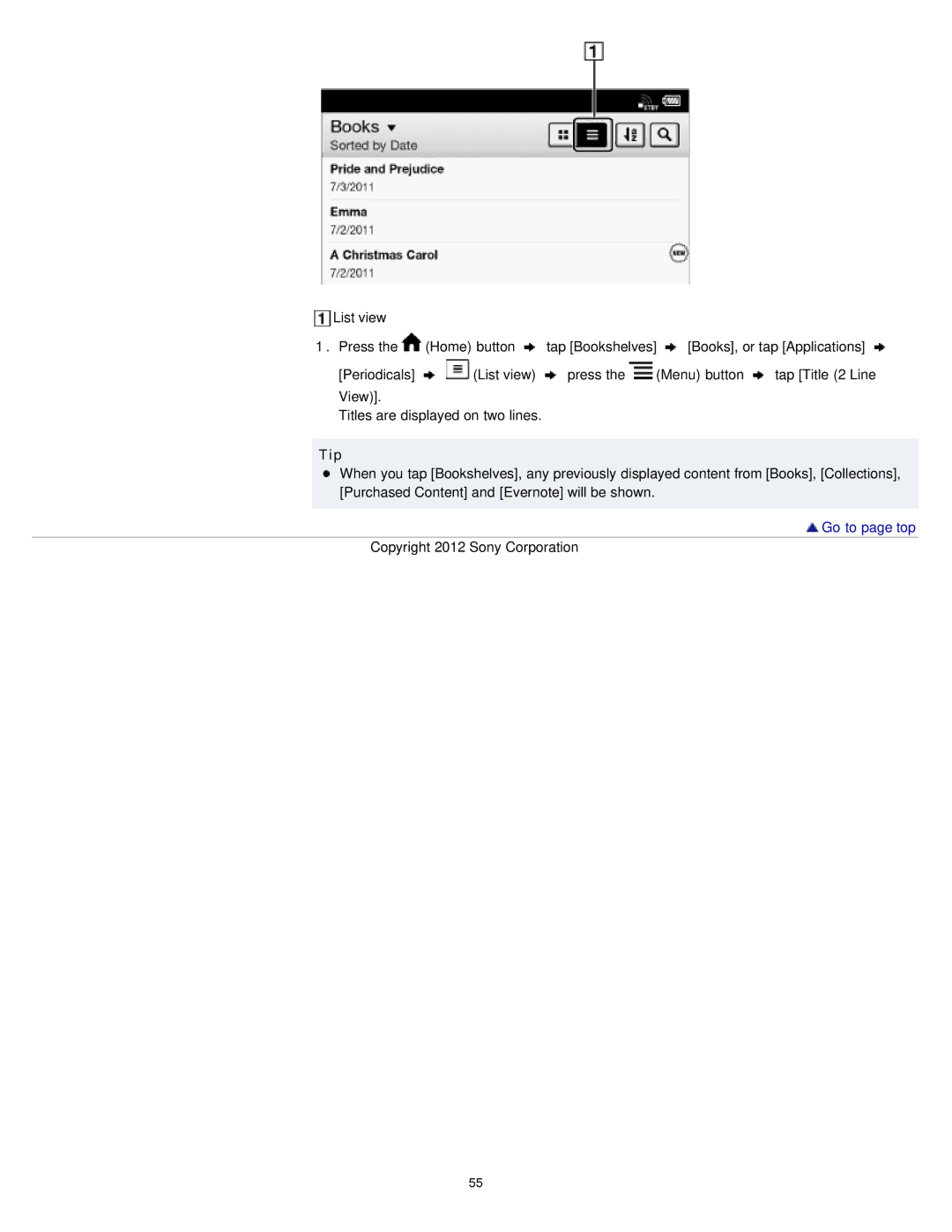
List view
1.Press the  (Home) button
  tap [Bookshelves]
  [Books], or tap [Applications]
[Periodicals] 
 (List view)
  press the
  (Menu) button
  tap [Title (2 Line View)].
Titles are displayed on two lines.
Tip
When you tap [Bookshelves], any previously displayed content from [Books], [Collections], [Purchased Content] and [Evernote] will be shown.
 Go to page top
Copyright 2012 Sony Corporation
55