Instruction Manual
Status Reports
This chapter describes the selection of status reports that are available for review:
•Port Access and Active Users
•Statistics
•Support Reports
•Syslog
•UPS Status
Port Access and Active Users
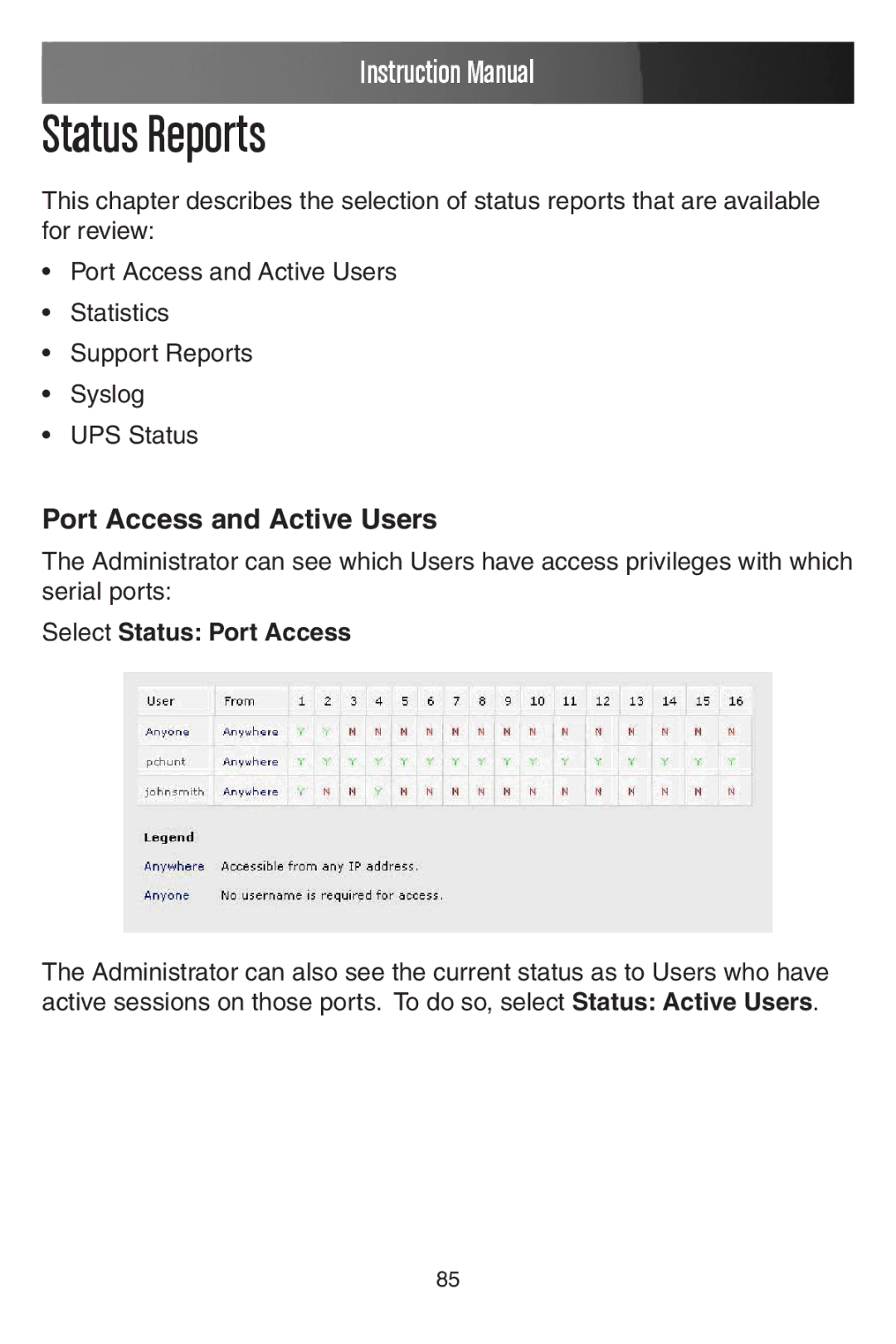
The Administrator can see which Users have access privileges with which serial ports:
Select Status: Port Access
The Administrator can also see the current status as to Users who have active sessions on those ports. To do so, select Status: Active Users.
85