Printer Control
Commands | Description |
|
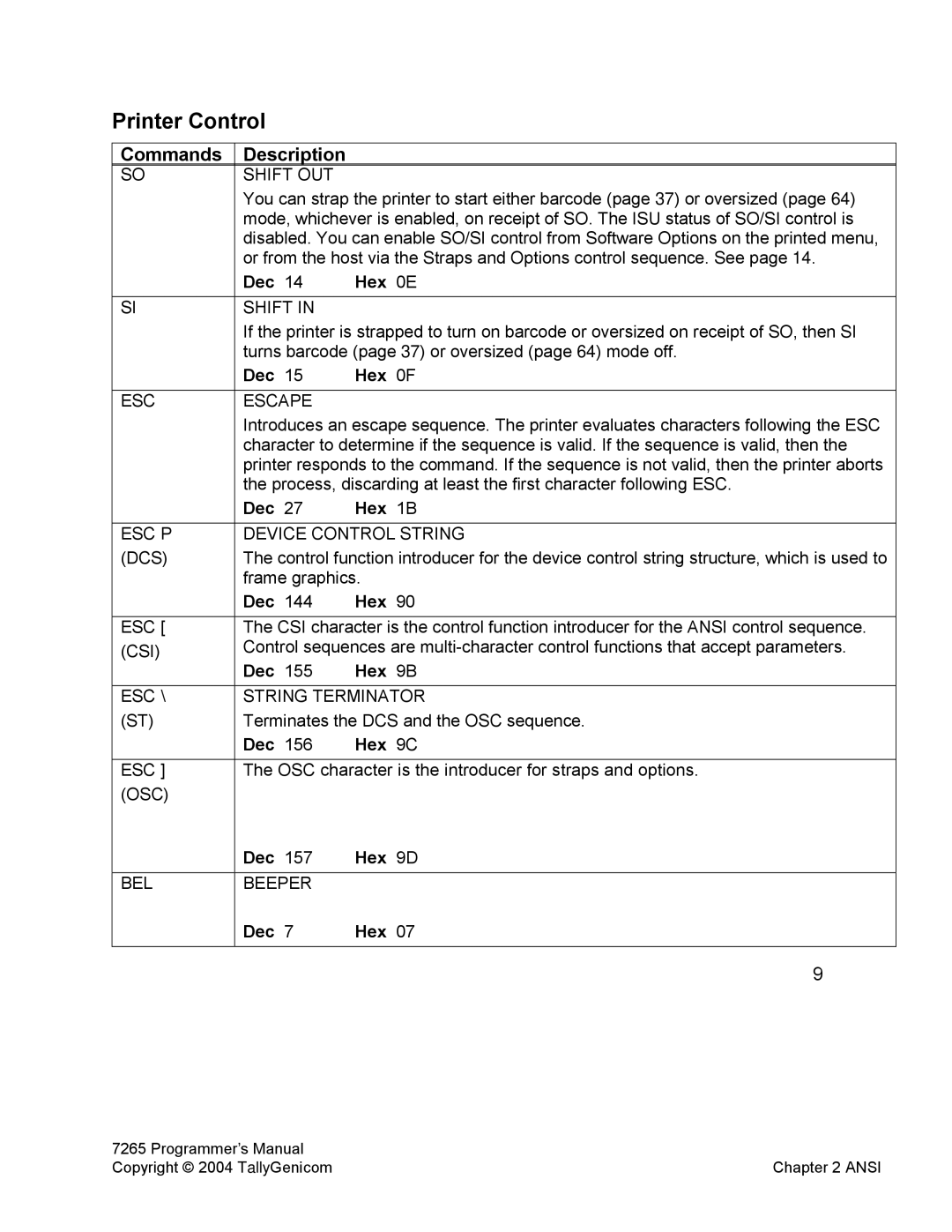
SO | SHIFT OUT |
|
| You can strap the printer to start either barcode (page 37) or oversized (page 64) | |
| mode, whichever is enabled, on receipt of SO. The ISU status of SO/SI control is | |
| disabled. You can enable SO/SI control from Software Options on the printed menu, | |
| or from the host via the Straps and Options control sequence. See page 14. | |
| Dec 14 | Hex 0E |
SI | SHIFT IN |
|
| If the printer is strapped to turn on barcode or oversized on receipt of SO, then SI | |
| turns barcode (page 37) or oversized (page 64) mode off. | |
| Dec 15 | Hex 0F |
ESC | ESCAPE |
|
| Introduces an escape sequence. The printer evaluates characters following the ESC | |
| character to determine if the sequence is valid. If the sequence is valid, then the | |
| printer responds to the command. If the sequence is not valid, then the printer aborts | |
| the process, discarding at least the first character following ESC. | |
| Dec 27 | Hex 1B |
ESC P | DEVICE CONTROL STRING | |
(DCS) | The control function introducer for the device control string structure, which is used to | |
| frame graphics. | |
| Dec 144 | Hex 90 |
ESC [ | The CSI character is the control function introducer for the ANSI control sequence. | |
(CSI) | Control sequences are | |
| Dec 155 | Hex 9B |
ESC \ | STRING TERMINATOR | |
(ST) | Terminates the DCS and the OSC sequence. | |
| Dec 156 | Hex 9C |
ESC ] | The OSC character is the introducer for straps and options. | |
(OSC) |
|
|
| Dec 157 | Hex 9D |
BEL | BEEPER |
|
| Dec 7 | Hex 07 |
|
| 9 |
7265 Programmer’s Manual |
|
Copyright © 2004 TallyGenicom | Chapter 2 ANSI |