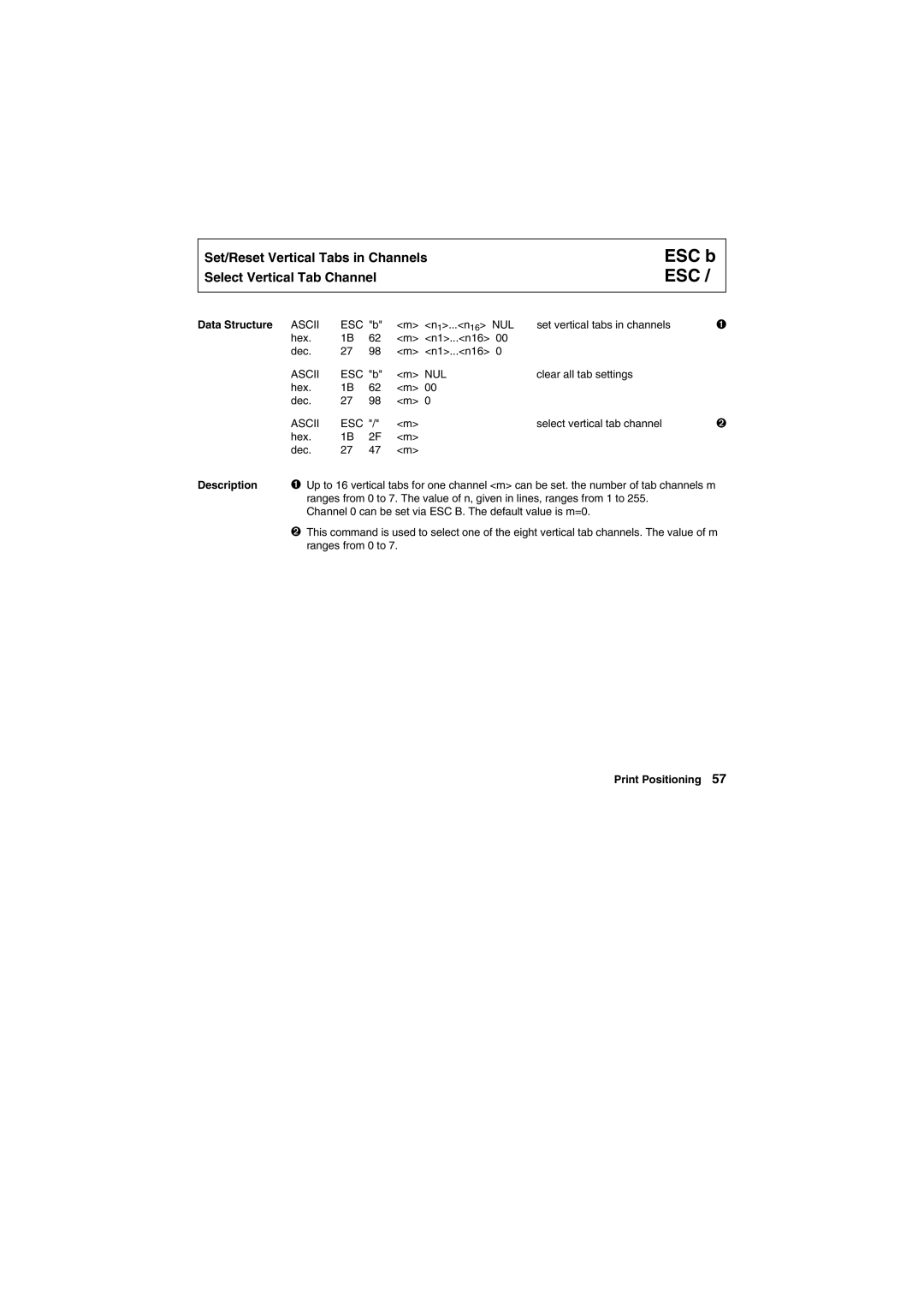
Set/Reset Vertical Tabs in Channels
Select Vertical Tab Channel
ESC b ESC /
Data Structure ASCII | ESC "b" | <m> <n1>...<n16> NUL | set vertical tabs in channels | ➊ | |
hex. | 1B | 62 | <m> <n1>...<n16> 00 |
|
|
dec. | 27 | 98 | <m> <n1>...<n16> 0 |
|
|
ASCII | ESC "b" | <m> NUL | clear all tab settings |
| |
hex. | 1B | 62 | <m> 00 |
|
|
dec. | 27 | 98 | <m> 0 |
|
|
ASCII | ESC "/" | <m> | select vertical tab channel | ➋ | |
hex. | 1B | 2F | <m> |
|
|
dec. | 27 | 47 | <m> |
|
|
Description ➊ Up to 16 vertical tabs for one channel <m> can be set. the number of tab channels m ranges from 0 to 7. The value of n, given in lines, ranges from 1 to 255.
Channel 0 can be set via ESC B. The default value is m=0.
➋This command is used to select one of the eight vertical tab channels. The value of m ranges from 0 to 7.