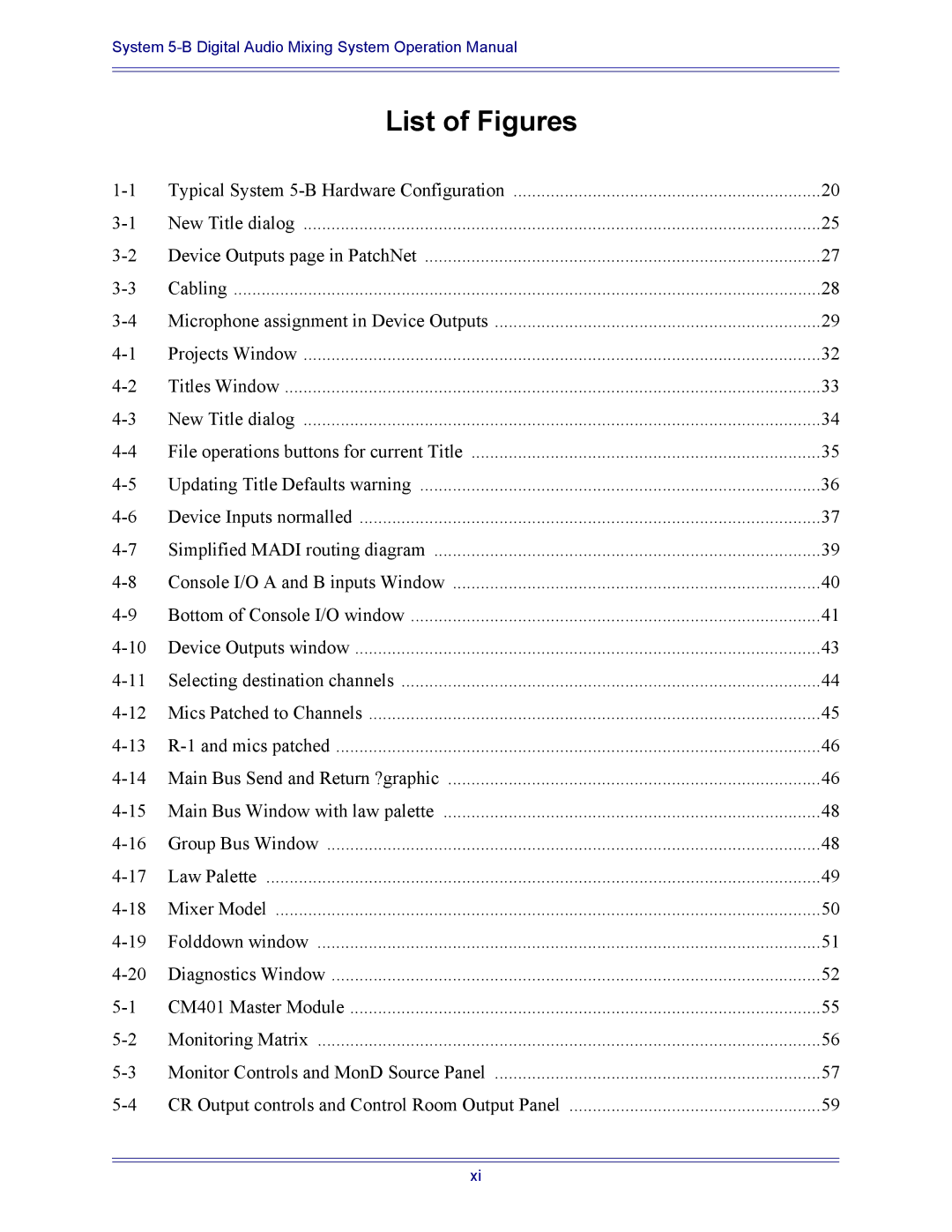
19Folddown window
Folddown
20Diagnostics Window
Diagnostics
System 5 Logo
Masters
Events
EMix Application
CM401 Master Section
Studio
Monitoring
085
Monitor Source Selection
Follow Control Room Monitors
Sum or Intercancel
Main Section and Aux Send Format
Control Room Monitor Controls
4CR Output controls and Control Room Output Panel
Dim and Cut
4 SLS/Cue Monitor Outputs
Communications
Monitors
Talkback
Aux Busses
Listenback
Slate
Oscillator/Slate
Oscillator
7CommsSlate/Osc Panel
8Quick Access Communication Panels
Quick Access Communications Panels
Solo
Solo Mode
Solo Speaker Selection
Intercancel, Momentary, and Sum
Solo Level
Solo Clear
Backstop PFL
Solo-Safe
Meters Panel
Meters
Sto Clr Name Cnfg Peak
Meter Configuration
CM401 Master Section
Master Section Meters
CM401 Master Section
CM402 Center Section
CM402 Center Section
2Channel Select Panel
Channel Select Panel
Knobset Control Panel
Knobset Panels
Preset # Left Right
Grp Section
Bus Routing Panel
Grp Route
Main Route
Auxiliary Sends
Introduction to System 5-B Busses
Main Busses
Group Busses
Bus Master Knobset
Bus Master Functions
All Key
1 Aux, Grp, and Main Masters
Bus Lock
Mon Lock
2Main Bus Master left and Individual Bus right Displays
Individual Main Busses
Configuring Aux Busses
Group and Aux Busses
Set Unity
Toggle Stereo
Toggle On/Off
Toggle Pre/Post
Aux to Faders
Copy Faders to Aux
Copy Aux to Aux
Bus Master Inserts
Main and Group Bus Setup
Strips
Channels and Strips
Swap Channel Meter and Status Display
Individual Assignment Strip Controls
Map Channels and Control Groups to Strips
3Channel Assign Panel
Multiple Assignments Channel Assign Panel
Shortcut Assignment for Multiple Channels
Input Names or Channel Number
Fader Meters
Strip Utilities
Strip Expand
Strip Lock
Knob and Fader Text Displays
Spill Select
Fader Unity
Fader Meters
Rotary Knobs
Channel Control Features
Channel Name
Function Keys
Select/Punch Keys
Touch-Sensitive Fader and Controls
Backstop PFL
All Mode
Wave Key
Copy and Paste
Talk
Inputs
Channel Processing Functions
Digital Controls
Analog Controls
9Stereo Controls
Stereo Controls
Dynamics
Signal Processing In/Out
105
Sidechain
Compressor
Expander/Gate
11EQ and Filters knobsets
Equalizers and Filters
Parametric EQ
Aux Send Knobsets
Aux Sends
Filters
Aux Send Knobset
Pan Knobsets
5 Pan
112
Track Panner Module
Pan Graph
SmartPan
Channel Process Order and Patch Points
Trim & Phase Input Select
Channel Processor Order
Channel Patch Points
16Changing processor order
Insert Point
Route a Channel to a Group Bus
Channel Mixing Functions
Group Bus Routing
Last
Route a Channel to a Main Section
Main Bus Routing
Mix Minus
121
Talk
Control Groups
Control Groups Multi Format Masters
124
Name Control Group
Create Control Group
Assign Control Group to Strip
Modify Control Group
Clear Control Group
Multi Format Masters
Spill
Control Groups or Multi Format Masters
Layouts and Snapshots
Create a New Layout
Layouts
131
Rename a Layout
Recall a Layout
Modify a Layout
Create a New Snapshot
Snapshots
Delete a Layout
Individual Channels
Recall a Snapshot
Update Snapshot
Delete a Snapshot
Rename a Snapshot
GP132
GPI/O Event System
Input Types
Input Type Settings Activation Values
Output Types
Output Type Settings Activation Values
Logical Operators
Event Configuration Display
Input
Event List
Deleting Events
Output
Move a Fader to Turn Off the Floor Monitors
GPI Examples
Channel # Activation level dB Activation Type Below
Move a Fader to Turn On the Floor Monitors
Move a Fader to Start a Cart Machine
Move a Fader to Stop a Cart Machine
Input # Active State Machine GP132 One
Video Switcher Turns a Specific Camera and Channel On
Input # Active State Off Machine GP132 One
Video Switcher Turns a Specific Camera and Channel Off
Audio Follow Video
3Audio Follow video configuration
150