RESTRICTED USE ONLY | Fargo Electronics, Inc. |
Resolving the Bar Code problems
Step Description
1Are you using an infrared bar code scanner? If so, select the Infrared Bar Codes option within the Image Color tab. (Note: This option directs the Printer to print black text and bar codes with the black pigmented Ink Cartridge which is required for printing infrared bar codes.)
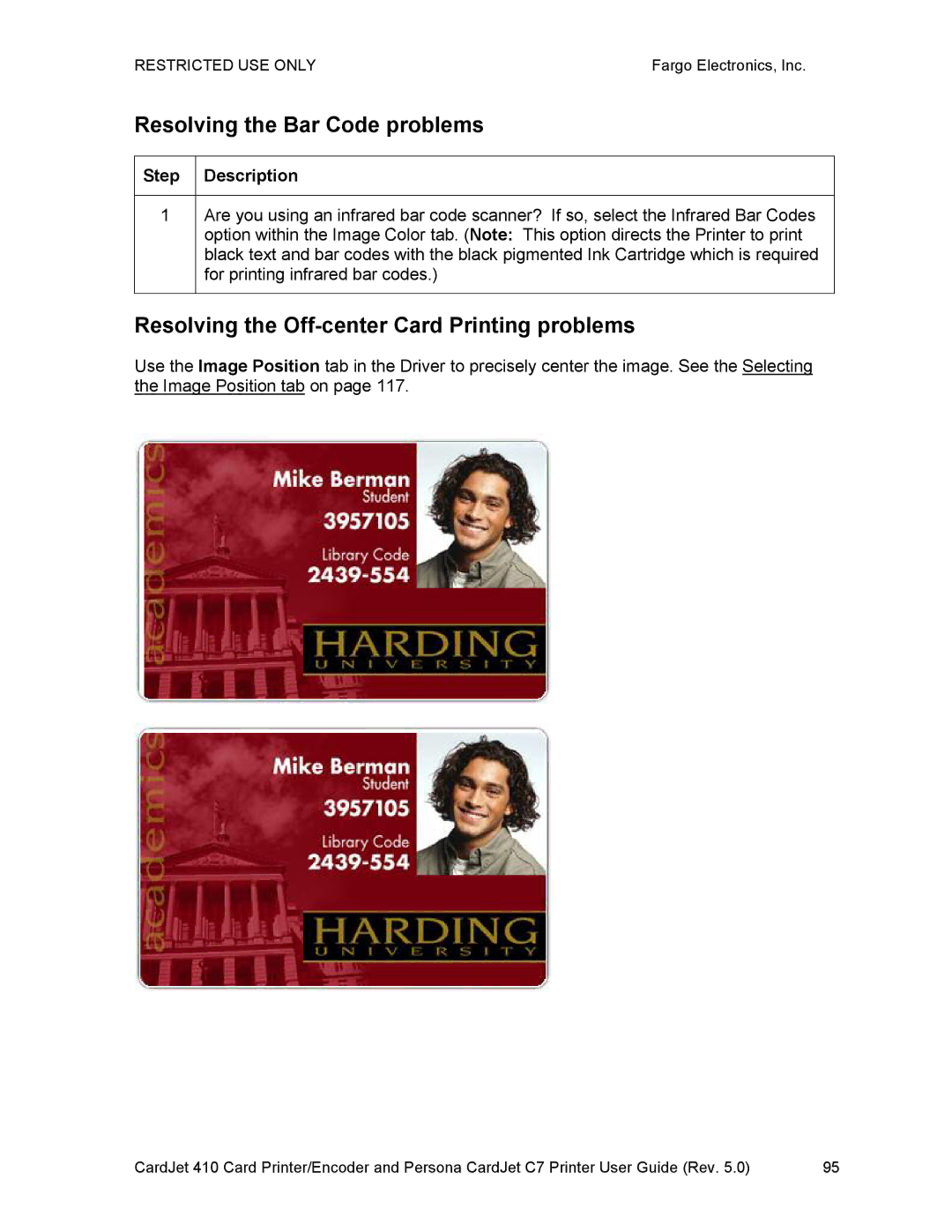
Resolving the Off-center Card Printing problems
Use the Image Position tab in the Driver to precisely center the image. See the Selecting the Image Position tab on page 117.
CardJet 410 Card Printer/Encoder and Persona CardJet C7 Printer User Guide (Rev. 5.0) | 95 |