RESTRICTED USE ONLY | Fargo Electronics, Inc. |
Section 3: Printer Adjustments
The purpose of this section is to provide the Operator with specific information on Printer adjustment procedures. Refer to the Technician Handbook for CardJet Card Printers in Section 1 (as needed).
Safety Messages (review carefully)
Symbol | Critical Instructions for Safety purposes |
|
|
Danger: | Failure to follow these installation guidelines can result in death or |
| serious injury. |
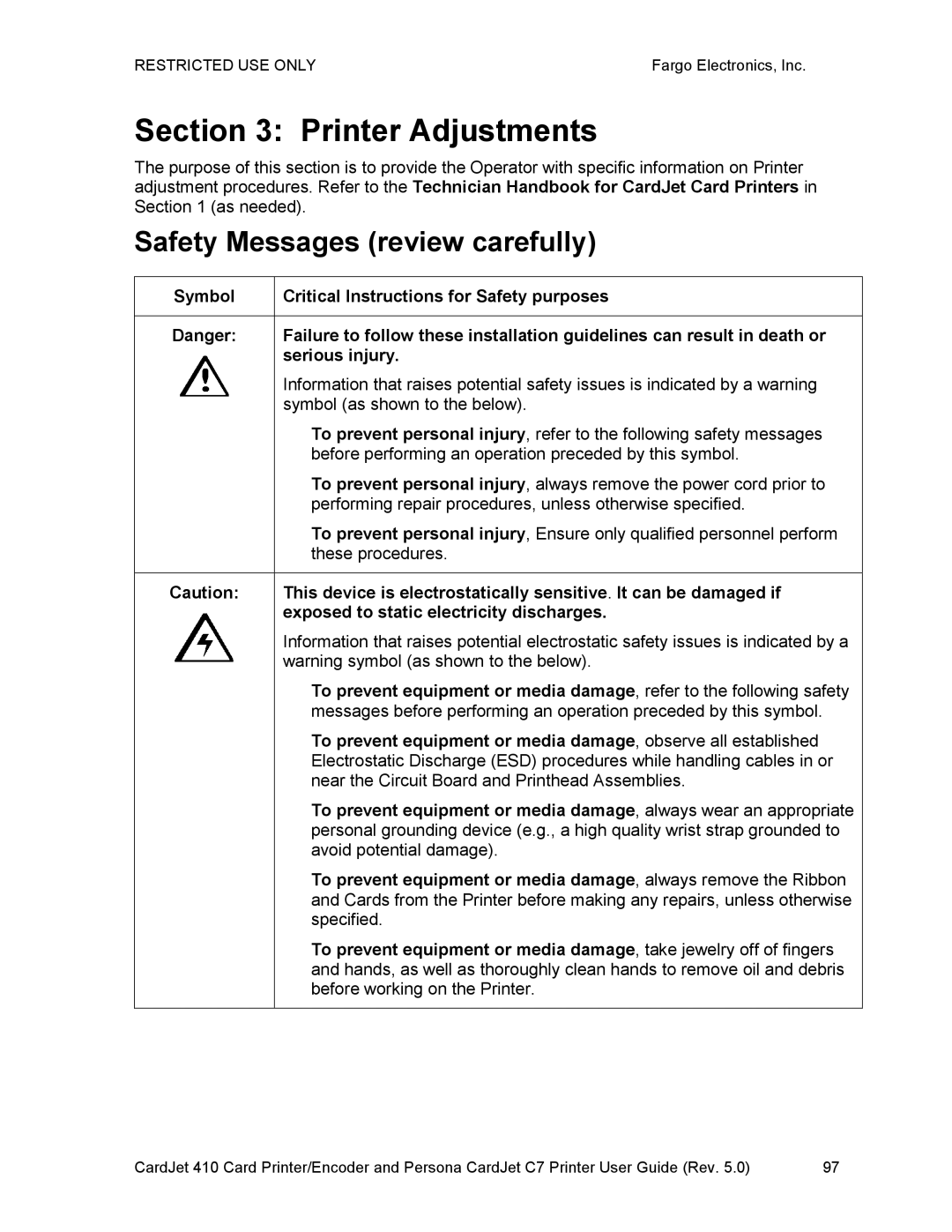
| Information that raises potential safety issues is indicated by a warning |
| symbol (as shown to the below). |
| • To prevent personal injury, refer to the following safety messages |
| before performing an operation preceded by this symbol. |
| • To prevent personal injury, always remove the power cord prior to |
| performing repair procedures, unless otherwise specified. |
| • To prevent personal injury, Ensure only qualified personnel perform |
| these procedures. |
|
|
Caution: | This device is electrostatically sensitive. It can be damaged if |
| exposed to static electricity discharges. |
| Information that raises potential electrostatic safety issues is indicated by a |
| warning symbol (as shown to the below). |
| • To prevent equipment or media damage, refer to the following safety |
| messages before performing an operation preceded by this symbol. |
| • To prevent equipment or media damage, observe all established |
| Electrostatic Discharge (ESD) procedures while handling cables in or |
| near the Circuit Board and Printhead Assemblies. |
| • To prevent equipment or media damage, always wear an appropriate |
| personal grounding device (e.g., a high quality wrist strap grounded to |
| avoid potential damage). |
| • To prevent equipment or media damage, always remove the Ribbon |
| and Cards from the Printer before making any repairs, unless otherwise |
| specified. |
| • To prevent equipment or media damage, take jewelry off of fingers |
| and hands, as well as thoroughly clean hands to remove oil and debris |
| before working on the Printer. |
|
|
CardJet 410 Card Printer/Encoder and Persona CardJet C7 Printer User Guide (Rev. 5.0) | 97 |