Importing Scanned Documents to Computer (continued)
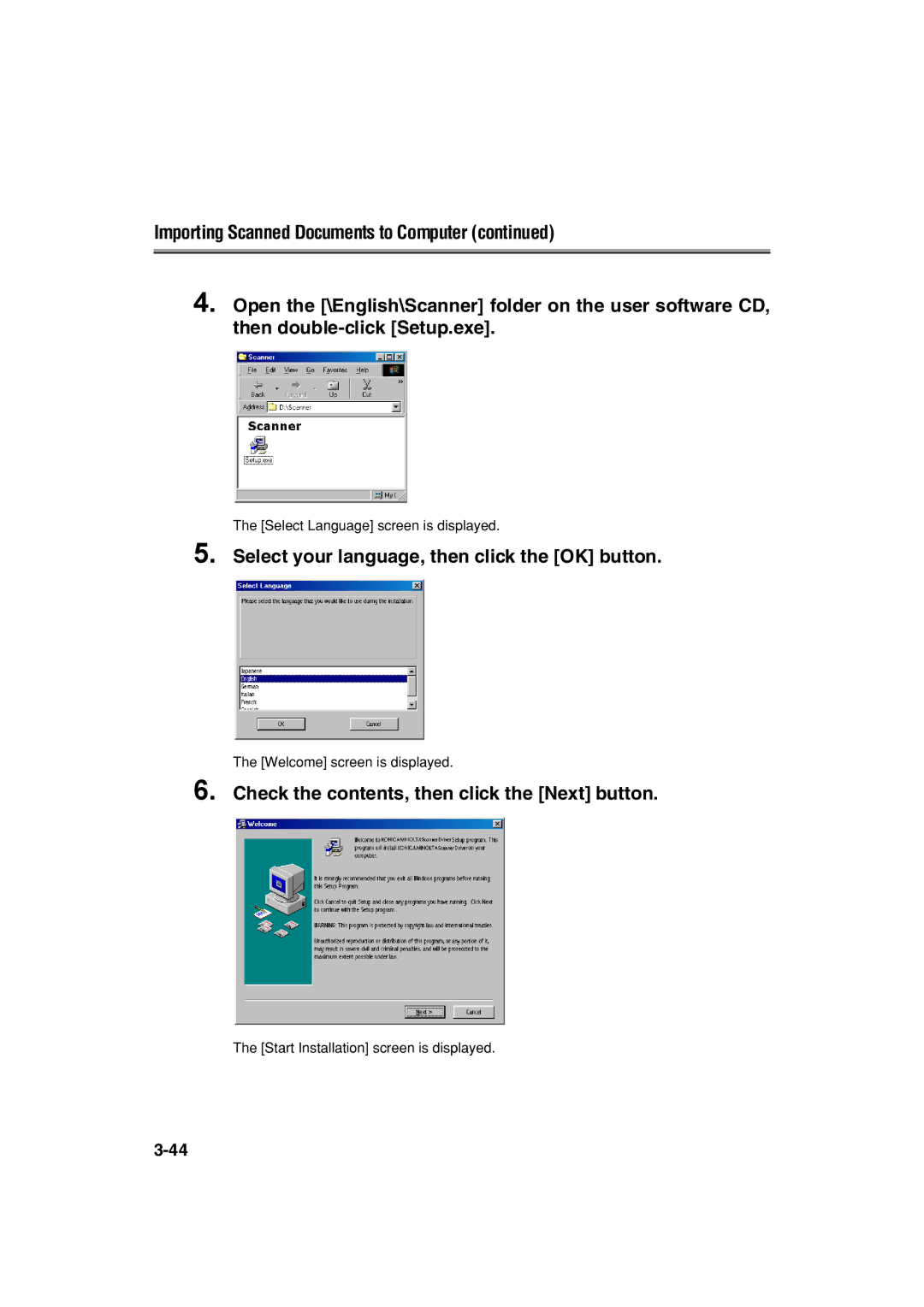
4. Open the [\English\Scanner] folder on the user software CD, then
The [Select Language] screen is displayed.
5. Select your language, then click the [OK] button.
The [Welcome] screen is displayed.
6. Check the contents, then click the [Next] button.
The [Start Installation] screen is displayed.