Server Installation and Management
Server Installation and Management
Installation and management of the
■“Download the Java System Web Server” on page 362
■“Install the Sun Java System Web Server” on page 366
■“Log in to the Java System Web Server Administration Console” on page 370
■“Install and Deploy the
■“Start the
■“Update the
▼Download the Java System Web Server
Use this procedure to download the Java System Web Server, if it is not already installed on your server.
Note – This procedure requires you to have a Sun Online Account username and password.
1.Open a Web browser, and in the Location Bar or Address field enter the URL of the Sun Web Servers page:
http://www.sun.com/download/index.jsp?cat=Web%20%26%20Proxy%20Servers&tab=3&subcat=Web%20Servers
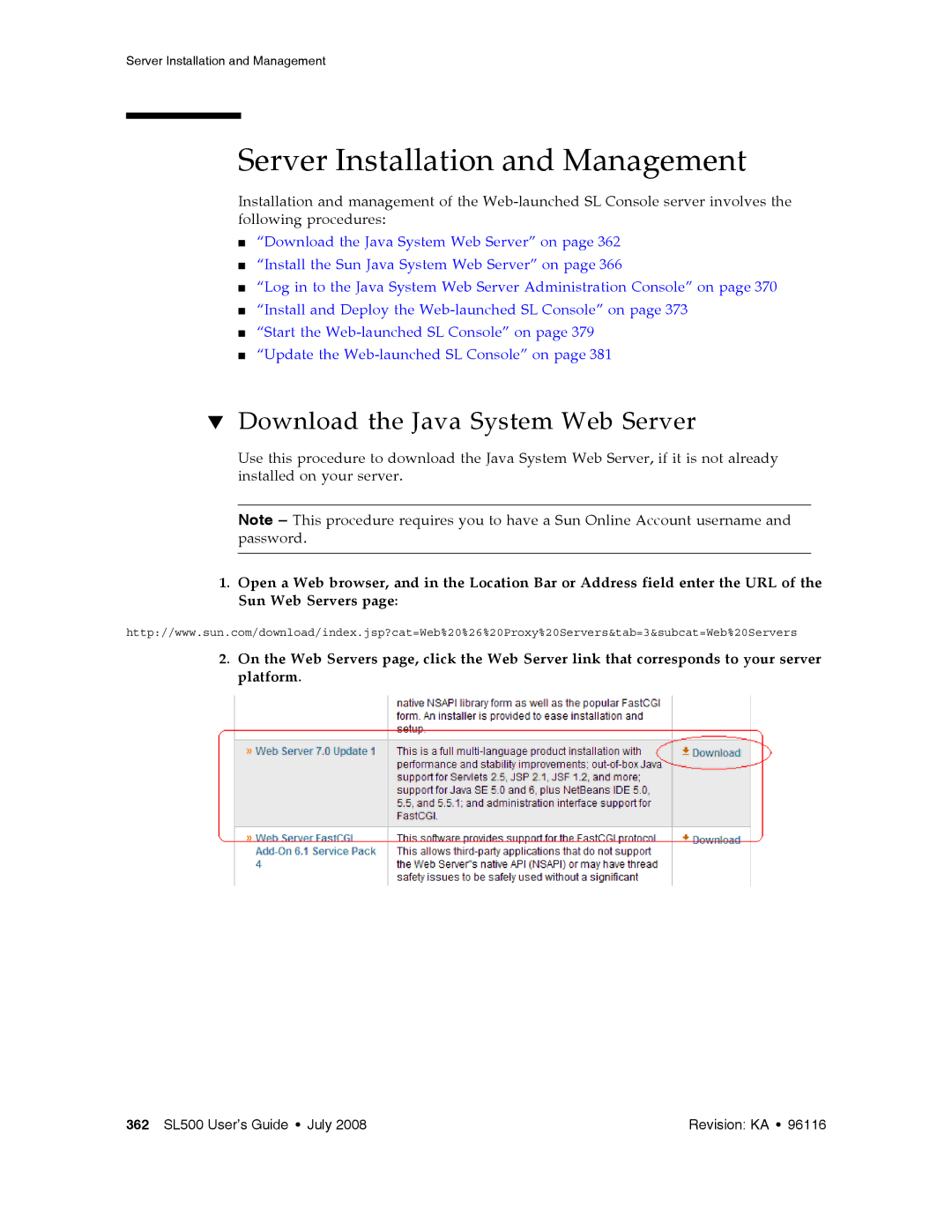
2.On the Web Servers page, click the Web Server link that corresponds to your server platform.
362 SL500 User’s Guide • July 2008 | Revision: KA • 96116 |