Listening to music on an iPod
The iPod display modes include “From iPod” and “On-Screen”.
By default, “From iPod”, where you directly operate the iPod itself
while looking at the iPod screen, is set.
To change to “On-Screen”, where you perform operations while
having the iPod information displayed on the TV screen, see “Setting
operation mode (iPod Browse Mode)” (vpage 33).
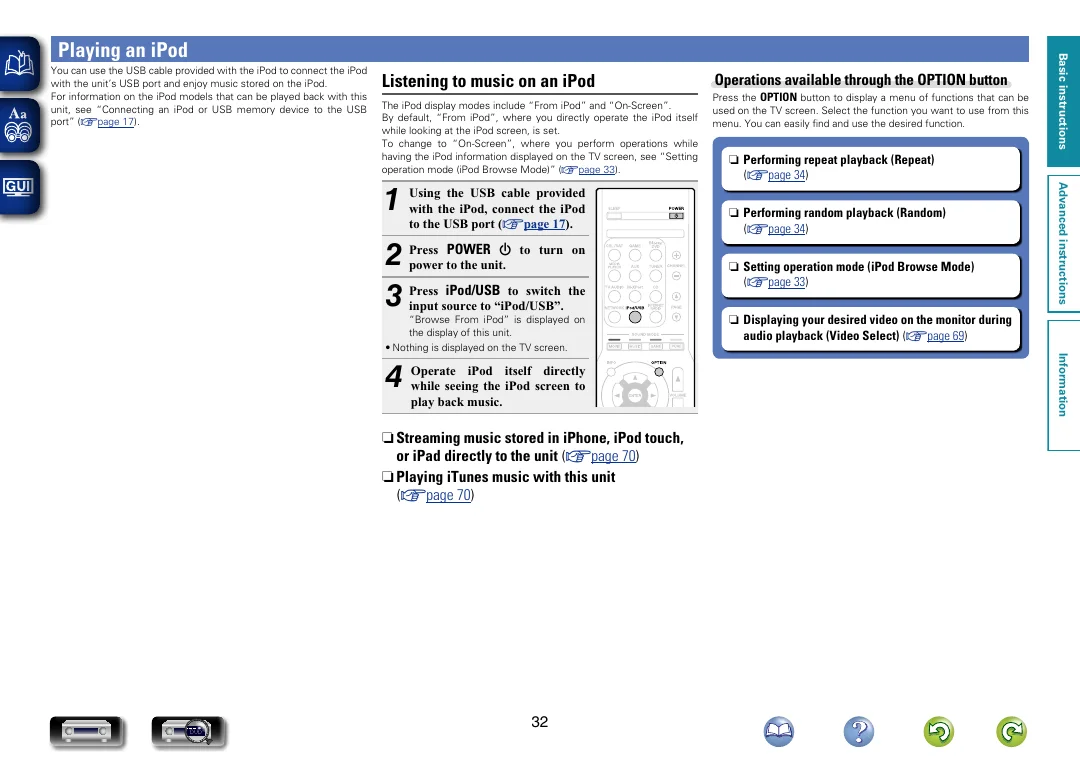
to the USB port (vpage 17).
POWER X to turn on
2 Press
power to the unit.
Press iPod/USB to switch the
3 input
source to “iPod/USB”.
iPod itself directly
4 Operate
while seeing the iPod screen to
play back music.
n n Streaming music stored in iPhone, iPod touch,
or iPad directly to the unit (vpage 70)
n n Playing iTunes music with this unit
(vpage 70)
DVD
32
n n Performing random playback (Random)
(vpage 34)
n n Setting operation mode (iPod Browse Mode)
(vpage 33)
n n Displaying your desired video on the monitor during
audio playback (Video Select) (vpage 69)
Information
“Browse From iPod” is displayed on
the display of this unit.
• Nothing is displayed on the TV screen.
n n Performing repeat playback (Repeat)
(vpage 34)
Advanced instructions
the USB cable provided
1 Using
with the iPod, connect the iPod
Operations available through the OPTION button
Press the OPTION button to display a menu of functions that can be
used on the TV screen. Select the function you want to use from this
menu. You can easily find and use the desired function.
Basic instructions
Playing an iPod
You can use the USB cable provided with the iPod to connect the iPod
with the unit’s USB port and enjoy music stored on the iPod.
For information on the iPod models that can be played back with this
unit, see “Connecting an iPod or USB memory device to the USB
port” (vpage 17).