74
7. Settings and Operations for Scan Functions
Scan Operation
You have the choice of two scan operating procedures available selected according to whether the
■Specifying the destination using a one-touch key:
1.Press the Scan key on the copier.
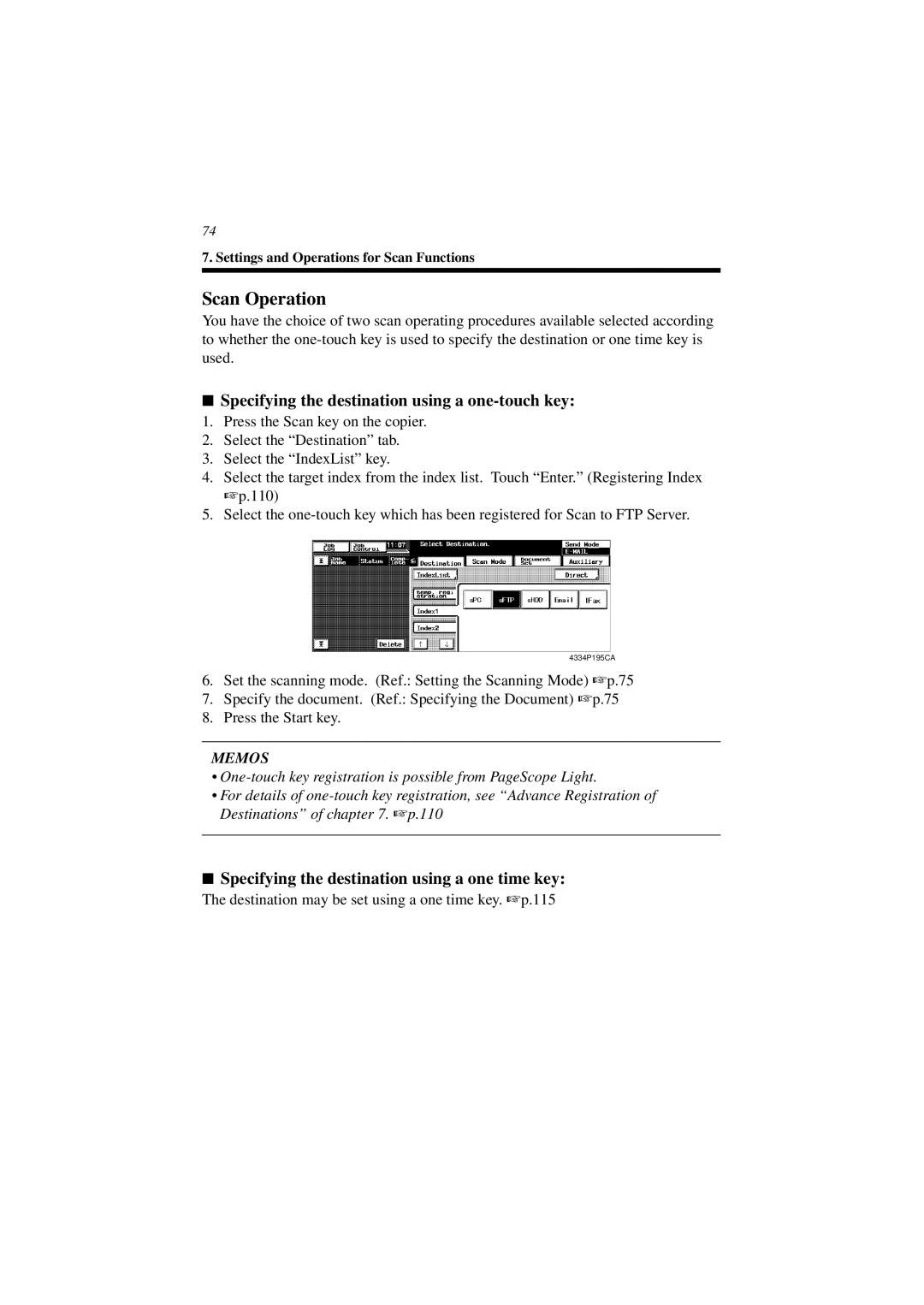
2.Select the “Destination” tab.
3.Select the “IndexList” key.
4.Select the target index from the index list. Touch “Enter.” (Registering Index ☞ p.110)
5.Select the
4334P195CA
6.Set the scanning mode. (Ref.: Setting the Scanning Mode) ☞ p.75
7.Specify the document. (Ref.: Specifying the Document) ☞ p.75
8.Press the Start key.
MEMOS
•
•For details of
■Specifying the destination using a one time key:
The destination may be set using a one time key. ☞ p.115