4.0.2Menu Mode: Configuration (Ready Light ‘Flashing’)
Π


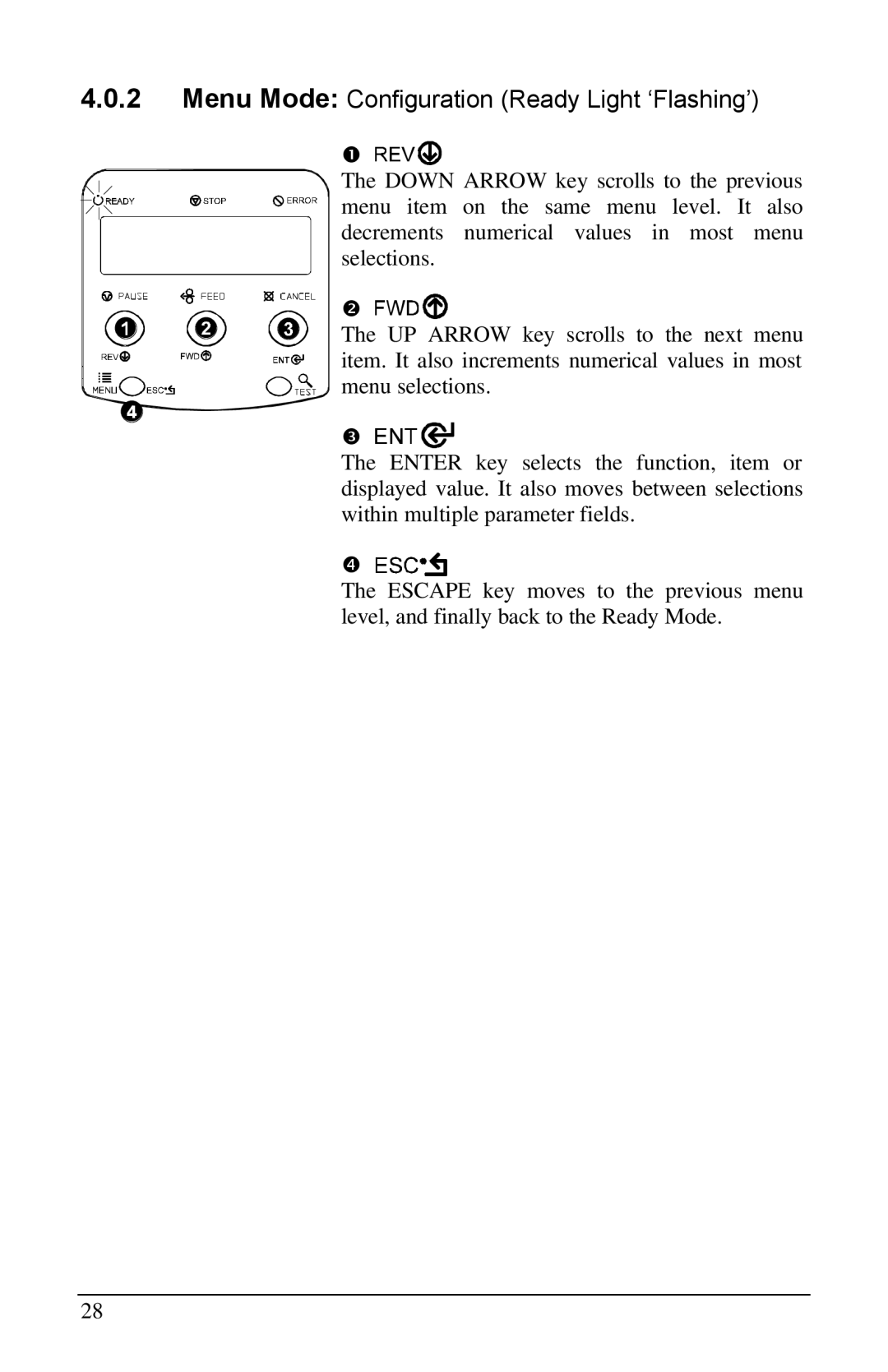
The DOWN ARROW key scrolls to the previous menu item on the same menu level. It also decrements numerical values in most menu selections.
• 


The UP ARROW key scrolls to the next menu item. It also increments numerical values in most menu selections.
Ž 


The ENTER key selects the function, item or displayed value. It also moves between selections within multiple parameter fields.
• 


The ESCAPE key moves to the previous menu level, and finally back to the Ready Mode.
28