6. How to Operate
6-7.9. POWER LOSS LISTS
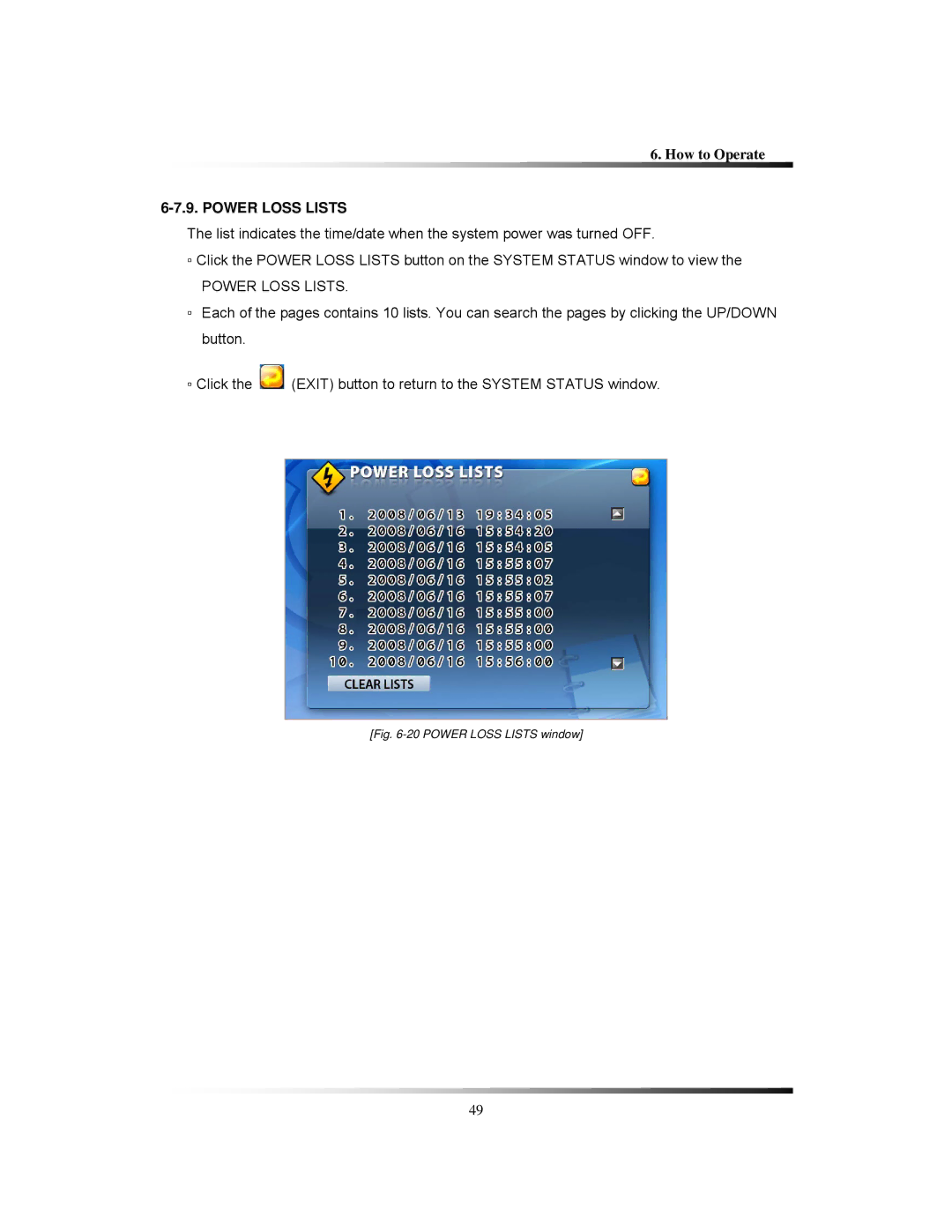
The list indicates the time/date when the system power was turned OFF.
▫Click the POWER LOSS LISTS button on the SYSTEM STATUS window to view the
POWER LOSS LISTS.
▫Each of the pages contains 10 lists. You can search the pages by clicking the UP/DOWN button.
▫Click the  (EXIT) button to return to the SYSTEM STATUS window.
[Fig. 6-20 POWER LOSS LISTS window]
49