7-1. SETUP
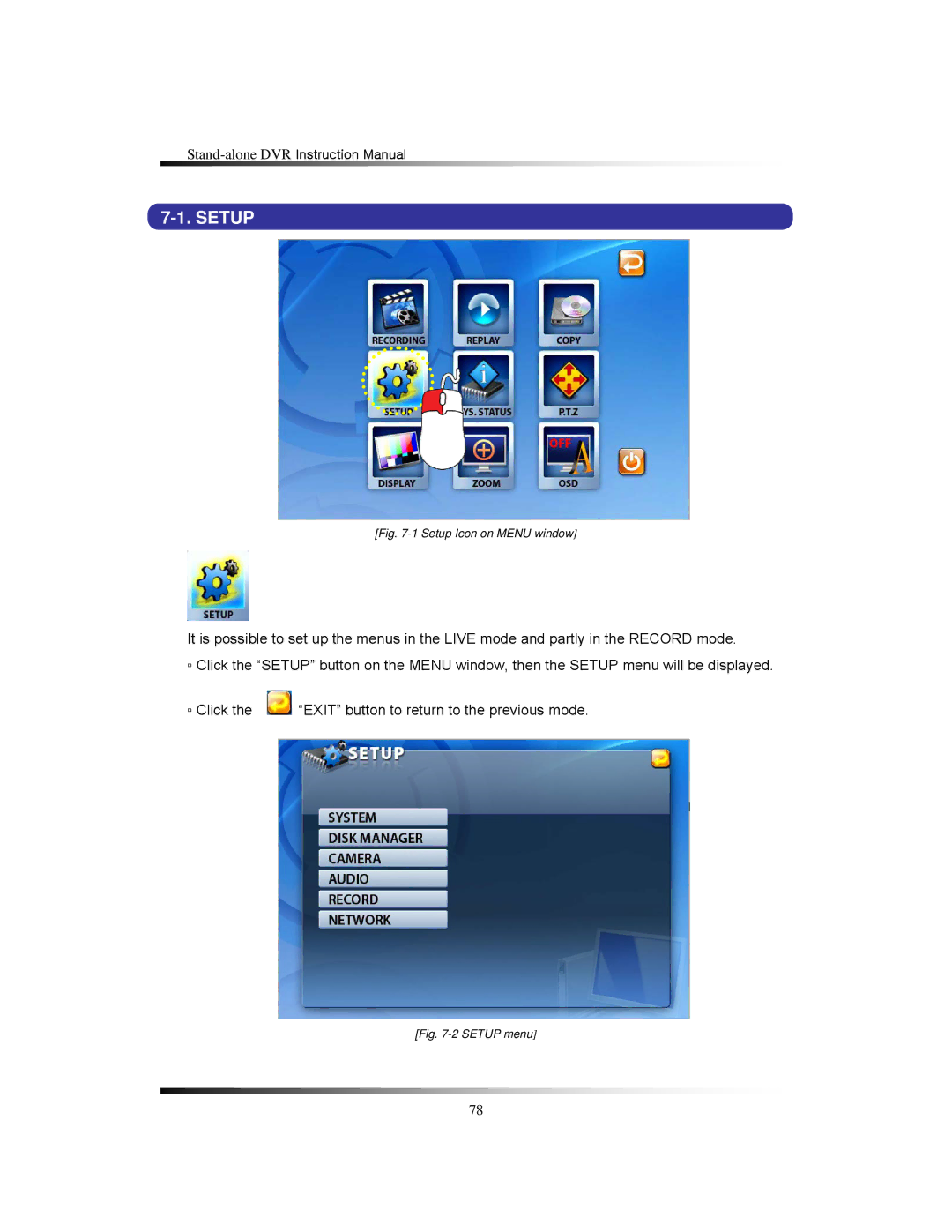
[Fig. 7-1 Setup Icon on MENU window]
It is possible to set up the menus in the LIVE mode and partly in the RECORD mode.
▫Click the “SETUP” button on the MENU window, then the SETUP menu will be displayed.
▫ Click the | “EXIT” button to return to the previous mode. |
[Fig. 7-2 SETUP menu]
78