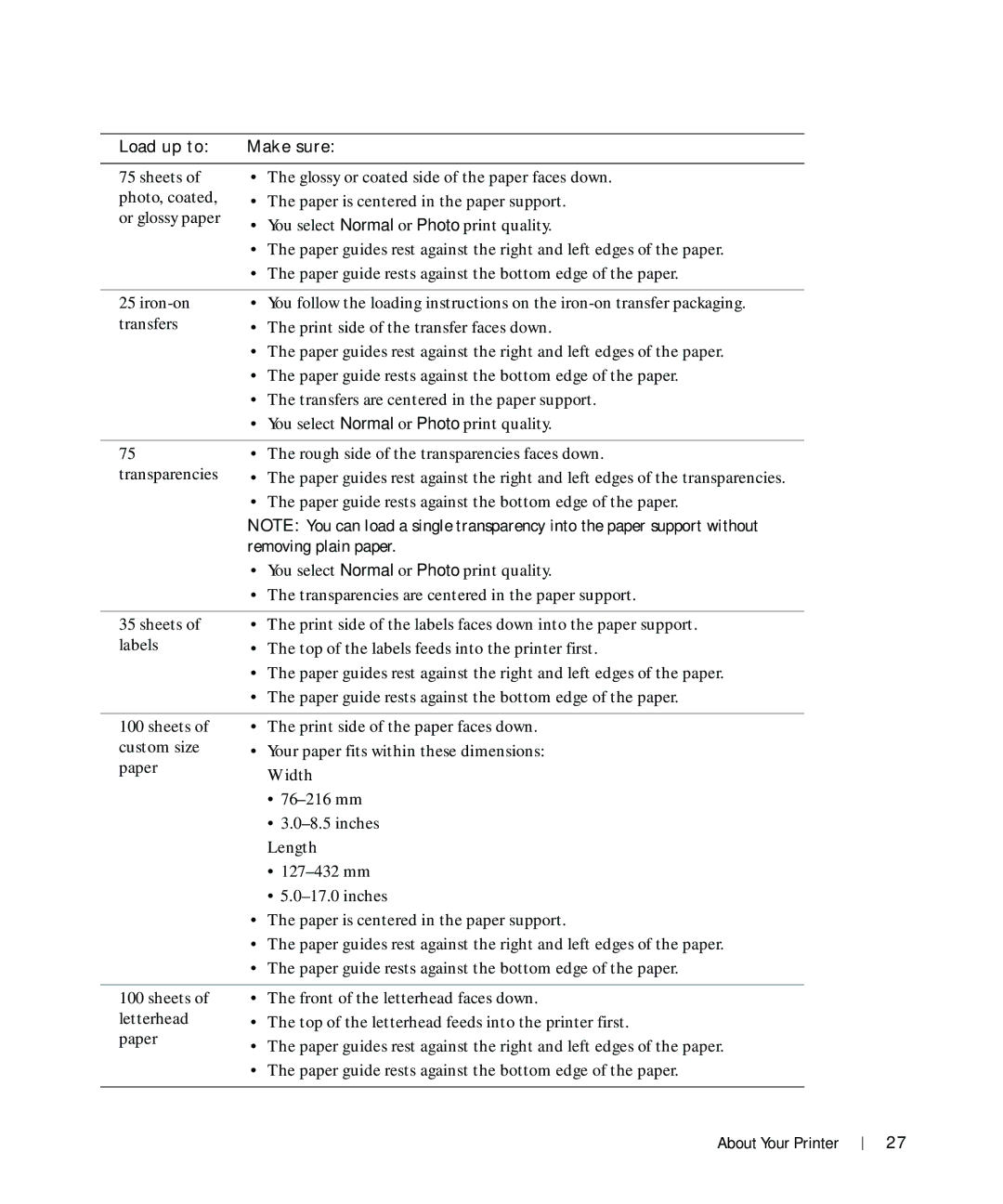
Load up to: | Make sure: |
75 sheets of photo, coated, or glossy paper
•The glossy or coated side of the paper faces down.
•The paper is centered in the paper support.
•You select Normal or Photo print quality.
•The paper guides rest against the right and left edges of the paper.
•The paper guide rests against the bottom edge of the paper.
25
transfers
•You follow the loading instructions on the
•The print side of the transfer faces down.
•The paper guides rest against the right and left edges of the paper.
•The paper guide rests against the bottom edge of the paper.
•The transfers are centered in the paper support.
•You select Normal or Photo print quality.
75 | • The rough side of the transparencies faces down. |
transparencies | • The paper guides rest against the right and left edges of the transparencies. |
| • The paper guide rests against the bottom edge of the paper. |
| NOTE: You can load a single transparency into the paper support without |
| removing plain paper. |
| • You select Normal or Photo print quality. |
| • The transparencies are centered in the paper support. |
|
|
35 sheets of | • The print side of the labels faces down into the paper support. |
labels | • The top of the labels feeds into the printer first. |
| • The paper guides rest against the right and left edges of the paper. |
| • The paper guide rests against the bottom edge of the paper. |
100 sheets of custom size paper
•The print side of the paper faces down.
•Your paper fits within these dimensions: Width
•
•
Length
•
•
•The paper is centered in the paper support.
•The paper guides rest against the right and left edges of the paper.
•The paper guide rests against the bottom edge of the paper.
100 sheets of letterhead paper
•The front of the letterhead faces down.
•The top of the letterhead feeds into the printer first.
•The paper guides rest against the right and left edges of the paper.
•The paper guide rests against the bottom edge of the paper.
About Your Printer
27