GuestWorks and DEFINITY ECS Release 8 | Issue 6 |
Hospitality Operations | December 1999 |
Hospitality Operations |
|
Front Desk Operations | 33 |
|
|
9. Press the # button to confirm the wakeup request.
■One of the following displays:
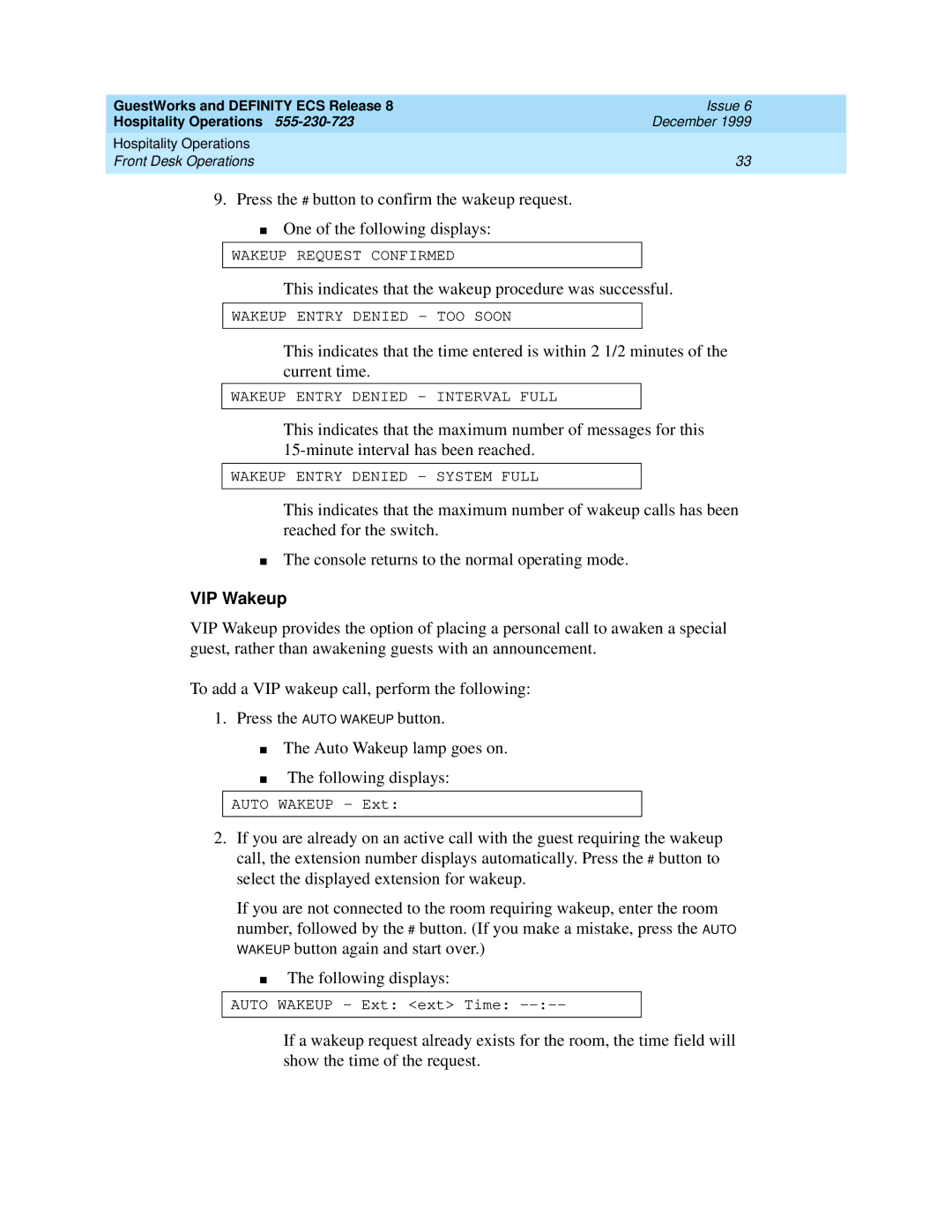
WAKEUP REQUEST CONFIRMED
This indicates that the wakeup procedure was successful.
WAKEUP ENTRY DENIED - TOO SOON
This indicates that the time entered is within 2 1/2 minutes of the current time.
WAKEUP ENTRY DENIED - INTERVAL FULL
This indicates that the maximum number of messages for this
WAKEUP ENTRY DENIED - SYSTEM FULL
This indicates that the maximum number of wakeup calls has been reached for the switch.
■The console returns to the normal operating mode.
VIP Wakeup
VIP Wakeup provides the option of placing a personal call to awaken a special guest, rather than awakening guests with an announcement.
To add a VIP wakeup call, perform the following:
1.Press the AUTO WAKEUP button.
■The Auto Wakeup lamp goes on.
■The following displays:
AUTO WAKEUP - Ext:
2.If you are already on an active call with the guest requiring the wakeup call, the extension number displays automatically. Press the # button to select the displayed extension for wakeup.
If you are not connected to the room requiring wakeup, enter the room number, followed by the # button. (If you make a mistake, press the AUTO WAKEUP button again and start over.)
■The following displays:
AUTO WAKEUP - Ext: <ext> Time:
If a wakeup request already exists for the room, the time field will show the time of the request.