Currency Programming
In the SETTING window, select “5 CURRENCY”, and take the following procedure.
■ Currency exchange key ( EXCHANGE1 through EXCHANGE9 )
Procedure
Select a pertinent currency exchange key from the currency exchange keys list.
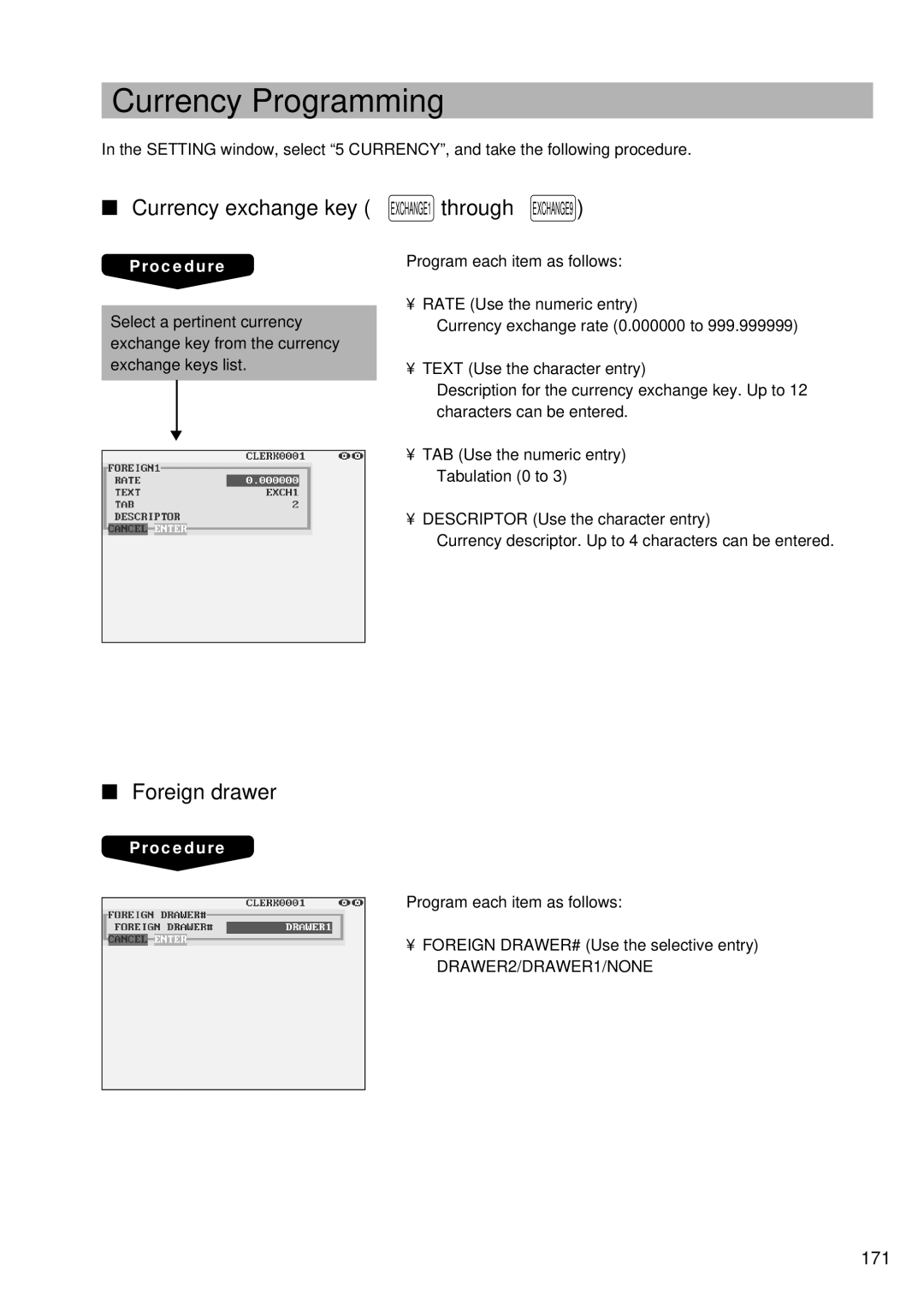
Program each item as follows:
• RATE (Use the numeric entry)
Currency exchange rate (0.000000 to 999.999999)
• TEXT (Use the character entry)
Description for the currency exchange key. Up to 12 characters can be entered.
▼
•TAB (Use the numeric entry) Tabulation (0 to 3)
•DESCRIPTOR (Use the character entry)
Currency descriptor. Up to 4 characters can be entered.
■Foreign drawer
Procedure
Program each item as follows:
•FOREIGN DRAWER# (Use the selective entry) DRAWER2/DRAWER1/NONE