Please do not Throw IT Away
UX-B800
GREEN-AND-YELLOW Earth BLUENeutral BROWNLive
Mains Plug Wiring Instructions
Table of Contents
Introduction
Specifications
Operating temperature
Scanning Resolution
Power requirements
Power consumption
Important safety information
Secure key Press to use the fax secure receive function p
Look at the Operation Panel
Number keys Use to dial numbers
COPY/HELP key
Letter keys
Speaker press once again before you replace the handset
When speaking through
Monitoring phone conversations
Used for speaking it is only for listening
Setup
Installation
Unpacking Checklist
Unpacking Checklist
Approximately 200 sheets of A4-size
When finished, press
Loading Paper
Loading Paper
Print cartridge yield Sharp UX-C80B replacement cartridge
Connecting the Power Cord
Connecting the Power Cord
Installing the Print Cartridge
Make sure all Tape is removed Do not touch
Installing the Print Cartridge
Press NEW if the cartridge you installed is new
Remove only the tape from the new cartridge
Connecting the Phone Line
Connecting the Phone Line
Extension phone optional
Setting the Date and Time
Name and Fax Number
Name and Fax Number
Speaker volume
Setting the Reception Mode
Setting the Reception Mode
Volume Adjustment
Requirements
Connecting the Machine
Connecting the Machine
Scan to E-mail
Press , then to show
If NOW Connecting / Check
IP address
Checking your IP address and the connection
Mail Settings
Mail Settings
If the machine is unable to Communicate
Setting, or press to exit
Accessing the machine’s Web
Mail settings
To store an e-mail address in a
Storing E-mail Addresses
Storing E-mail Addresses
Storing an e-mail address
Display 1=EDIT, 2=CLEAR
Editing and clearing stored e-mail addresses
To search for a stored address, press
Scan to E-mail Transmission
Scan to E-mail Transmission
Press , press
When finished, press File Format Press for Tiff
Name UXB800-yymmddhhmmss
Sending a message only
Cable Disconnected
Error messages
Connection Error
Server Error
Network Settings
Network Settings
Initializing the network settings
Loading the Document
Sending Faxes
Transmittable Documents
Transmittable Documents
Contrast settings
Resolution and Contrast
Resolution and Contrast
Resolution settings
With Normal Dialling, you pick up
Sending a Fax Normal Dialling
Storing fax and phone numbers
Procedure, press Press to select FAX. Display FAX # Mode
Sending a Fax Auto Dialling
Sending a Fax Auto Dialling
Rfunction
Editing and clearing auto-dial numbers
Using an auto-dial number to send a fax
Search Dialling Press or
Sending a fax by Direct Keypad Dialling
Redial
Automatic redialling
Automatic redialling, press
Batch Page Numbering
Batch Page Numbering
Sending a Fax From Memory
TEL/FAX Mode
TEL/FAX Mode Using Auto Mode
Receiving Faxes
Answering with an extension phone
Using Manual Mode
Using Manual Mode
Answering with the machine’s handset
If faxes held in memory are erased, a
Reception to Memory
Reception to Memory
Memory capacity
Enlarge/reduce Press or
Making Copies
Sorting copies
Load the documents. Maximum of 20 A4-size sheets
Special Functions
Broadcasting
Broadcasting
Broadcasting using a Group Key
If the memory becomes full
Storing destinations in Group Keys
Until Then
Caller ID Requires Service
To delete a destination, press when it appears
When you have finished entering Destinations, press
Blocking voice calls
Display messages
Deleting calls from the list
Caller ID list
Press Duplex and then
Blocking Unwanted Faxes
Blocking Unwanted Faxes
Duplex Scanning
Fax Forward to E-mail
Fax Forward to E-mail
Another group, or press to exit
Press Press to select on To turn off Receive Fax to E-mail
Activating and deactivating Fax Forward to E-mail
Printing forwarded faxes
Printing a report
Activating Secure Receive
Setting a secure code
Secure Receive
Secure Receive
Clearing the secure code
Deactivating Secure Receive
Transferring calls
PBX Operations
PBX Operations
Making enquiry calls
Option Settings and Print Settings
Option Settings
Option Settings
Duration
Transaction
List
Pseudo Ring
Auto Print
FAX Signal
ECM Mode
CALLER-ID
Detection
Initial setting on
Dial Tone
Press
Print Settings
Print Settings
Nozzles
Clean
Align
Cartridge
Whilst no document is loaded Feeder to print this list
Printing Lists
Press to print the list
Help List
Transaction Report
Transaction Report
Headings in the Transaction Report
Cleaning the scanning glass and rollers
Maintenance
Cleaning the Machine
Cleaning the Machine
Improving Print Quality
Cleaning the housing
Cleaning the print cartridge nozzles
Improving Print Quality
Wiping the print nozzles and contacts
If you have cleaned the print nozzles as
About the lithium battery
Cleaning the cartridge holder
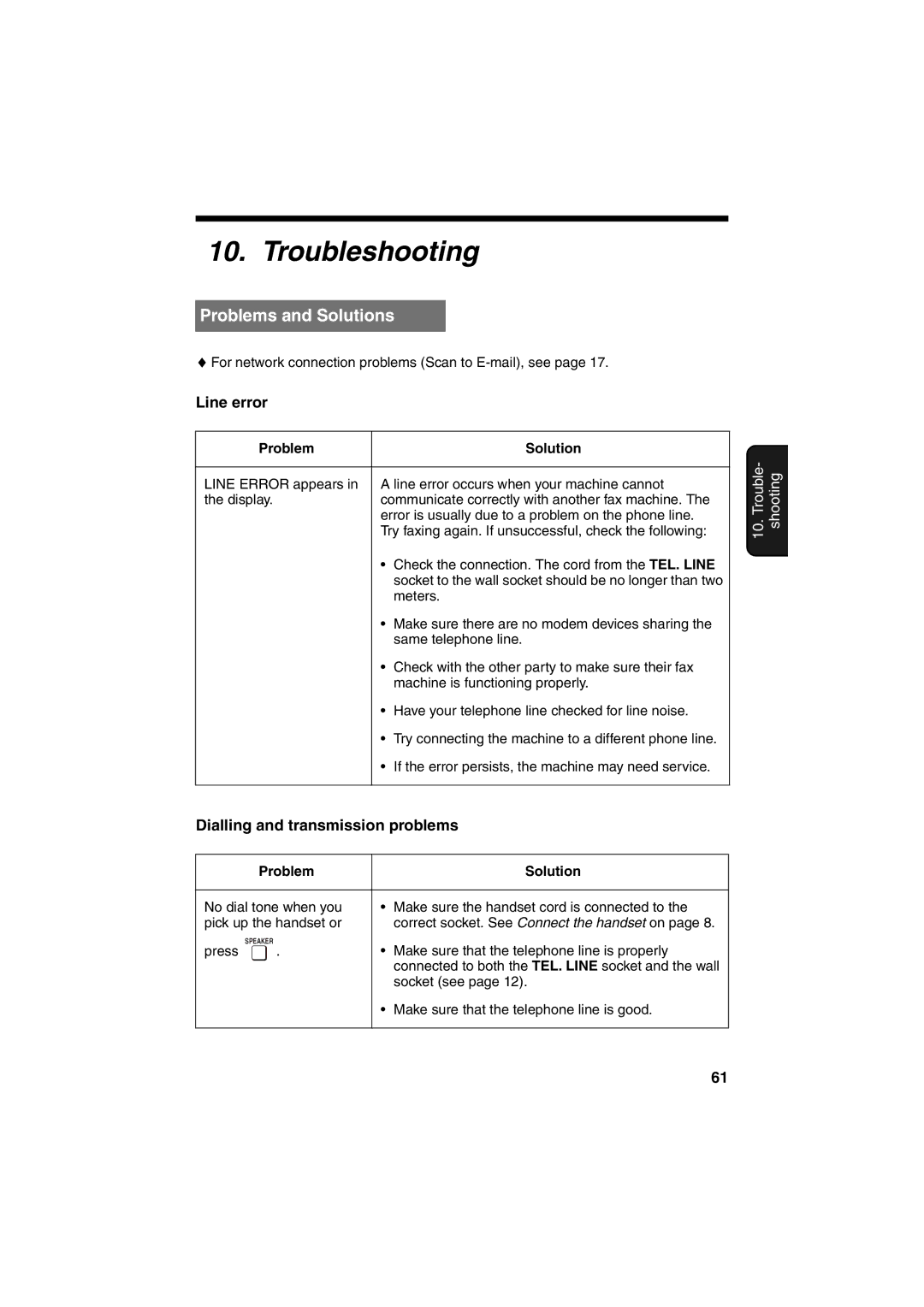
Line error
Troubleshooting
Problems and Solutions
Problems and Solutions
Reception and copying problems
Receiving machine manually and make sure that it is
Responding you should hear a fax tone
Transmission or copying
General problems
Printing paper comes
Ability
Messages and Signals
Messages and Signals
Ink remains
Persists, see Line error on
Print cartridge is installed correctly, and then close
Paper jam may have occurred. Follow the procedure
Audible signals
Clearing jammed printing paper
Clearing Paper Jams
Clearing Paper Jams
Clearing a jammed document
Quick Reference Guide
Index
Index
Index
Other Countries outside the EU
Sharp Corporation