ASMi-450
Installation Instructions for
Compliance with EMC Requirements
To comply with electromagnetic compatibility requirements, two ferrite cores should be installed on any:
∙HDSL line cable with an
∙DCE port line unshielded data cable with any connector (using a STEWARD catalog number
This limits the electromagnetic energy emitted from the cables.
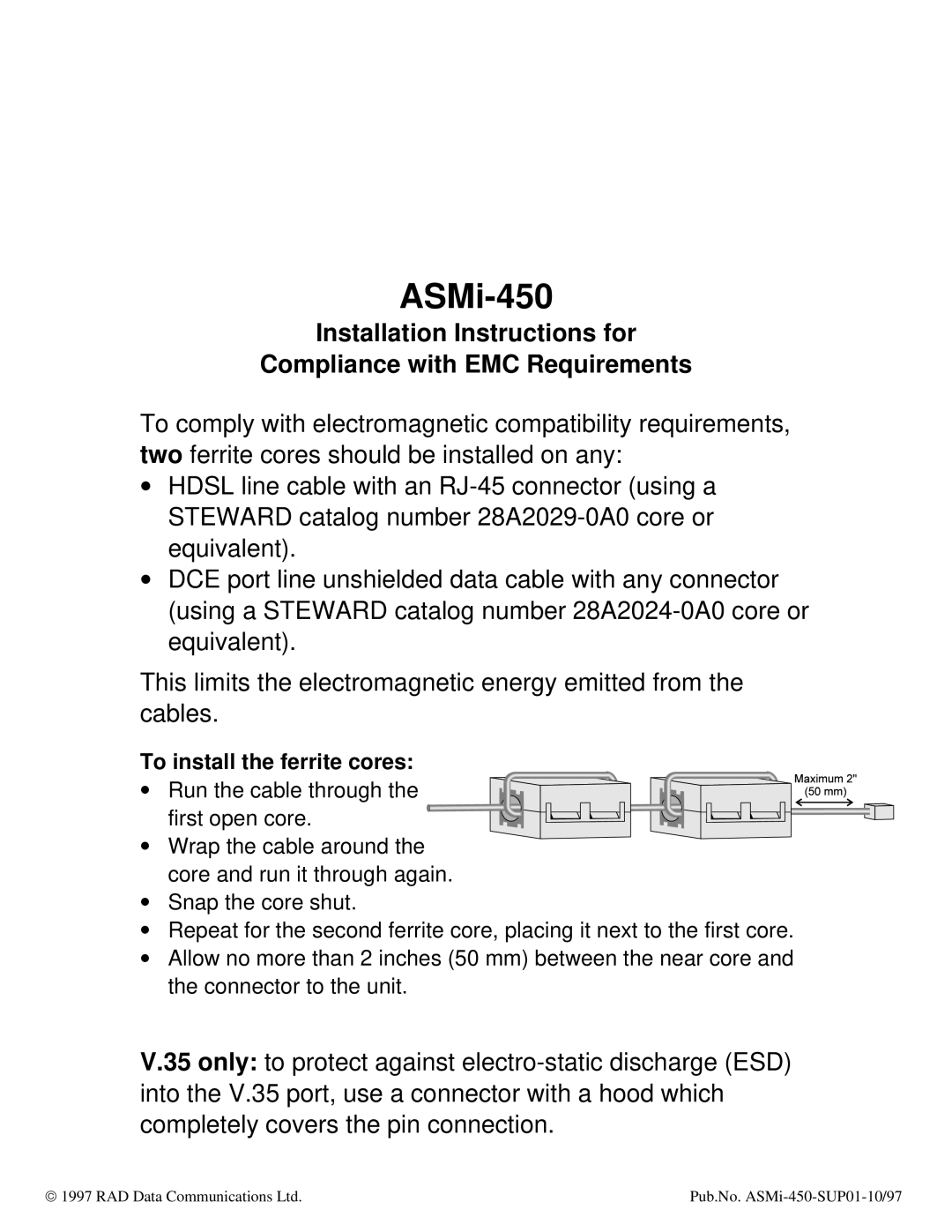
To install the ferrite cores:
∙ Run the cable through the first open core.
∙Wrap the cable around the core and run it through again.
∙Snap the core shut.
∙Repeat for the second ferrite core, placing it next to the first core.
∙Allow no more than 2 inches (50 mm) between the near core and the connector to the unit.
V.35 only: to protect against
ã 1997 RAD Data Communications Ltd. | Pub.No. |