These buttons are at the bottom of the Print dialog:
Click
Preview
Save as PDF (in Mac OS X version 10.3)
PDF (in Mac OS X version 10.4 or later)
Fax (in Mac OS X version 10.3)
Cancel
To
Go to the Help Center to find more information.
Get a full view of a photo, and see additional options for viewing or reviewing it prior to printing.
Print a document to a file, and create a PDF.
Choose various PDF options for a file.
Fax a document.
Exit the Print dialog without making any changes to the settings.
Print a document.
Related topics:
•“Using the Page Setup dialog” on page 49
Using Printer Services
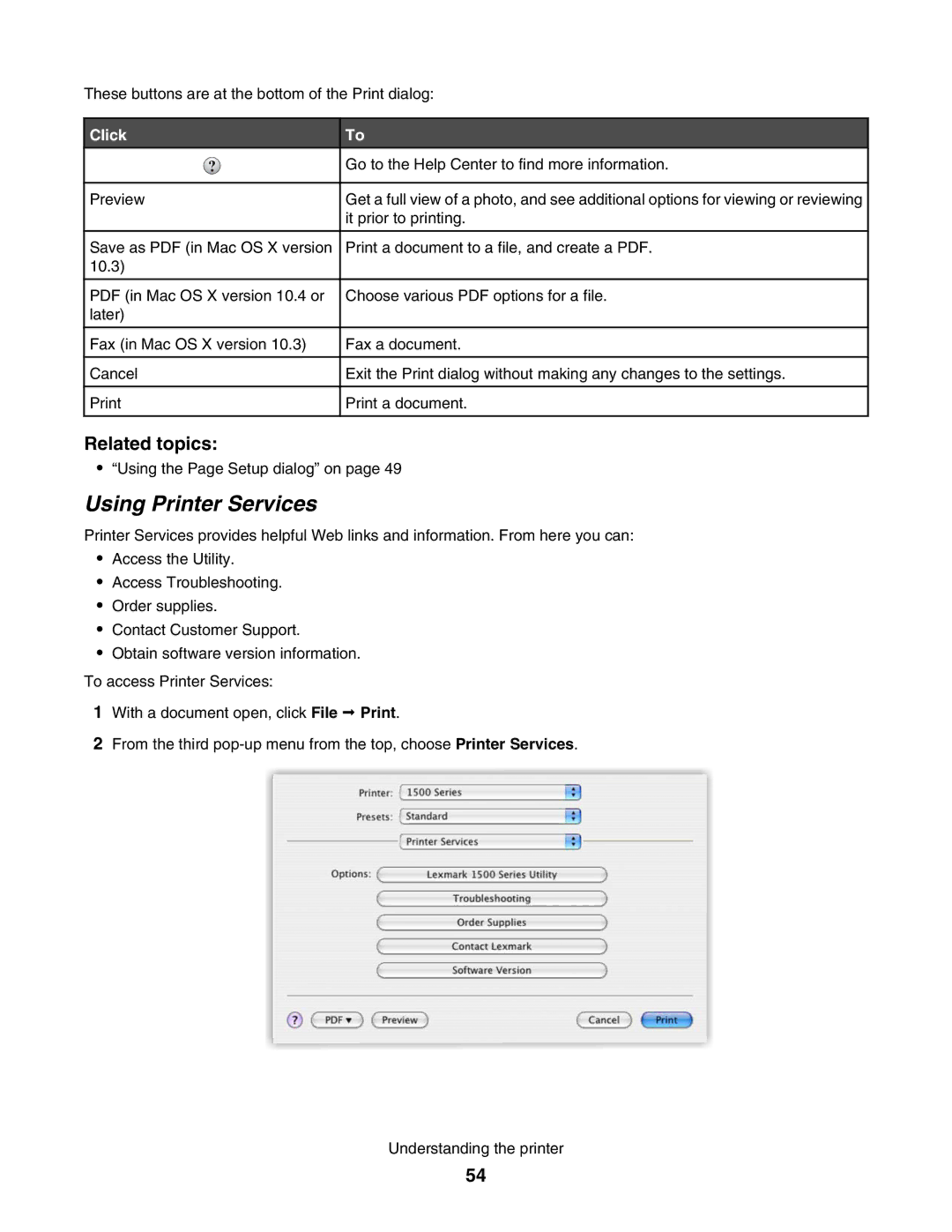
Printer Services provides helpful Web links and information. From here you can:
•Access the Utility.
•Access Troubleshooting.
•Order supplies.
•Contact Customer Support.
•Obtain software version information.
To access Printer Services:
1With a document open, click File Print.
2From the third
Understanding the printer
54