5 • Printer Maintenance
CMYK
Printing Alignment (DA550 ONLY continued)
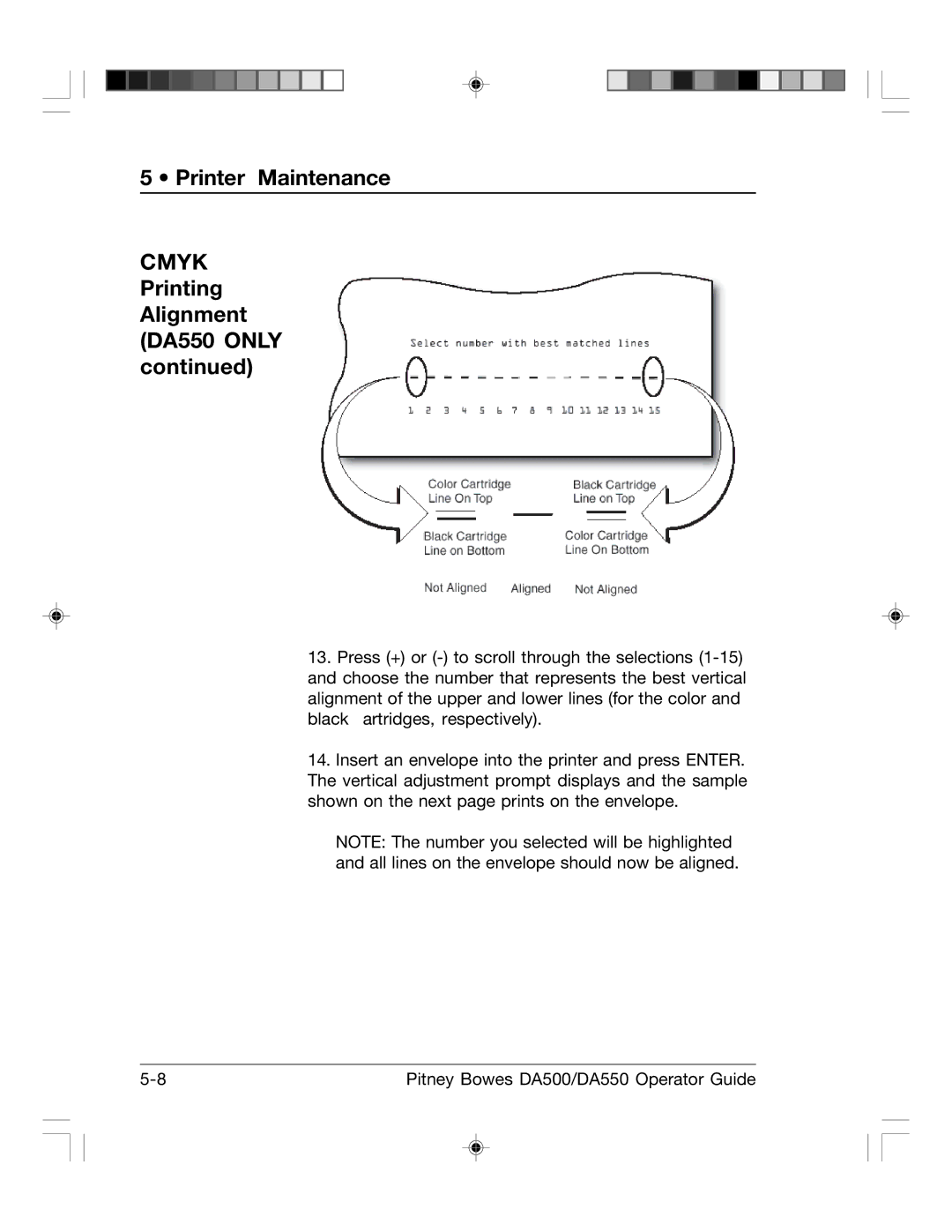
13.Press (+) or
14.Insert an envelope into the printer and press ENTER. The vertical adjustment prompt displays and the sample shown on the next page prints on the envelope.
NOTE: The number you selected will be highlighted and all lines on the envelope should now be aligned.
Pitney Bowes DA500/DA550 Operator Guide |