5:ZXP Series Toolbox Configuration
Wireless Settings
Note • Access to this feature is controlled via Advanced Security > Security Roles.
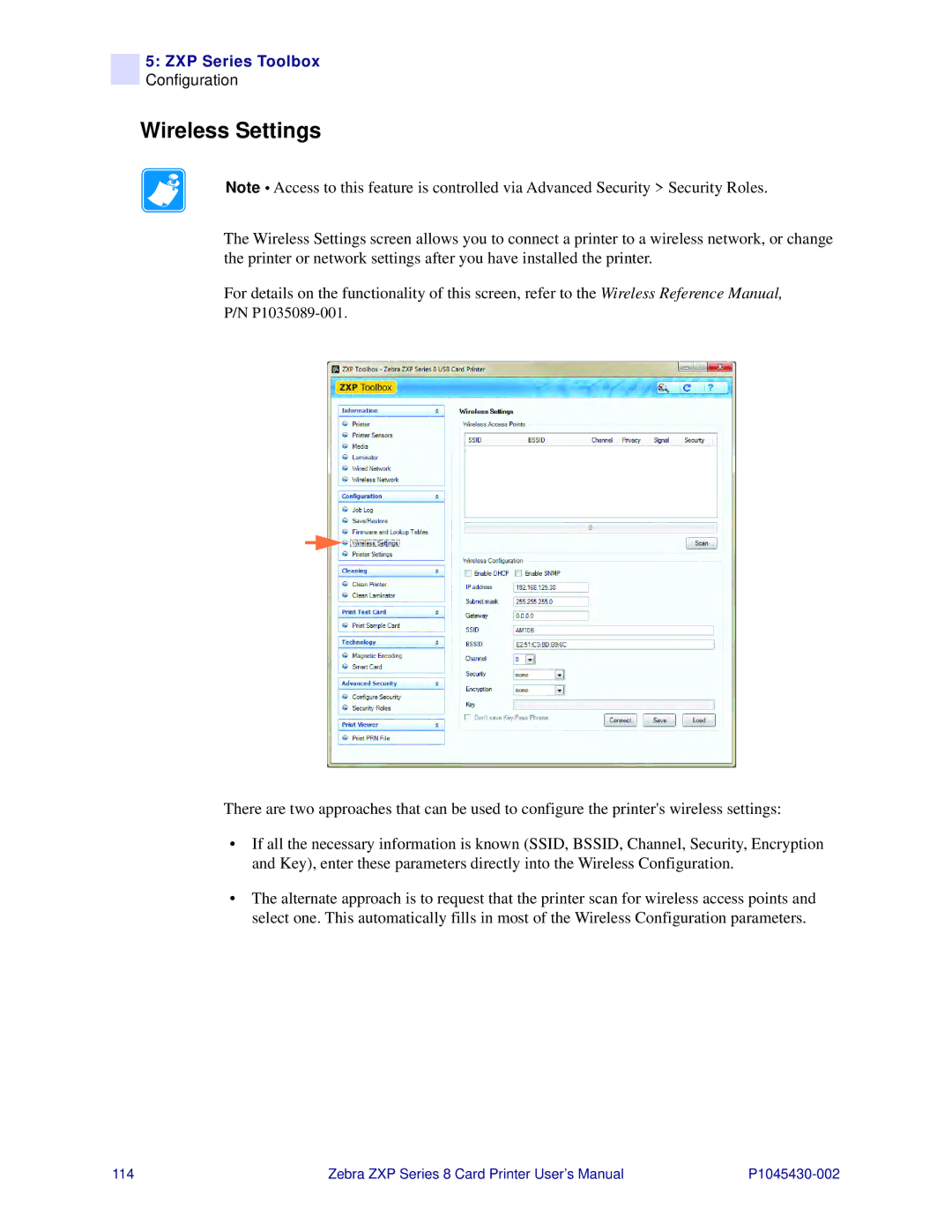
The Wireless Settings screen allows you to connect a printer to a wireless network, or change the printer or network settings after you have installed the printer.
For details on the functionality of this screen, refer to the Wireless Reference Manual,
P/N
There are two approaches that can be used to configure the printer's wireless settings:
•If all the necessary information is known (SSID, BSSID, Channel, Security, Encryption and Key), enter these parameters directly into the Wireless Configuration.
•The alternate approach is to request that the printer scan for wireless access points and select one. This automatically fills in most of the Wireless Configuration parameters.
114 | Zebra ZXP Series 8 Card Printer User’s Manual |