B: Setting Custom Card Specifications 
Step 3: Print and examine Test Card
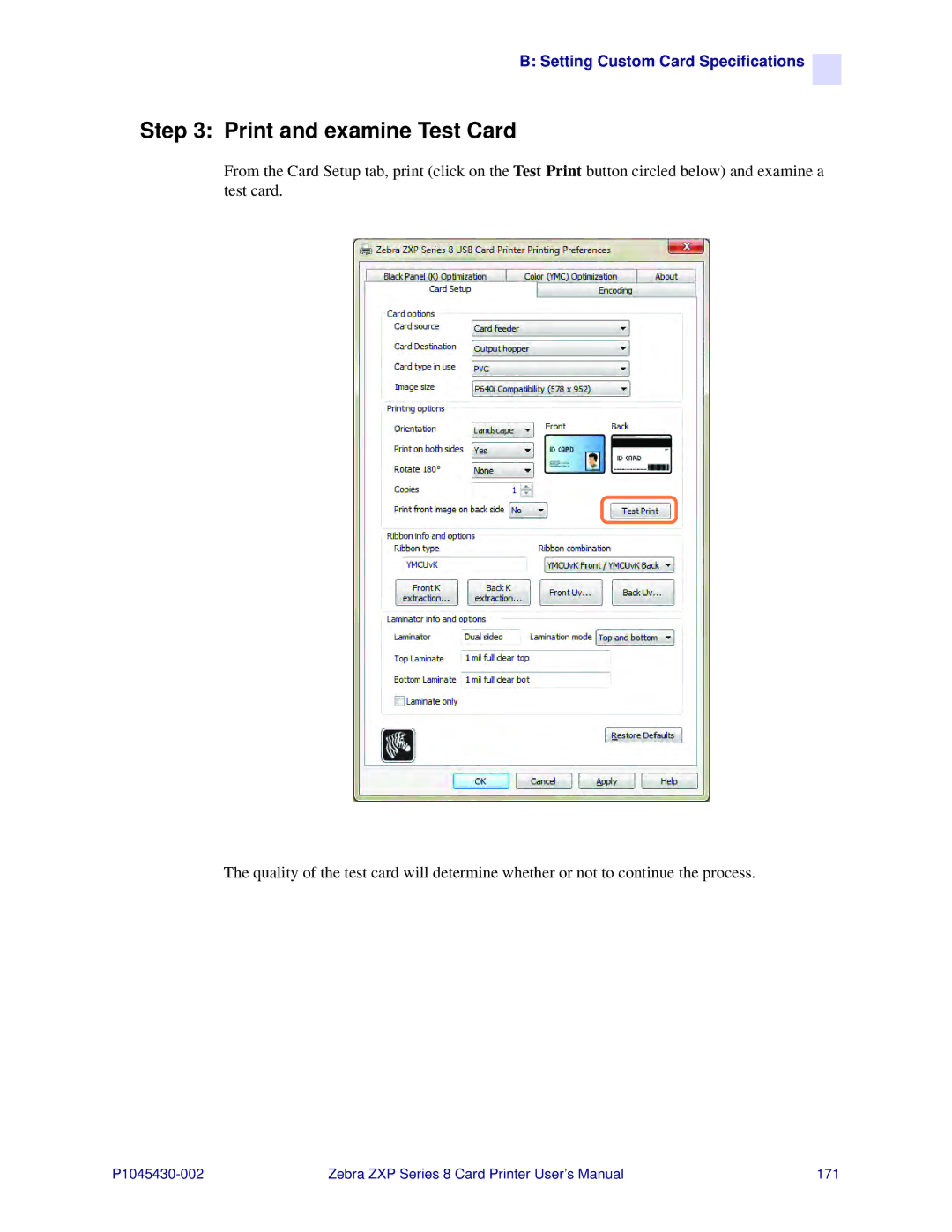
From the Card Setup tab, print (click on the Test Print button circled below) and examine a test card.
The quality of the test card will determine whether or not to continue the process.
Zebra ZXP Series 8 Card Printer User’s Manual | 171 |