B: Setting Custom Card Specifications
Step 2: Make adjustments
Note • Before making any adjustments, print and examine a test card (Step 3:). The quality of the test card will determine whether or not to continue the process.
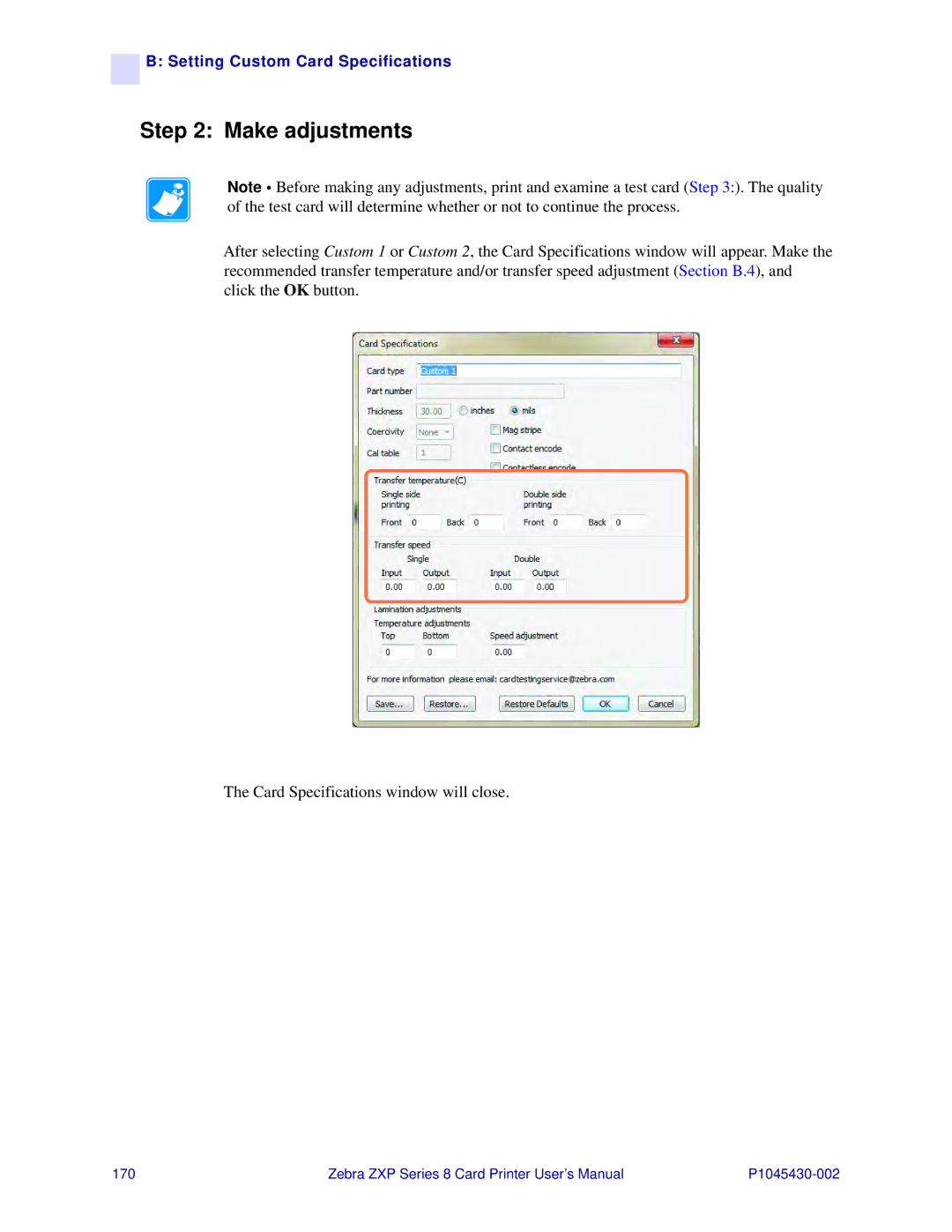
After selecting Custom 1 or Custom 2, the Card Specifications window will appear. Make the recommended transfer temperature and/or transfer speed adjustment (Section B.4), and click the OK button.
The Card Specifications window will close.
170 | Zebra ZXP Series 8 Card Printer User’s Manual |