2.1.1 E2 Main Processor Board | 2.1.3 E2 Keypad |
(CPU) |
|
|
|
|
|
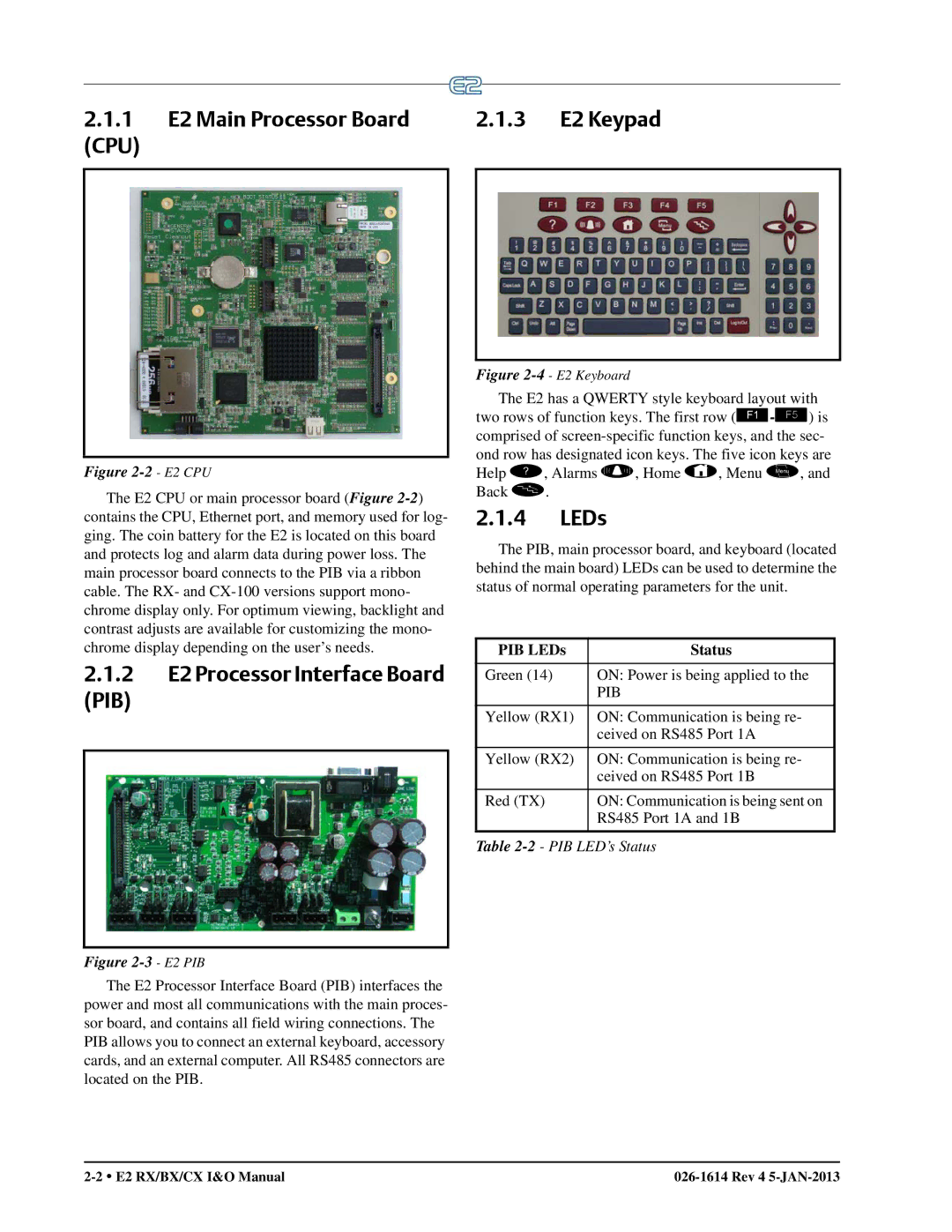
Figure 2-2 - E2 CPU
The E2 CPU or main processor board (Figure
2.1.2E2 Processor Interface Board
(PIB)
Figure 2-3 - E2 PIB
The E2 Processor Interface Board (PIB) interfaces the power and most all communications with the main proces- sor board, and contains all field wiring connections. The PIB allows you to connect an external keyboard, accessory cards, and an external computer. All RS485 connectors are located on the PIB.
Figure 2-4 - E2 Keyboard
The E2 has a QWERTY style keyboard layout with two rows of function keys. The first row
2.1.4LEDs
The PIB, main processor board, and keyboard (located behind the main board) LEDs can be used to determine the status of normal operating parameters for the unit.
PIB LEDs | Status |
|
|
Green (14) | ON: Power is being applied to the |
| PIB |
Yellow (RX1) | ON: Communication is being re- |
| ceived on RS485 Port 1A |
Yellow (RX2) | ON: Communication is being re- |
| ceived on RS485 Port 1B |
Red (TX) | ON: Communication is being sent on |
| RS485 Port 1A and 1B |