Chapter 3 Monitoring and Backing Up the BTS
Exporting Provisioned Data
#su - oracle
$ cd /opt/orahome/.ssh $ sftp root@priems sftp> cd /opt/orahome/.ssh sftp> get id_rsa*
sftp> quit
$ ls
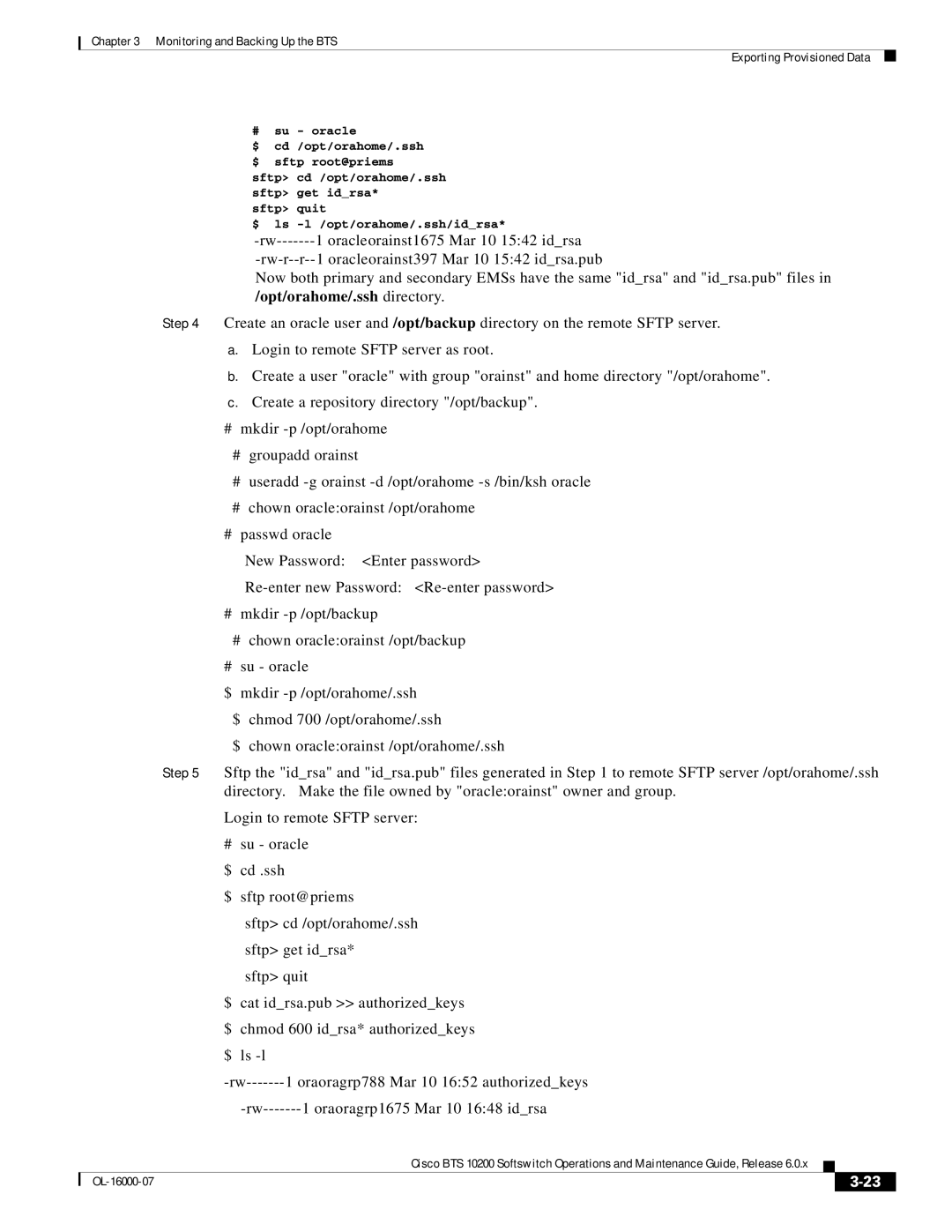
Now both primary and secondary EMSs have the same "id_rsa" and "id_rsa.pub" files in /opt/orahome/.ssh directory.
Step 4 Create an oracle user and /opt/backup directory on the remote SFTP server.
a.Login to remote SFTP server as root.
b.Create a user "oracle" with group "orainst" and home directory "/opt/orahome".
c.Create a repository directory "/opt/backup".
#mkdir
#groupadd orainst
#useradd
#chown oracle:orainst /opt/orahome
#passwd oracle
New Password: <Enter password>
#mkdir
#chown oracle:orainst /opt/backup
#su - oracle
$ mkdir
$ chmod 700 /opt/orahome/.ssh
$ chown oracle:orainst /opt/orahome/.ssh
Step 5 Sftp the "id_rsa" and "id_rsa.pub" files generated in Step 1 to remote SFTP server /opt/orahome/.ssh directory. Make the file owned by "oracle:orainst" owner and group.
Login to remote SFTP server:
# | su - oracle | ||||
$ | cd .ssh | ||||
$ | sftp root@priems | ||||
|
| sftp> cd /opt/orahome/.ssh | |||
|
| sftp> get id_rsa* | |||
|
| sftp> quit | |||
$ | cat id_rsa.pub >> authorized_keys | ||||
$ | chmod 600 id_rsa* authorized_keys | ||||
$ | ls | ||||
| |||||
|
| ||||
|
| Cisco BTS 10200 Softswitch Operations and Maintenance Guide, Release 6.0.x |
|
| |
|
|
| |||
|
|
|
|
|
|
|
|
|
| ||
|
|
|
| ||