FM Modulation
HP 8360
User’s Handbook
FM Modulation
Frequency modulation can be accepted from an external source at the FM connector or can be internally generated by synthesizers with Option 002. The damage level of the FM input is 4~15 V DC. The input impedance is set to 50R. A jumper on the All FM Driver board allows you to change the input impedance to 600R.
(See “Adjustments” in the Service Guide.) The FM sensitivity can be scaled to either 100 kHz/V, 1 MHz/V, or 10 MHz/V.
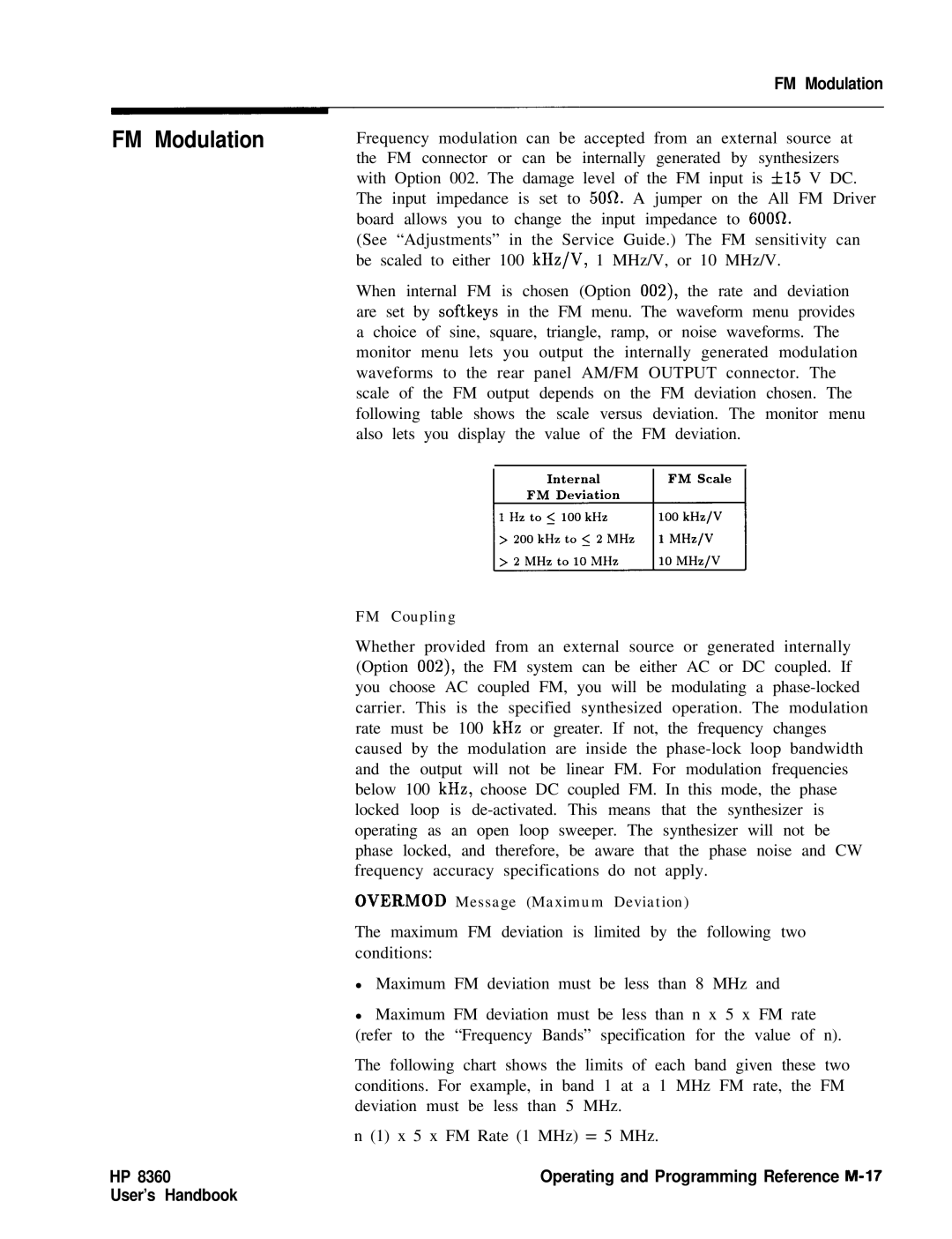
When internal FM is chosen (Option OOZ), the rate and deviation are set by softkeys in the FM menu. The waveform menu provides a choice of sine, square, triangle, ramp, or noise waveforms. The monitor menu lets you output the internally generated modulation waveforms to the rear panel AM/FM OUTPUT connector. The scale of the FM output depends on the FM deviation chosen. The following table shows the scale versus deviation. The monitor menu also lets you display the value of the FM deviation.
FM Coupling
Whether provided from an external source or generated internally (Option 002), the FM system can be either AC or DC coupled. If you choose AC coupled FM, you will be modulating a
OVERMOD Message (Maximum Deviation)
The maximum FM deviation is limited by the following two conditions:
•Maximum FM deviation must be less than 8 MHz and
•Maximum FM deviation must be less than n x 5 x FM rate (refer to the “Frequency Bands” specification for the value of n).
The following chart shows the limits of each band given these two conditions. For example, in band 1 at a 1 MHz FM rate, the FM deviation must be less than 5 MHz.
n (1) x 5 x FM Rate (1 MHz) = 5 MHz.