The LCD Console
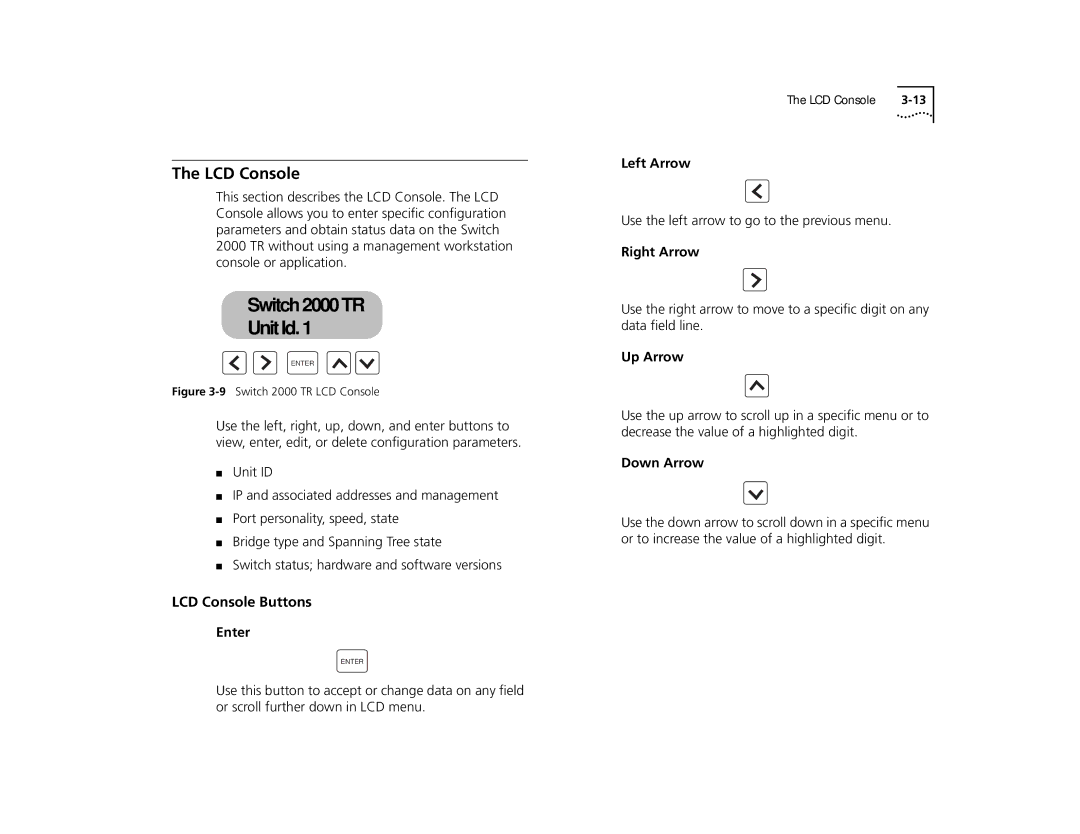
This section describes the LCD Console. The LCD Console allows you to enter specific configuration parameters and obtain status data on the Switch 2000 TR without using a management workstation console or application.
Switch 2000 TR
Switch 2000 TR
Unit Id. 1
Unit Id: 1
ENTER
Figure 3-9 Switch 2000 TR LCD Console
Use the left, right, up, down, and enter buttons to view, enter, edit, or delete configuration parameters.
■Unit ID
■IP and associated addresses and management
■Port personality, speed, state
■Bridge type and Spanning Tree state
■Switch status; hardware and software versions
LCD Console Buttons
Enter
ENTER
The LCD Console |
Left Arrow
Use the left arrow to go to the previous menu.
Right Arrow
Use the right arrow to move to a specific digit on any data field line.
Up Arrow
Use the up arrow to scroll up in a specific menu or to decrease the value of a highlighted digit.
Down Arrow
Use the down arrow to scroll down in a specific menu or to increase the value of a highlighted digit.
Use this button to accept or change data on any field or scroll further down in LCD menu.