Chapter 3. Configuring 3Com VCX IP Telecommuting Module
power of two number you selected, but under 255. In the above example, this means 0, 8, 16, 24, 32, 40, 48 and so on, up to 248. You might choose to start with 136 (17 x 8). This would give the computers the IP addresses 196.176.1.136, 196.176.1.137, 196.176.1.138, 196.176.1.139, 196.176.1.140, 196.176.1.141, 196.176.1.142 and 196.176.1.143.
One of the IP addresses is free and can be used for an eighth computer in the future. You must enter the first IP address in the series, 196.176.1.136, in the Network/IP address field.
Now you must set the mask so that only the computers with these eight IP addresses are in- cluded in this network. Take 256 and subtract the number of IP addresses in the named net- work. In the example, we would have
Now you have created a group of computers (IP addresses) that you can give a single name, such as Administration.
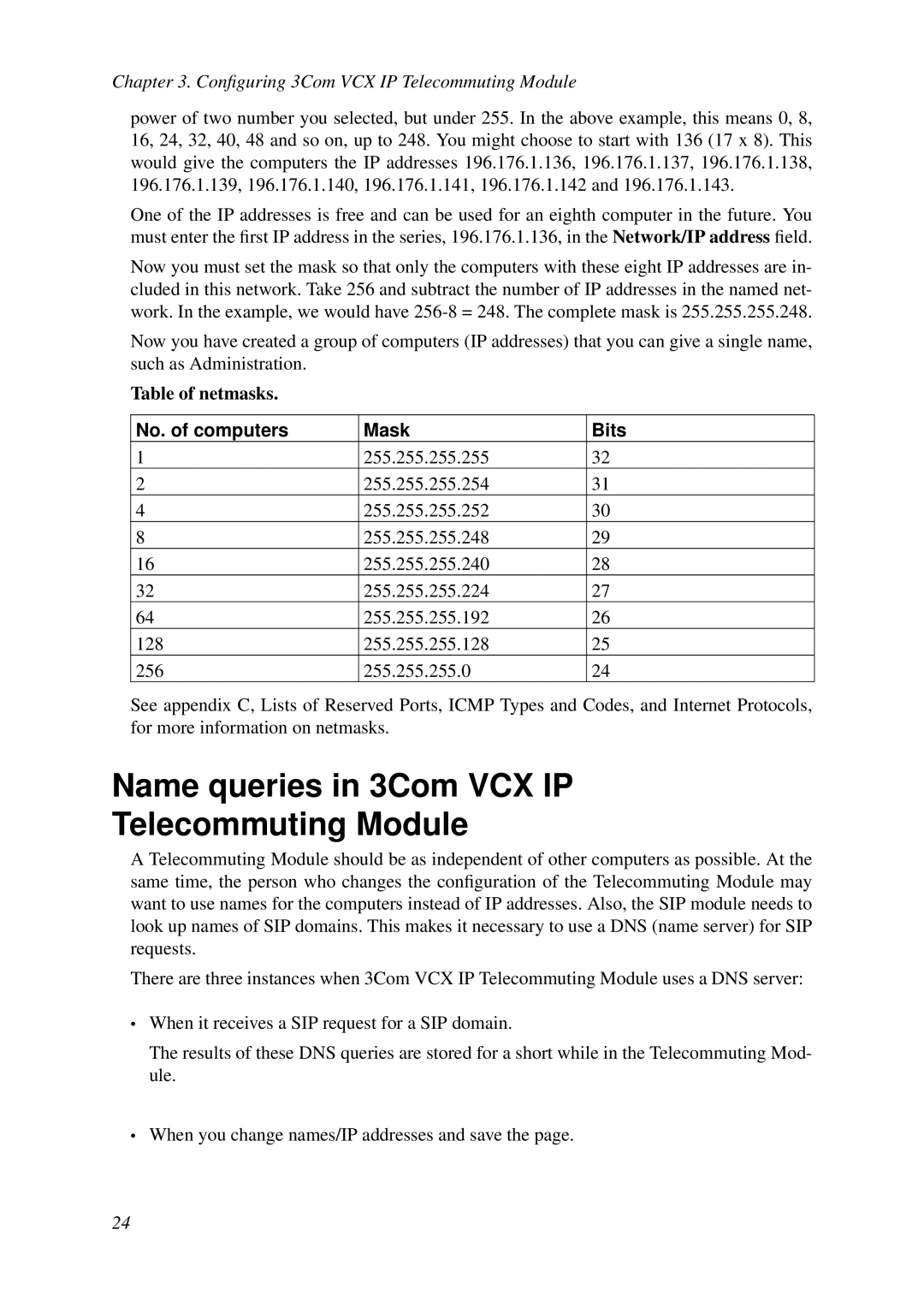
Table of netmasks.
No. of computers | Mask | Bits |
1 | 255.255.255.255 | 32 |
2 | 255.255.255.254 | 31 |
4 | 255.255.255.252 | 30 |
8 | 255.255.255.248 | 29 |
16 | 255.255.255.240 | 28 |
32 | 255.255.255.224 | 27 |
64 | 255.255.255.192 | 26 |
128 | 255.255.255.128 | 25 |
256 | 255.255.255.0 | 24 |
See appendix C, Lists of Reserved Ports, ICMP Types and Codes, and Internet Protocols, for more information on netmasks.
Name queries in 3Com VCX IP
Telecommuting Module
A Telecommuting Module should be as independent of other computers as possible. At the same time, the person who changes the configuration of the Telecommuting Module may want to use names for the computers instead of IP addresses. Also, the SIP module needs to look up names of SIP domains. This makes it necessary to use a DNS (name server) for SIP requests.
There are three instances when 3Com VCX IP Telecommuting Module uses a DNS server:
•When it receives a SIP request for a SIP domain.
The results of these DNS queries are stored for a short while in the Telecommuting Mod- ule.
•When you change names/IP addresses and save the page.
24