Using Peer Cop with Modsoft
Confirming the Peer Cop Summary Information, Continued
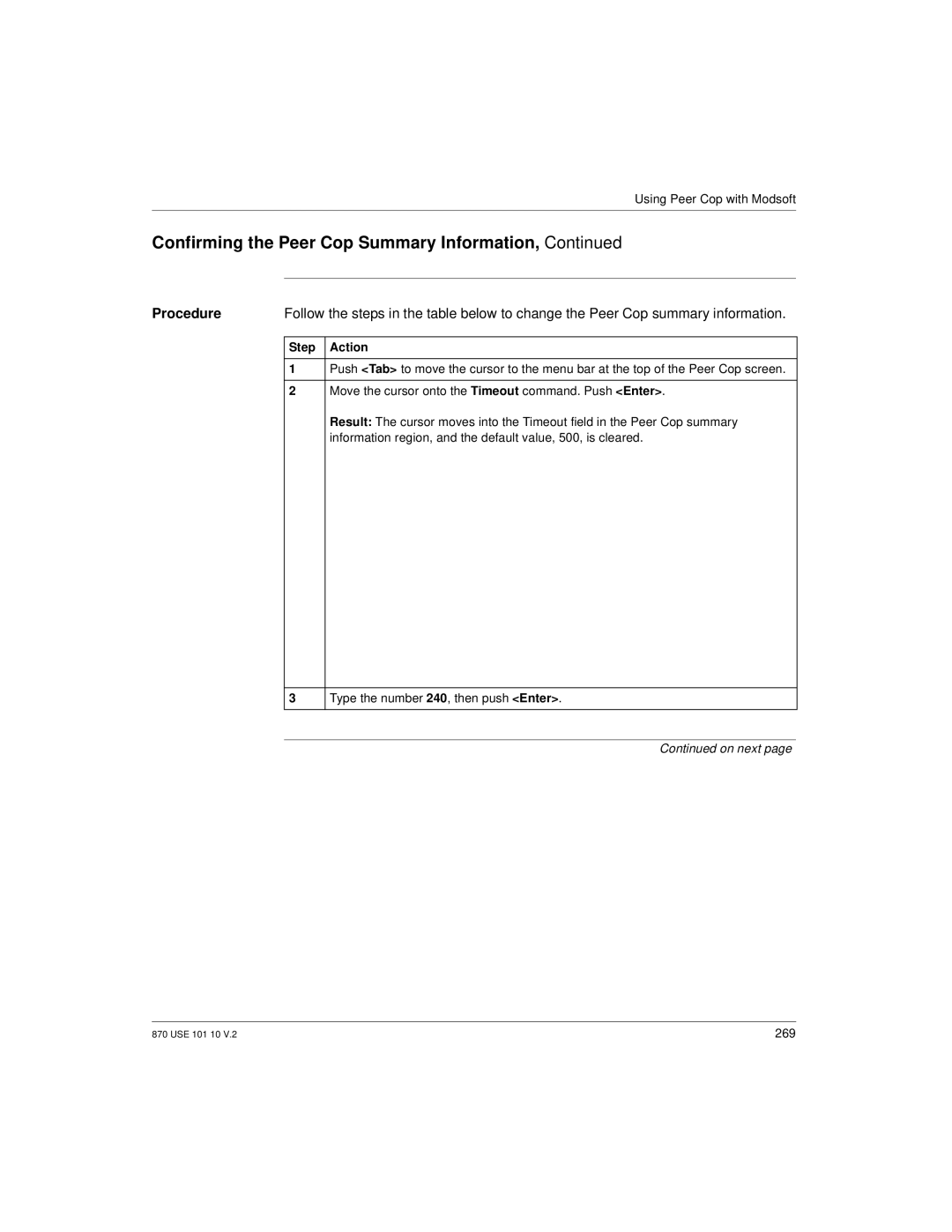
Procedure | Follow the steps in the table below to change the Peer Cop summary information. |
Step Action
1Push <Tab> to move the cursor to the menu bar at the top of the Peer Cop screen.
2Move the cursor onto the Timeout command. Push <Enter>.
Result: The cursor moves into the Timeout field in the Peer Cop summary information region, and the default value, 500, is cleared.
3
Type the number 240, then push <Enter>.
Continued on next page
870 USE 101 10 V.2 | 269 |