42CHAPTER 2: INSTALLATION
Connecting to the T1/E1 UNI Interface
As shown above in Figure 18, the PathBuilder S330 T1/E1 UNI with IMA interface provides four T1/E1 ports. You can connect a single T1/E1 line to this interface, or connect up to four T1/E1 lines and combine them to form a logical,
If you are using a G703 coax physical connection to connect the E1 line to the interface, you must use the E1 Balun Adapter (part number 3C63904).
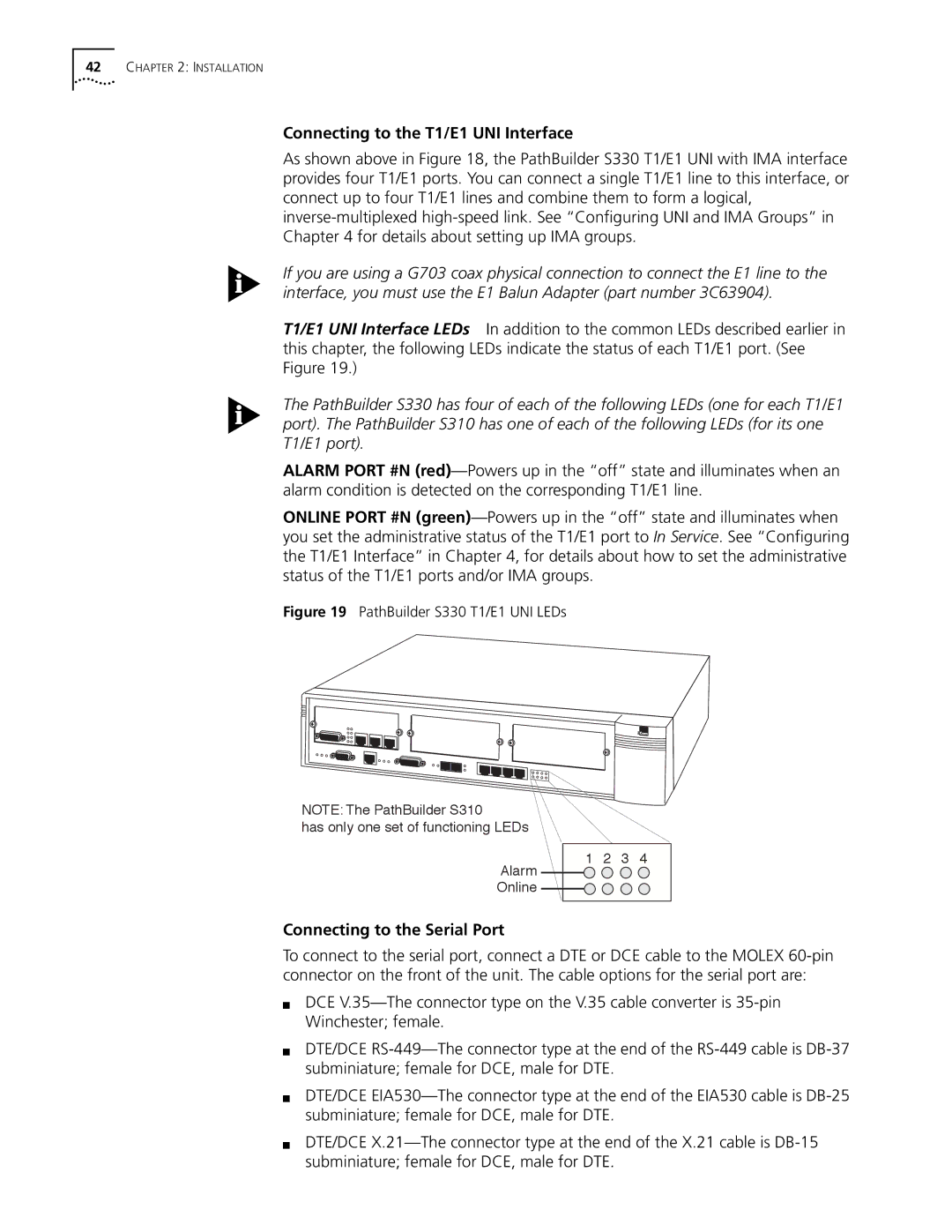
T1/E1 UNI Interface LEDs In addition to the common LEDs described earlier in this chapter, the following LEDs indicate the status of each T1/E1 port. (See Figure 19.)
The PathBuilder S330 has four of each of the following LEDs (one for each T1/E1 port). The PathBuilder S310 has one of each of the following LEDs (for its one T1/E1 port).
ALARM PORT #N
ONLINE PORT #N
Figure 19 PathBuilder S330 T1/E1 UNI LEDs
NOTE: The PathBuilder S310
has only one set of functioning LEDs
Alarm
Online
1 2 3 4
Connecting to the Serial Port
To connect to the serial port, connect a DTE or DCE cable to the MOLEX
■DCE
■DTE/DCE
■DTE/DCE
■DTE/DCE