Multiserver 5000
6. Getting Started
6.1 Multiserver Base Unit Location
Your Multiserver should be installed at its location. If you have a Rackmount Kit, install it now (see Appendix G). Place the Multiserver in the Rackmount Tray when completed.
6.2 Connecting an ASCII Terminal
You will need to connect an ASCII terminal to the Multiserver in order to access the Command Mode and the Command Facility. The Command Mode offers complete configuration and administration options. The
If you have an optional NMS module installed, connect an ASCII terminal to the NMS Command Port.
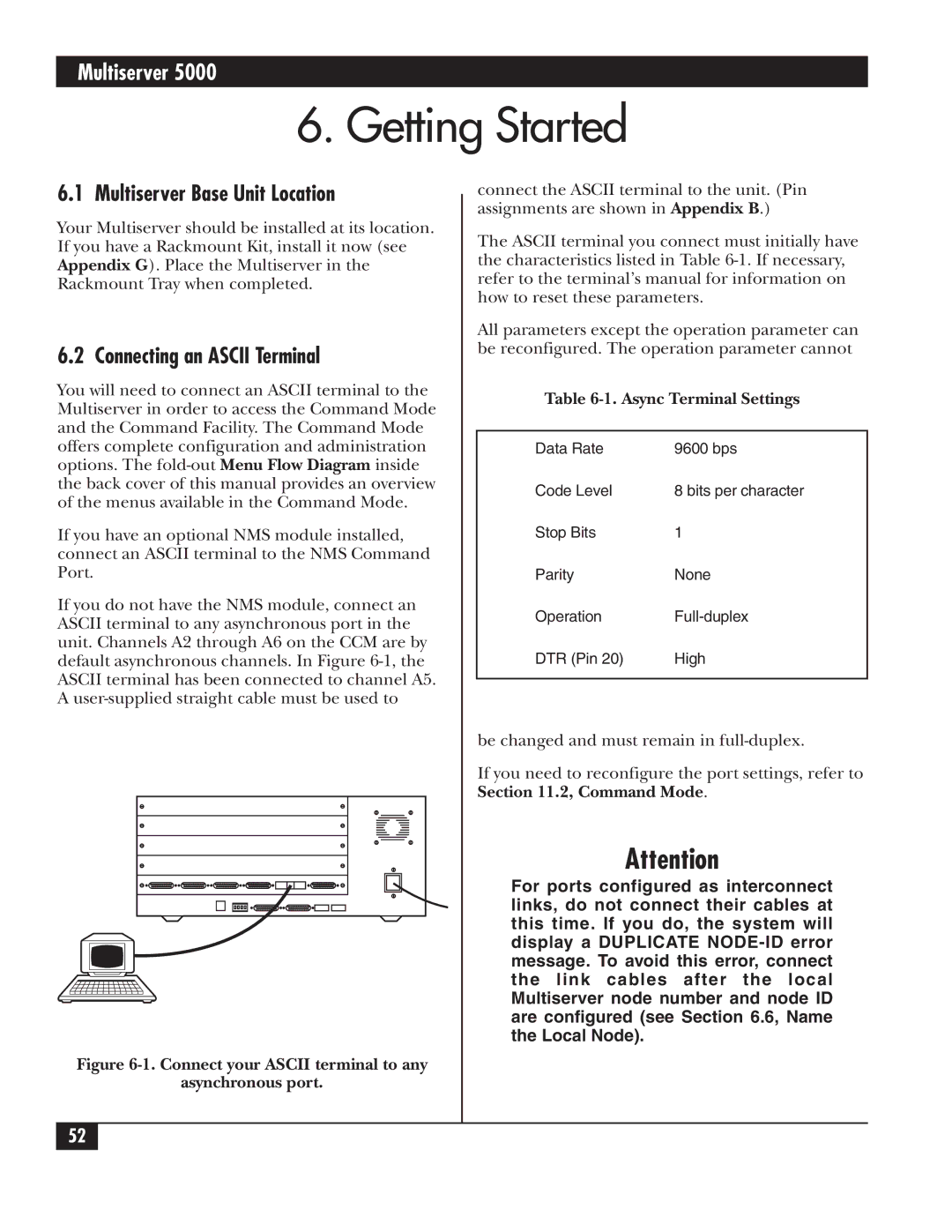
If you do not have the NMS module, connect an ASCII terminal to any asynchronous port in the unit. Channels A2 through A6 on the CCM are by default asynchronous channels. In Figure
Figure 6-1. Connect your ASCII terminal to any
asynchronous port.
connect the ASCII terminal to the unit. (Pin assignments are shown in Appendix B.)
The ASCII terminal you connect must initially have the characteristics listed in Table
All parameters except the operation parameter can be reconfigured. The operation parameter cannot
Table 6-1. Async Terminal Settings
Data Rate | 9600 bps |
Code Level | 8 bits per character |
Stop Bits | 1 |
Parity | None |
Operation | |
DTR (Pin 20) | High |
|
|
be changed and must remain in
If you need to reconfigure the port settings, refer to Section 11.2, Command Mode.
Attention
For ports configured as interconnect links, do not connect their cables at this time. If you do, the system will display a DUPLICATE
52