Introduction
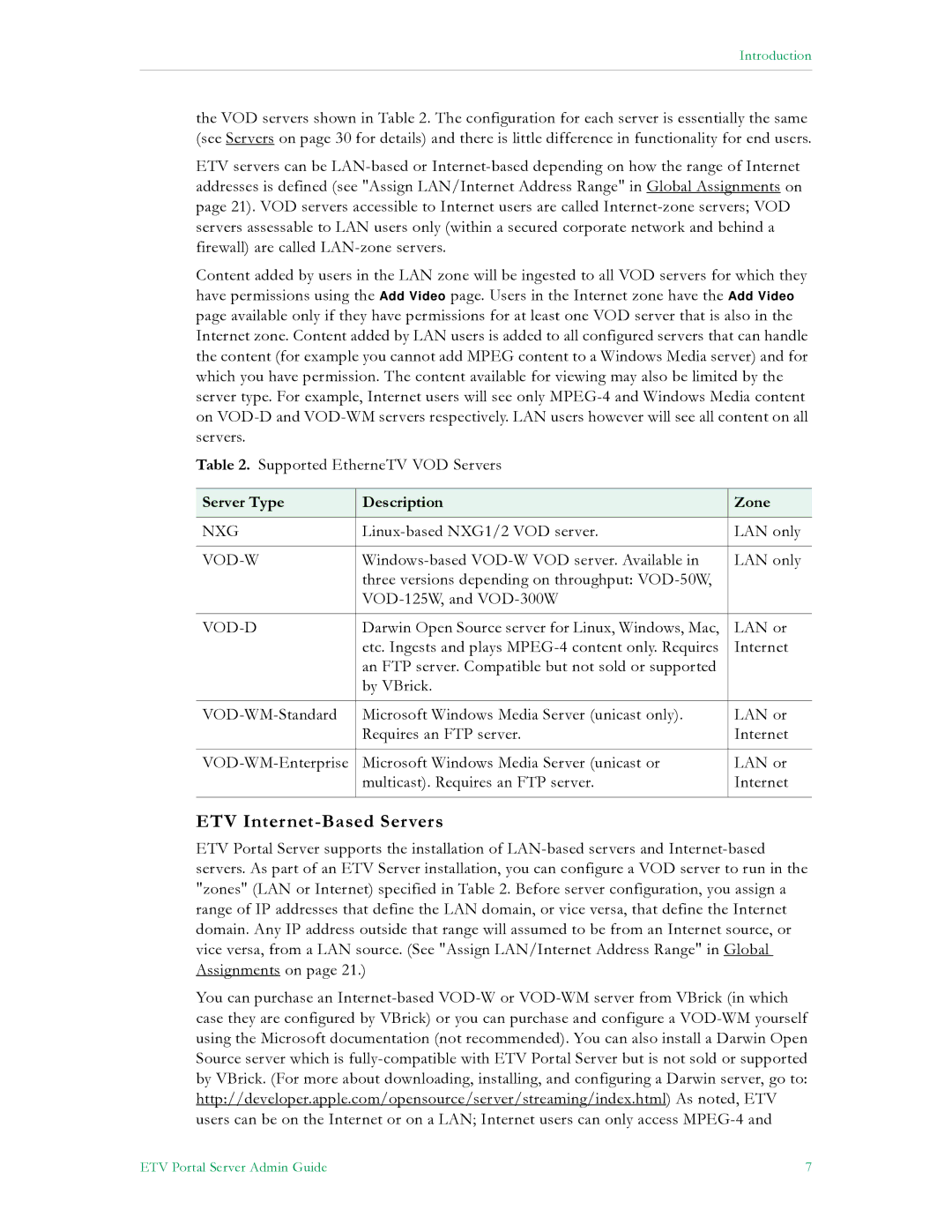
the VOD servers shown in Table 2. The configuration for each server is essentially the same (see Servers on page 30 for details) and there is little difference in functionality for end users.
ETV servers can be LAN-based or Internet-based depending on how the range of Internet addresses is defined (see "Assign LAN/Internet Address Range" in Global Assignments on page 21). VOD servers accessible to Internet users are called Internet-zone servers; VOD servers assessable to LAN users only (within a secured corporate network and behind a firewall) are called LAN-zone servers.
Content added by users in the LAN zone will be ingested to all VOD servers for which they have permissions using the Add Video page. Users in the Internet zone have the Add Video page available only if they have permissions for at least one VOD server that is also in the Internet zone. Content added by LAN users is added to all configured servers that can handle the content (for example you cannot add MPEG content to a Windows Media server) and for which you have permission. The content available for viewing may also be limited by the server type. For example, Internet users will see only MPEG-4 and Windows Media content on VOD-D and VOD-WM servers respectively. LAN users however will see all content on all servers.
Table 2. Supported EtherneTV VOD Servers
Server Type | Description | Zone |
| | |
NXG | Linux-based NXG1/2 VOD server. | LAN only |
| | |
VOD-W | Windows-based VOD-W VOD server. Available in | LAN only |
| three versions depending on throughput: VOD-50W, | |
| VOD-125W, and VOD-300W | |
| | |
VOD-D | Darwin Open Source server for Linux, Windows, Mac, | LAN or |
| etc. Ingests and plays MPEG-4 content only. Requires | Internet |
| an FTP server. Compatible but not sold or supported | |
| by VBrick. | |
| | |
VOD-WM-Standard | Microsoft Windows Media Server (unicast only). | LAN or |
| Requires an FTP server. | Internet |
| | |
VOD-WM-Enterprise | Microsoft Windows Media Server (unicast or | LAN or |
| multicast). Requires an FTP server. | Internet |
| | |
ETV Internet-Based Servers
ETV Portal Server supports the installation of LAN-based servers and Internet-based servers. As part of an ETV Server installation, you can configure a VOD server to run in the "zones" (LAN or Internet) specified in Table 2. Before server configuration, you assign a range of IP addresses that define the LAN domain, or vice versa, that define the Internet domain. Any IP address outside that range will assumed to be from an Internet source, or vice versa, from a LAN source. (See "Assign LAN/Internet Address Range" in Global Assignments on page 21.)
You can purchase an Internet-based VOD-W or VOD-WM server from VBrick (in which case they are configured by VBrick) or you can purchase and configure a VOD-WM yourself using the Microsoft documentation (not recommended). You can also install a Darwin Open Source server which is fully-compatible with ETV Portal Server but is not sold or supported by VBrick. (For more about downloading, installing, and configuring a Darwin server, go to: http://developer.apple.com/opensource/server/streaming/index.html) As noted, ETV users can be on the Internet or on a LAN; Internet users can only access MPEG-4 and
ETV Portal Server Admin Guide | 7 |