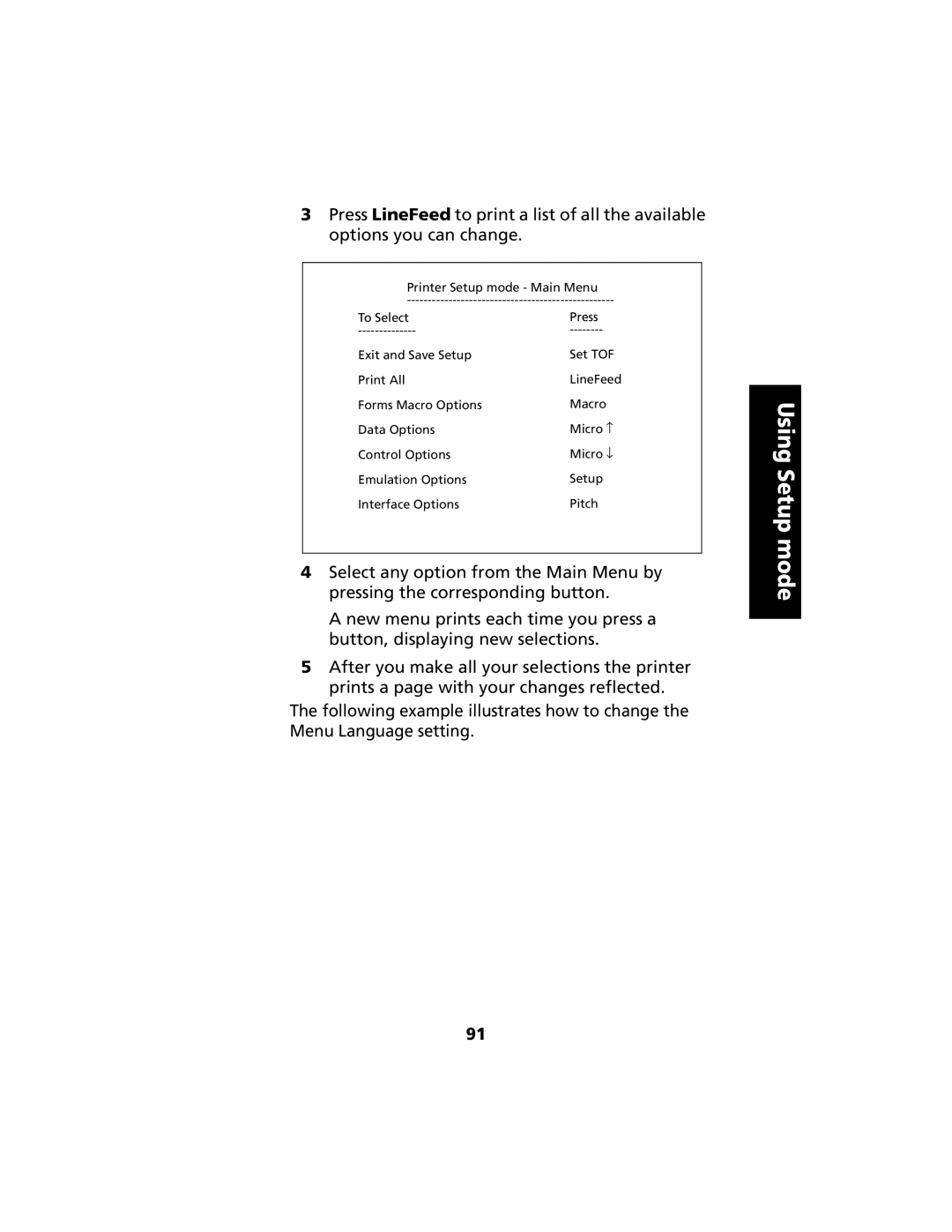
3Press LineFeed to print a list of all the available options you can change.
Printer Setup mode - Main Menu
To Select | Press |
Exit and Save Setup | Set TOF |
Print All | LineFeed |
Forms Macro Options | Macro |
Data Options | Micro ↑ |
Control Options | Micro ↓ |
Emulation Options | Setup |
Interface Options | Pitch |
4Select any option from the Main Menu by pressing the corresponding button.
A new menu prints each time you press a button, displaying new selections.
5After you make all your selections the printer prints a page with your changes reflected.
The following example illustrates how to change the Menu Language setting.
Using Setup mode
91