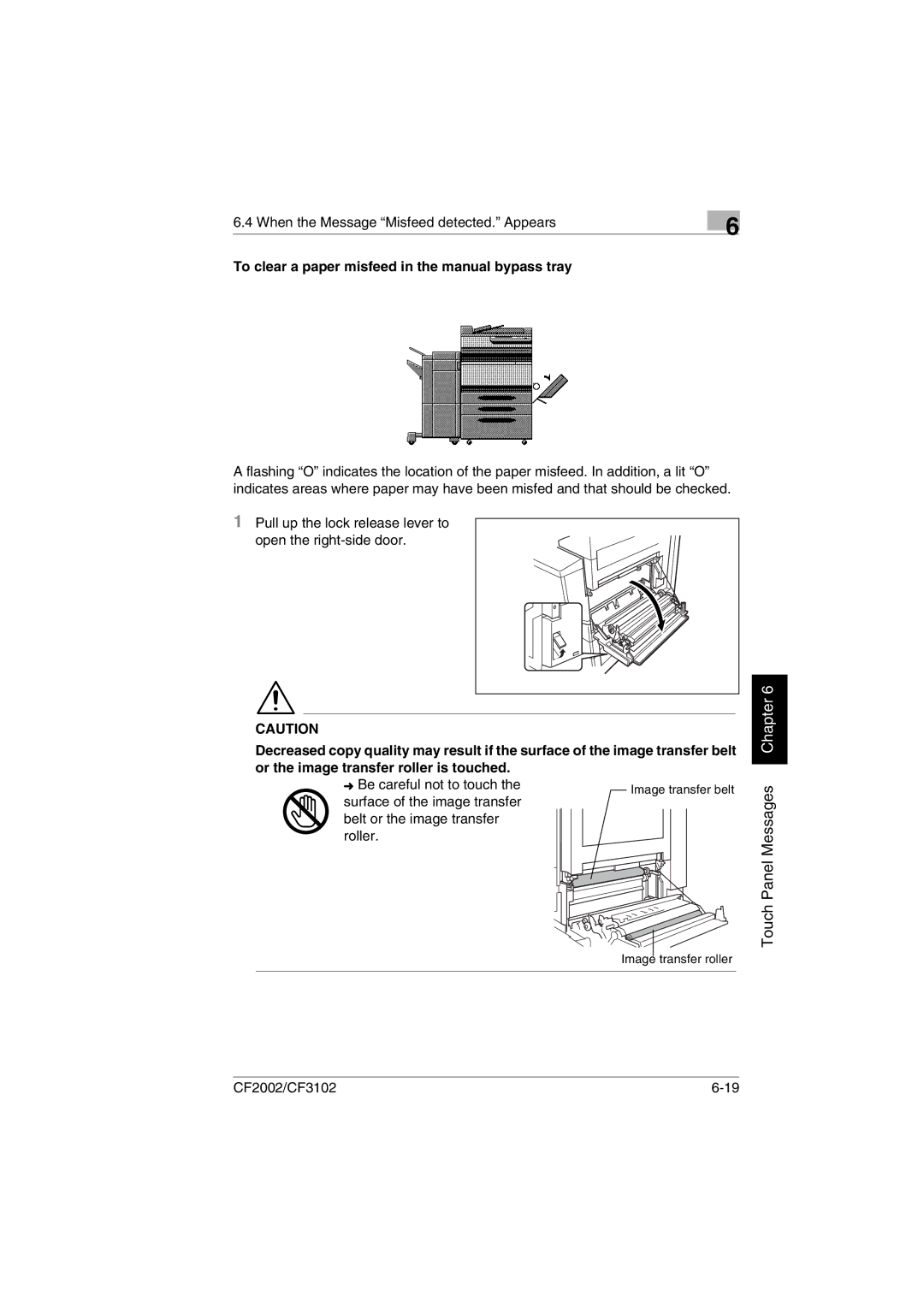
Image transfer belt
Image transfer roller
6.4 When the Message “Misfeed detected.” Appears
To clear a paper misfeed in the manual bypass tray
6
A flashing “O” indicates the location of the paper misfeed. In addition, a lit “O” indicates areas where paper may have been misfed and that should be checked.
1Pull up the lock release lever to
open the
CAUTION
Decreased copy quality may result if the surface of the image transfer belt or the image transfer roller is touched.
➜ Be careful not to touch the surface of the image transfer belt or the image transfer roller.
Touch Panel Messages Chapter 6
CF2002/CF3102 |