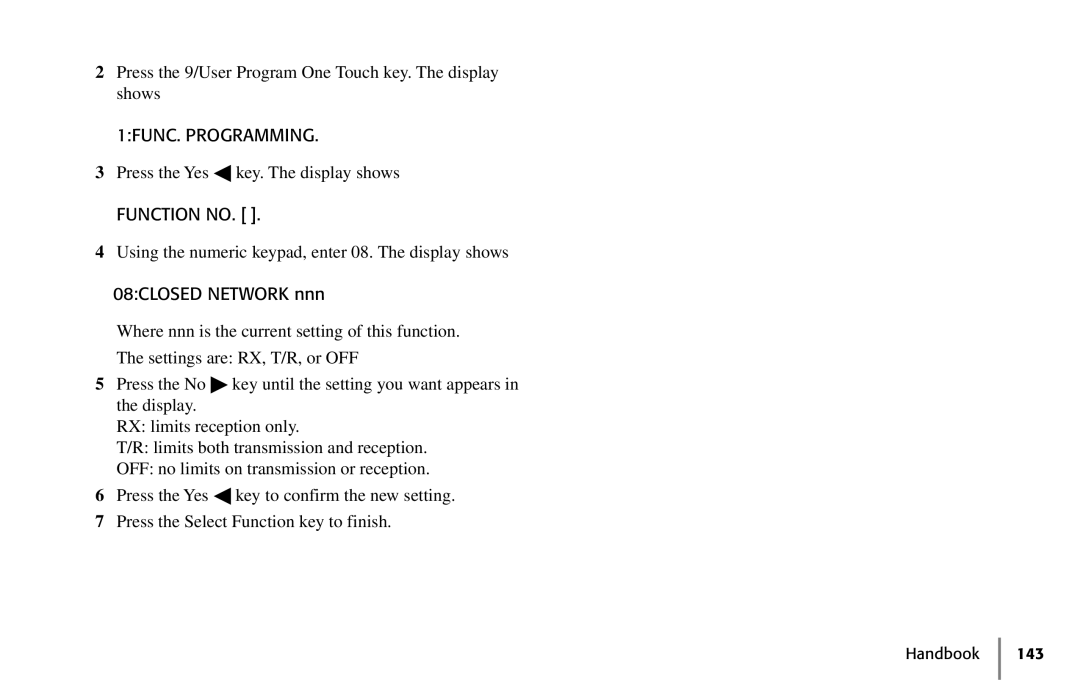
2Press the 9/User Program One Touch key. The display shows
1:FUNC. PROGRAMMING.
3Press the Yes ◀ key. The display shows
FUNCTION NO. [ ].
4Using the numeric keypad, enter 08. The display shows
08:CLOSED NETWORK nnn
Where nnn is the current setting of this function.
The settings are: RX, T/R, or OFF
5Press the No ♣ key until the setting you want appears in the display.
RX: limits reception only.
T/R: limits both transmission and reception.
OFF: no limits on transmission or reception.
6Press the Yes ◀ key to confirm the new setting.
7Press the Select Function key to finish.