46Setting options and defaults
Setting Norton Ghost options and defaults
Setting Norton Ghost options and defaults
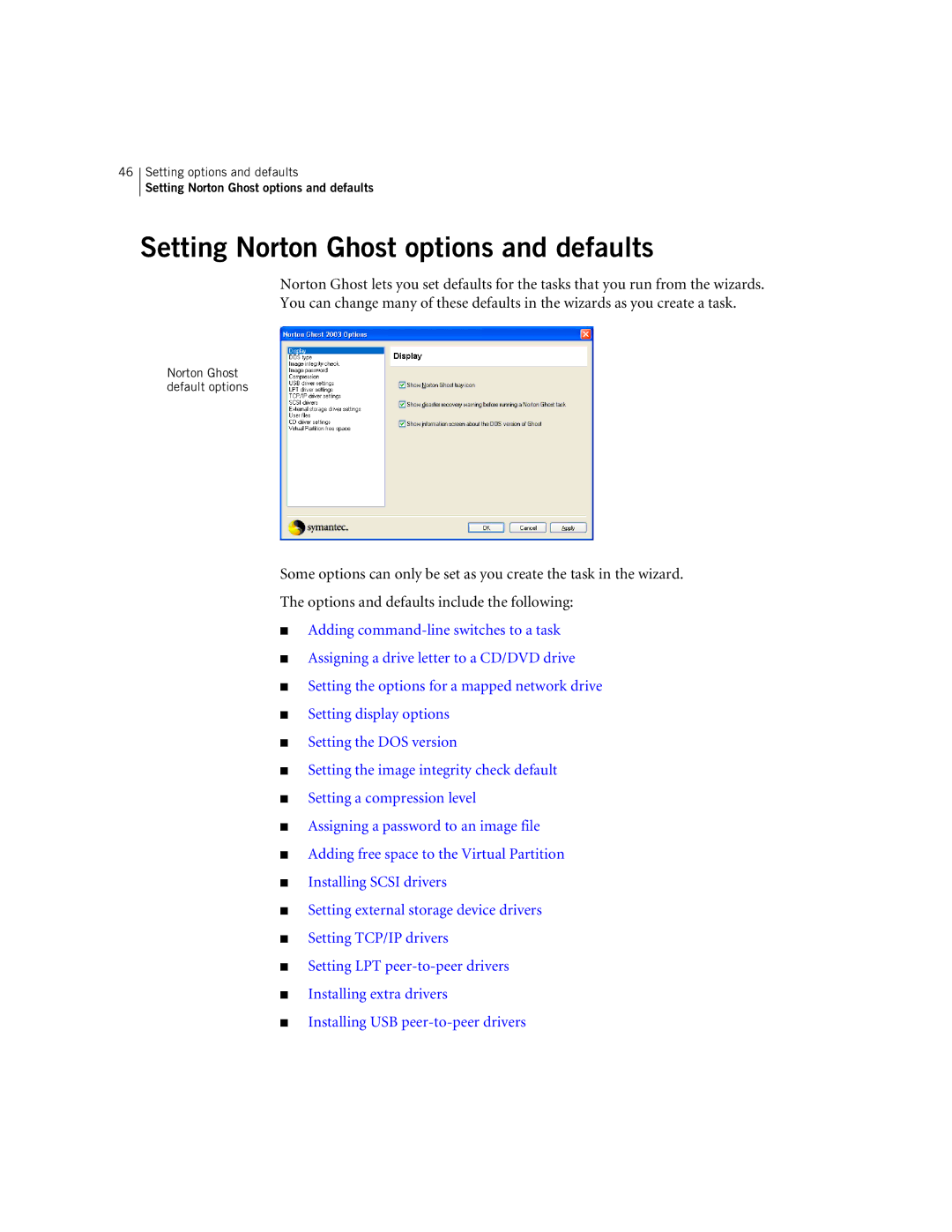
Norton Ghost lets you set defaults for the tasks that you run from the wizards. You can change many of these defaults in the wizards as you create a task.
Norton Ghost default options
Some options can only be set as you create the task in the wizard.
The options and defaults include the following:
■Adding
■Assigning a drive letter to a CD/DVD drive
■Setting the options for a mapped network drive
■Setting display options
■Setting the DOS version
■Setting the image integrity check default
■Setting a compression level
■Assigning a password to an image file
■Adding free space to the Virtual Partition
■Installing SCSI drivers
■Setting external storage device drivers
■Setting TCP/IP drivers
■Setting LPT
■Installing extra drivers
■Installing USB