Features
The HP embedded Web server allows you to view printer and network card status and manage printing functions from your PC. With the HP embedded Web server, you can do the following:
●view printer status information
●determine the remaining life on all supplies and order new ones
●view and change tray configurations
●view and change the printer control panel menu configuration
●view and print internal pages
●receive notification of printer and supplies events
●add or customize links to other Web sites
●select the language in which to display the embedded Web server pages
●view and change network configuration
●view support content that is
For a complete explanation of the features and functionality of the embedded Web server, see Using the embedded Web server (HP Color LaserJet 3700 series printer only).
Other components and utilities
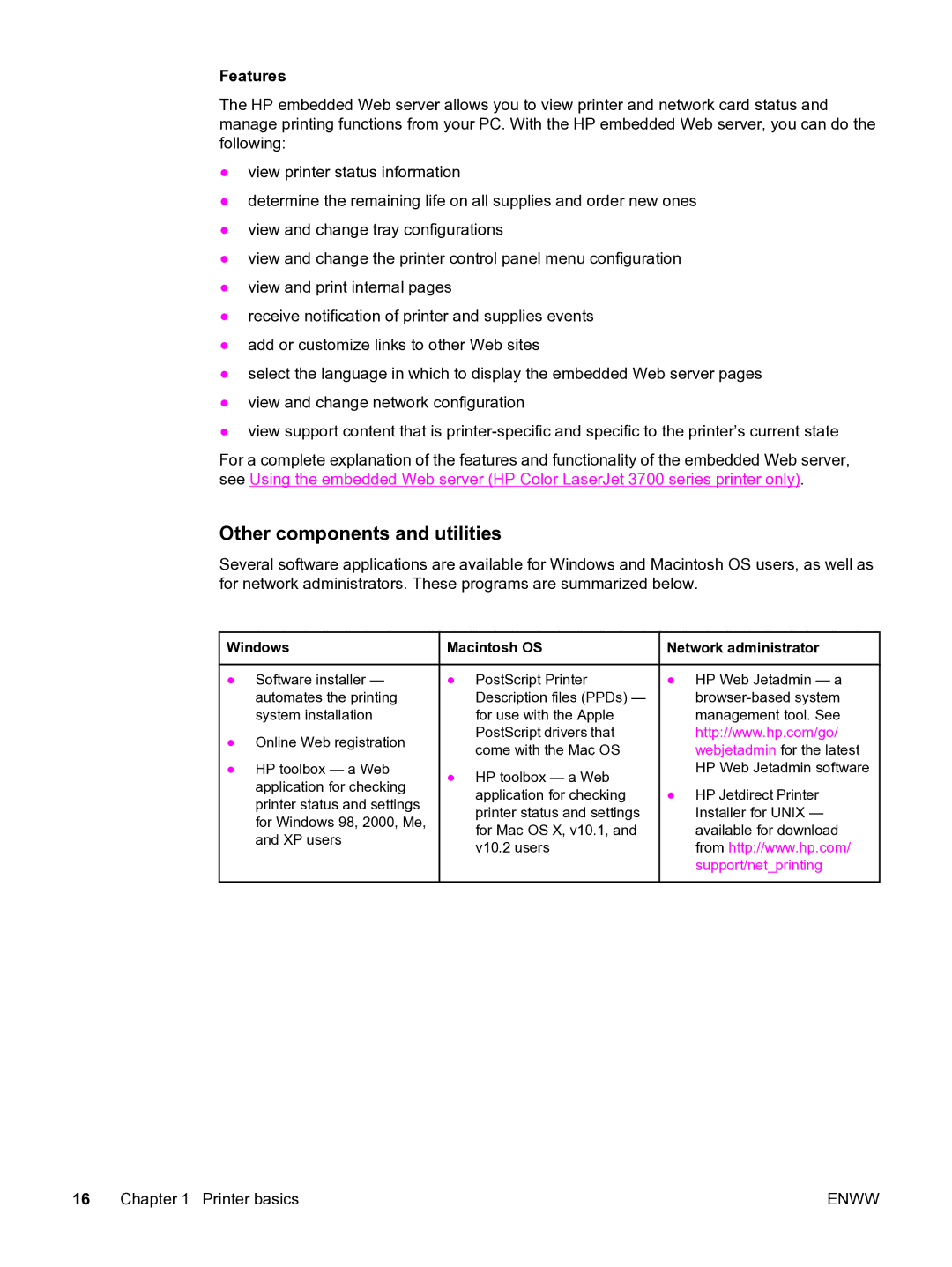
Several software applications are available for Windows and Macintosh OS users, as well as for network administrators. These programs are summarized below.
 Windows
●Software installer — automates the printing system installation
●Online Web registration
●HP toolbox — a Web application for checking printer status and settings for Windows 98, 2000, Me, and XP users
 Macintosh OS
●PostScript Printer Description files (PPDs) — for use with the Apple PostScript drivers that come with the Mac OS
●HP toolbox — a Web application for checking printer status and settings for Mac OS X, v10.1, and v10.2 users
 Network administrator
●HP Web Jetadmin — a
●HP Jetdirect Printer Installer for UNIX — available for download from http://www.hp.com/ support/net_printing
16 Chapter 1 Printer basics | ENWW |