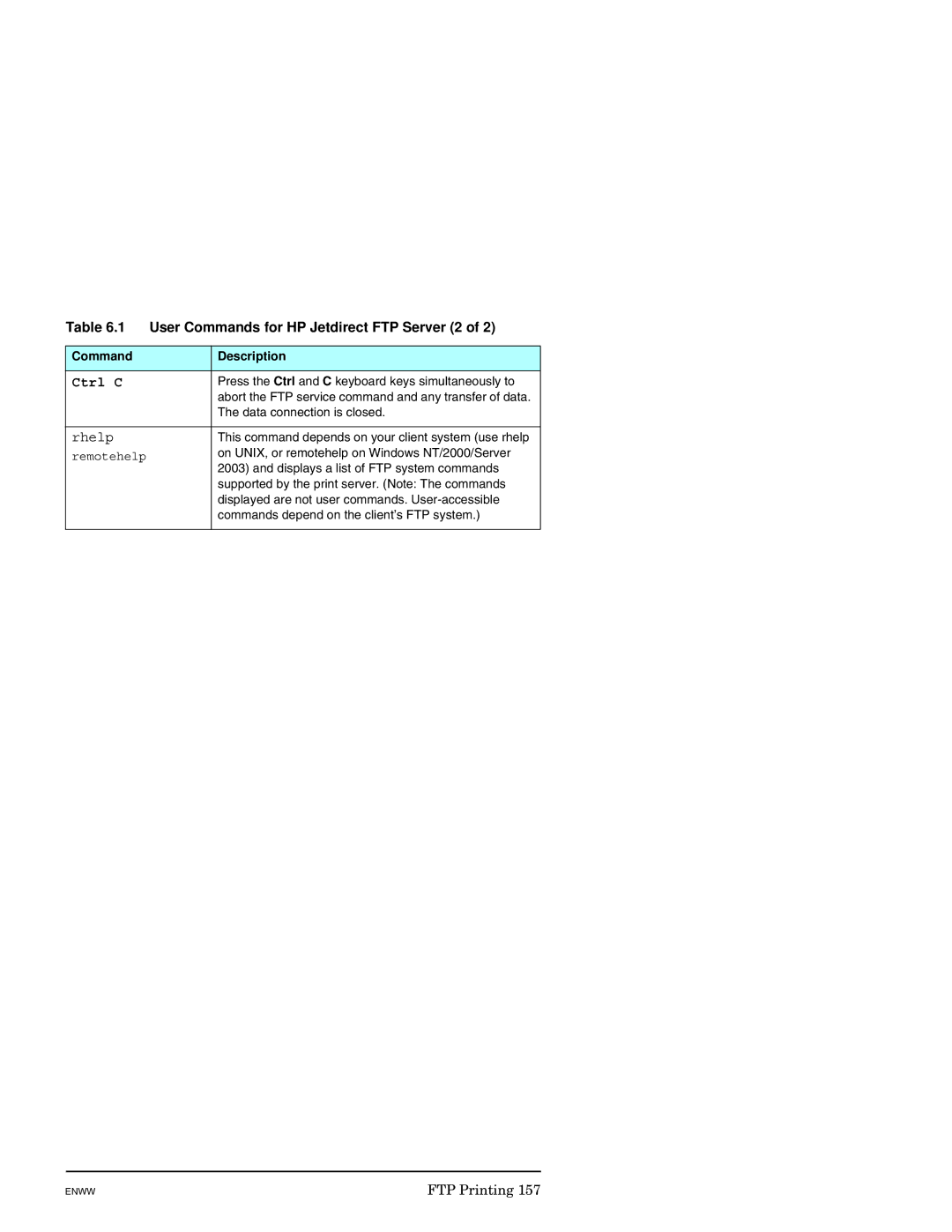
Table 6.1 | User Commands for HP Jetdirect FTP Server (2 of 2) | |
|
|
|
Command |
| Description |
|
|
|
Ctrl C |
| Press the Ctrl and C keyboard keys simultaneously to |
|
| abort the FTP service command and any transfer of data. |
|
| The data connection is closed. |
|
|
|
rhelp |
| This command depends on your client system (use rhelp |
remotehelp |
| on UNIX, or remotehelp on Windows NT/2000/Server |
| 2003) and displays a list of FTP system commands | |
|
| |
|
| supported by the print server. (Note: The commands |
|
| displayed are not user commands. |
|
| commands depend on the client’s FTP system.) |
|
|
|
ENWW | FTP Printing 157 |