Specifying Management Settings
13
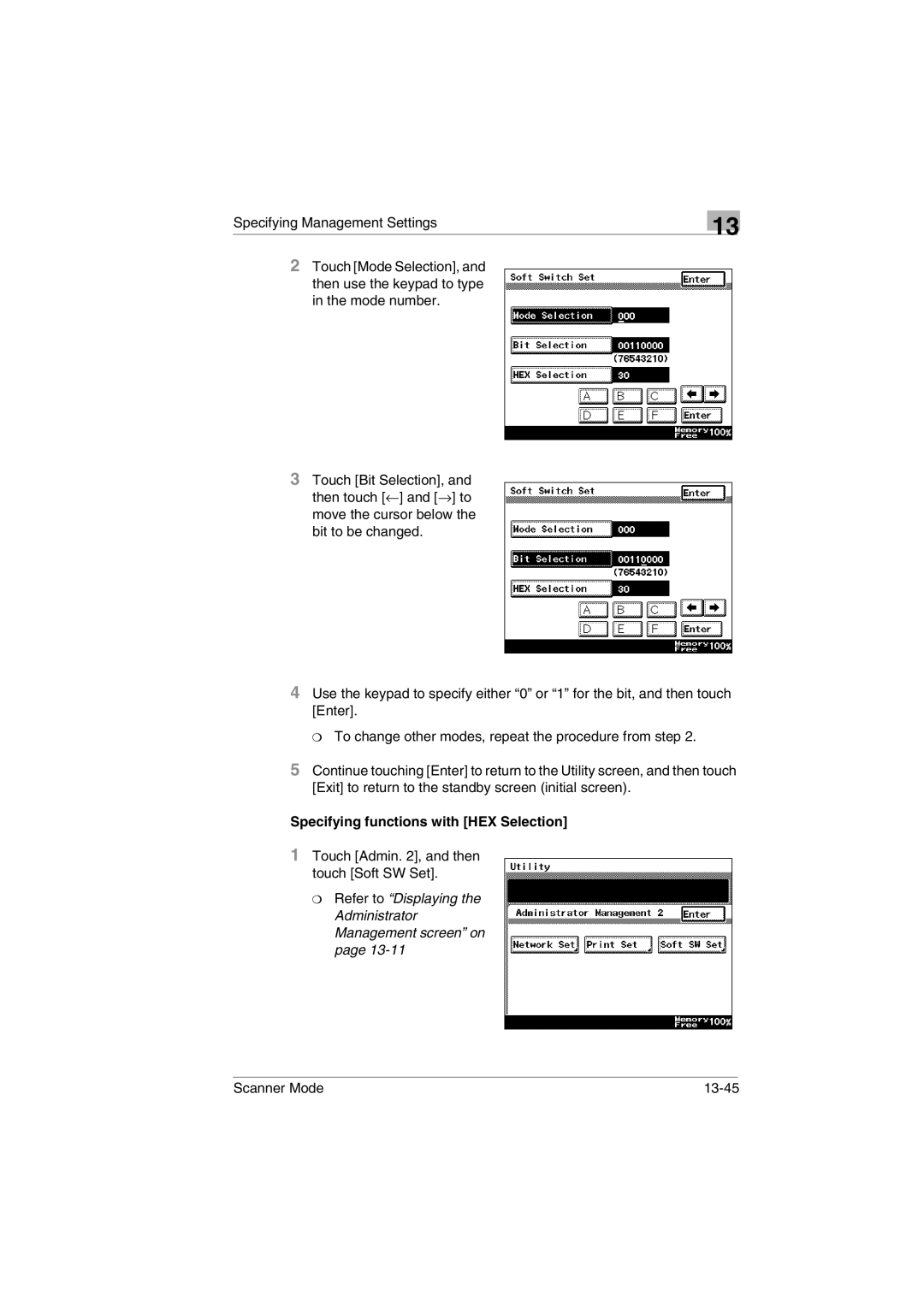
2Touch [Mode Selection], and then use the keypad to type in the mode number.
3Touch [Bit Selection], and then touch [←] and [→] to move the cursor below the bit to be changed.
4Use the keypad to specify either “0” or “1” for the bit, and then touch [Enter].
❍ To change other modes, repeat the procedure from step 2.
5Continue touching [Enter] to return to the Utility screen, and then touch [Exit] to return to the standby screen (initial screen).
Specifying functions with [HEX Selection]
1Touch [Admin. 2], and then touch [Soft SW Set].
❍Refer to “Displaying the Administrator Management screen” on page 13-11
Scanner Mode |