8
Performing an Internet Fax/IP Address FAX Operation
Specifying the timer transmission setting
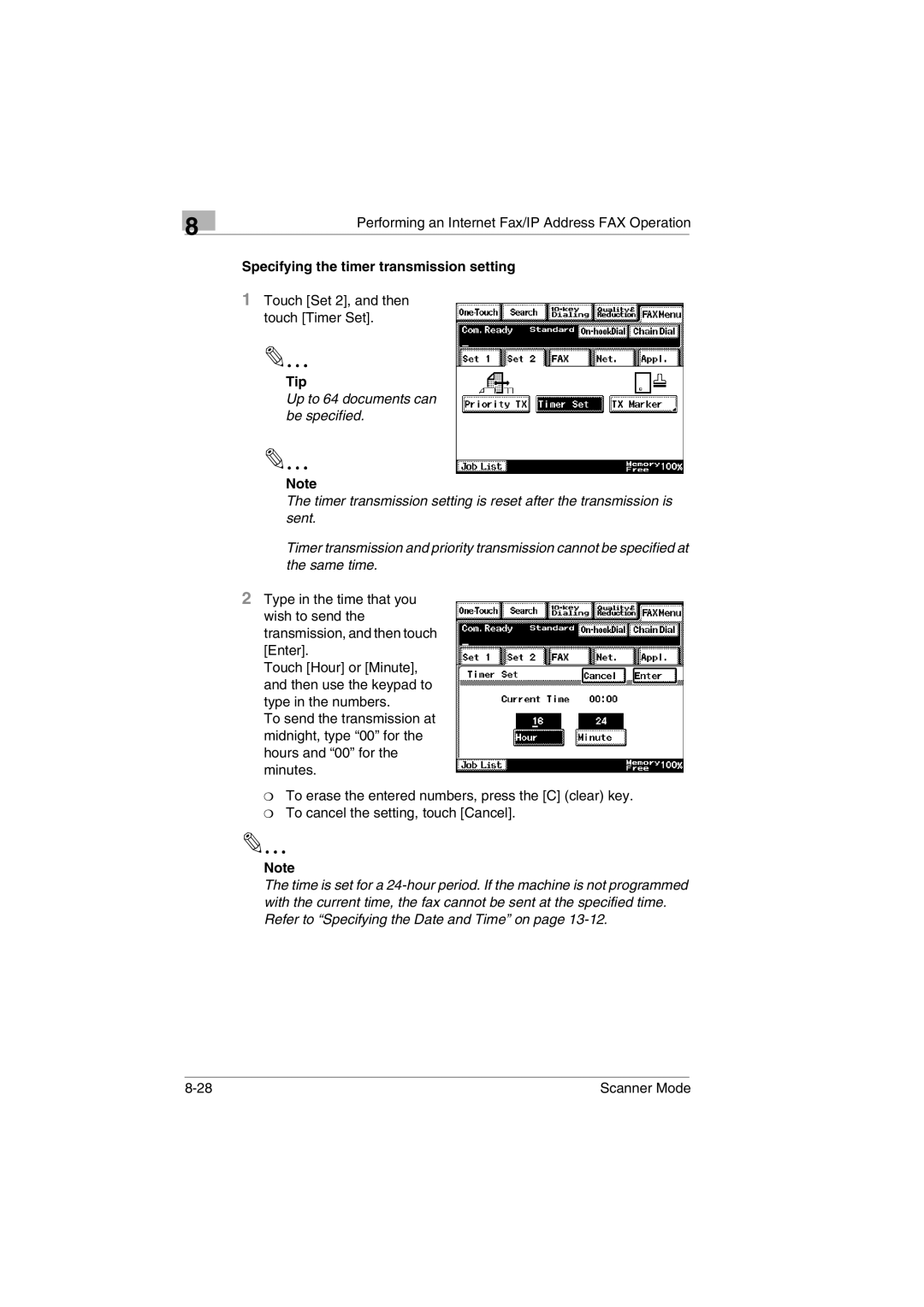
1Touch [Set 2], and then touch [Timer Set].
✎
Tip
Up to 64 documents can be specified.
✎
Note
The timer transmission setting is reset after the transmission is sent.
Timer transmission and priority transmission cannot be specified at the same time.
2Type in the time that you wish to send the transmission, and then touch [Enter].
Touch [Hour] or [Minute], and then use the keypad to type in the numbers.
To send the transmission at midnight, type “00” for the hours and “00” for the minutes.
❍To erase the entered numbers, press the [C] (clear) key.
❍To cancel the setting, touch [Cancel].
✎
Note
The time is set for a
Scanner Mode |