NOTE: If you are upgrading your system to a
3Press the button on the front of the drive carrier and open the handle.
4Insert the
5Close the handle to lock the drive in place.
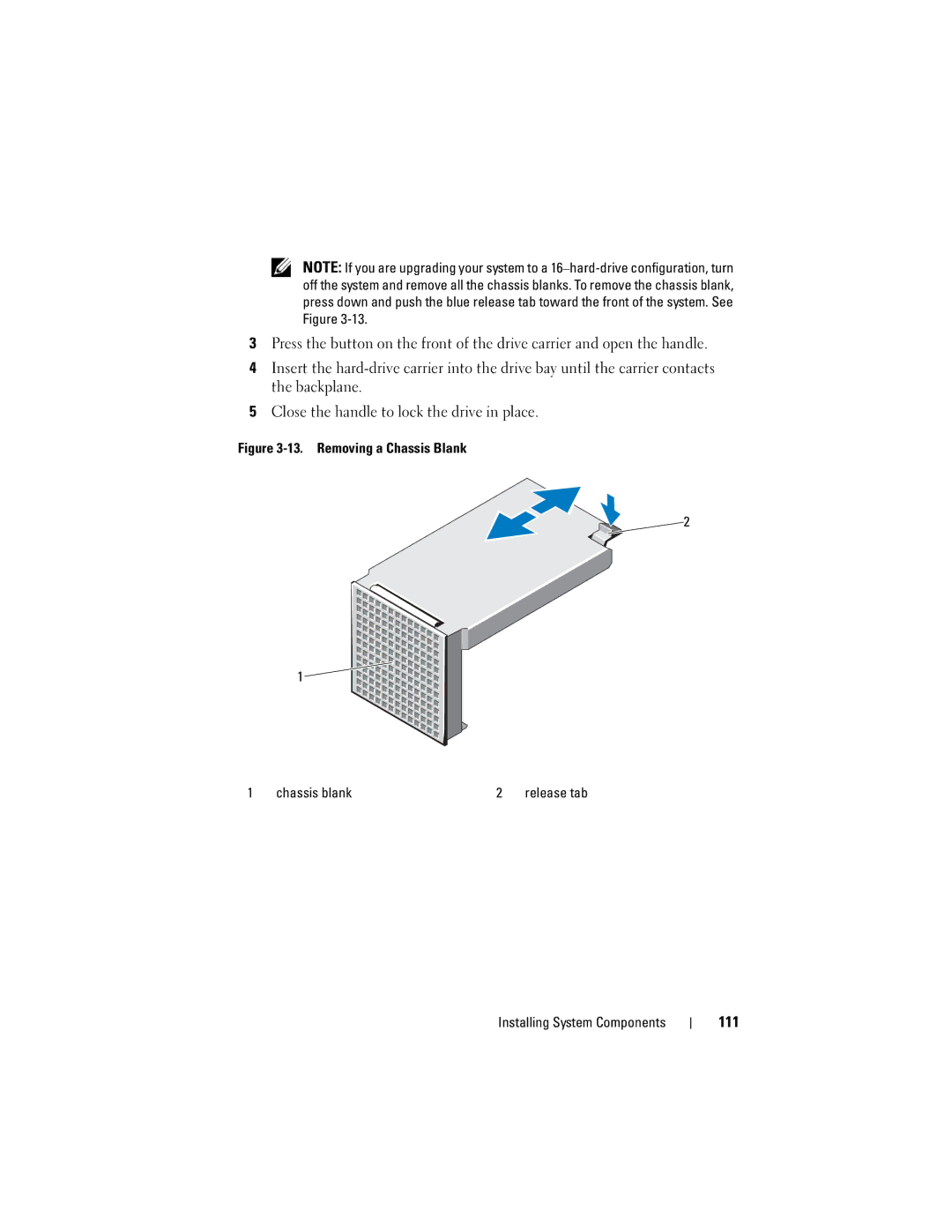
Figure 3-13. Removing a Chassis Blank
2
1


1 | chassis blank | 2 | release tab |