Distinctive functions of your computer
– Screen Blanking enables or disables screen blanking. Set- tings areEnabled, orDisabled.
– Power switch | mode | sets the function of the power button | |||
after the computer has been | startedOn/Off. ,Whentheset to | ||||
button is | used | to power the | computer | on | and off. When se |
toHibernation, the | power button | is used | to | enter hibernation | |
mode. |
|
|
|
|
|
– Suspend to hibernation enables or disables suspend to hibernation mode. The system will go into hibernation mode
when the hibernation timer has elapsedDisa. Settings- are bled, 30, 60 , or90 minutes.
– CPU Power Managementenables or disables power man- agement for the CPU. WhenAutomasetic,to the system
will manage the CPU power consumption. WhenDisaset- to bled, power management is disabled for the CPU.
– PCI Bus Power Managementenables or disables the power management feature that stops the PCI bus clock automat- ically when there is no system activity. Disabling this func might result in shorter battery lifeAutomatic. When, set to
the system will manage the PCI bus power. It is recom-
mended that you do not change thDisablse.ttingd to
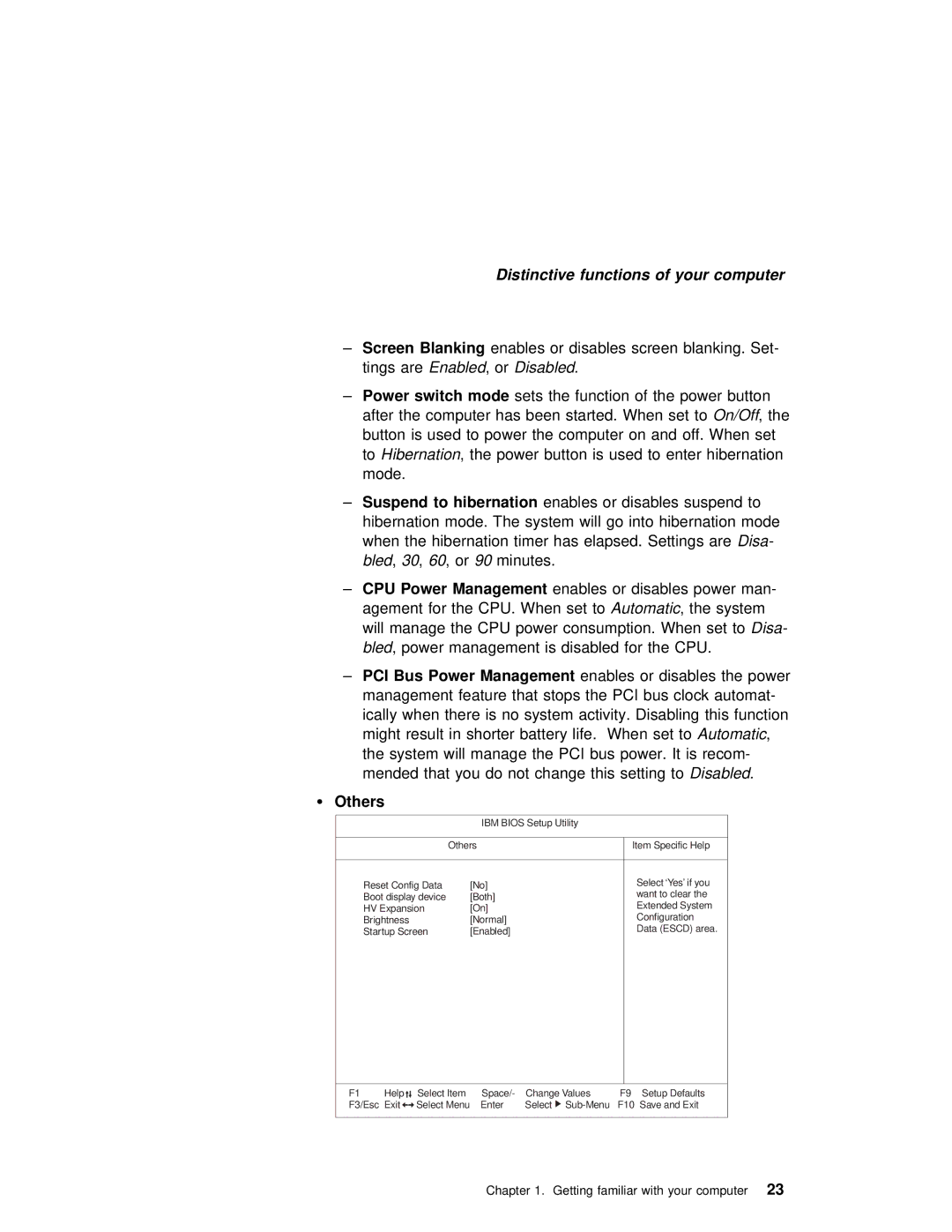
Ÿ Others
IBM BIOS Setup Utility
| Others | Item Specific Help |
|
|
|
Reset Config Data | [No] | Select ‘Yes’ if you |
Boot display device | [Both] | want to clear the |
HV Expansion | [On] | Extended System |
Brightness | [Normal] | Configuration |
Startup Screen | [Enabled] | Data (ESCD) area. |
|
|
|
F1 | Help | Select Item | Space/- | Change Values | F9 Setup Defaults |
F3/Esc Exit | Select Menu | Enter | Select | F10 Save and Exit | |
Chapter 1. Getting familiar with your23 computer